The Future of Time Tracking for Enterprise Teams

 10 min read
- Manual timesheets and timer apps fail at enterprise scale because they depend on human behavior, creating errors that aggregate into billing disputes, payroll issues, and compliance costs nearing $1M annually.
- Automatic time tracking eliminates the human trigger by running silently in the background, delivering the consistency, auditability, and scalability that enterprise operations require as a baseline, not a premium feature.
- Successful rollouts depend on pre-deployment policies that define what's tracked, on which devices, and why — plus employee data access and manager training to ensure adoption rather than resistance.

Most time tracking software is designed with the assumption that employees will remember to log their time and do so accurately and consistently. While a manageable ask at a small scale, enterprise time tracking empowers larger teams by maintaining this consistency and accuracy while also addressing:
- Compliance risks
- Payroll liabilities
- Operational blind spots
The shift we’re seeing now toward automatic tracking on company-owned devices is driven by the understanding that manual time entry becomes too challenging as teams scale to the enterprise level. Tools, as a result, are catching up to that.
The evolution of enterprise time tracking
How enterprise teams track time has changed more in the last decade than in the previous 50 years. To say that the progression has been linear is an oversimplification. That said, tools have become more capable and intuitive.
Phase 1: Manual timesheets
For most of the previous decades, time tracking meant paper (or its digital equivalent, a spreadsheet) filled in at the end of the week. Since this process is often done from memory, it presents predictable structural problems.
- Entries are reconstructed, not recorded. Most employees fill out timesheets retroactively, which does not reflect how real work happens.
- Errors compound at scale. A thousand people misremembering hours severely pollutes data quality.
- There is no audit trail. If a number is wrong, there is rarely a way to know, let alone prove it.
- Inconsistent manager review. In many cases, manager review is just a formality. Approvals happen without any real ability to verify what is being approved.
Candidly speaking, manual timesheets were never really a tracking system. Everyone involved knows the numbers are approximate, and the whole process depended on the assumption that approximate was good enough. But for compliance-heavy industries, it just isn’t.
Phase 2: Timer-based apps
Timer-based apps represented a drastic leap forward.
Instead of reconstructing a week from memory, employees could log time as work happened by starting a timer when a task began and stopping it when it ended. The data became more granular, provided better timestamps, and became far easier to report on.
The limitation, though, is structural. Timer-based tracking still requires the employee to remember to start, stop, and assign time to the right project.
As intuitive as this tracking approach is, it doesn’t shield them from busy workdays, context switches, and other types of cognitive overhead. The issues encountered as a result may be far less visible than if they were using paper timesheets, but they can be just as consequential.

Phase 3: Automatic tracking
Automatic tracking removes the human trigger entirely. The software runs in the background on company-owned devices, capturing work as it happens. Employees do not have to do anything.
In practice, here’s what that means:
- No missed entries, because time is captured continuously.
- Consistent data across the organization. Every employee generates the same quality of record.
- Audit-ready by default. Automatic logs create a verifiable trail that manual entry cannot replicate.
- Reduced friction for employees. There is nothing to remember, start, or stop.
- Operational visibility at scale. Teams and finance functions get an accurate picture of how time is distributed.
Enterprises get the benefits of consistency, auditability, and scalability, which are compliance requirements in several industries. Automatic tracking is the first method that delivers all three without depending on individual behavior to hold the system together.
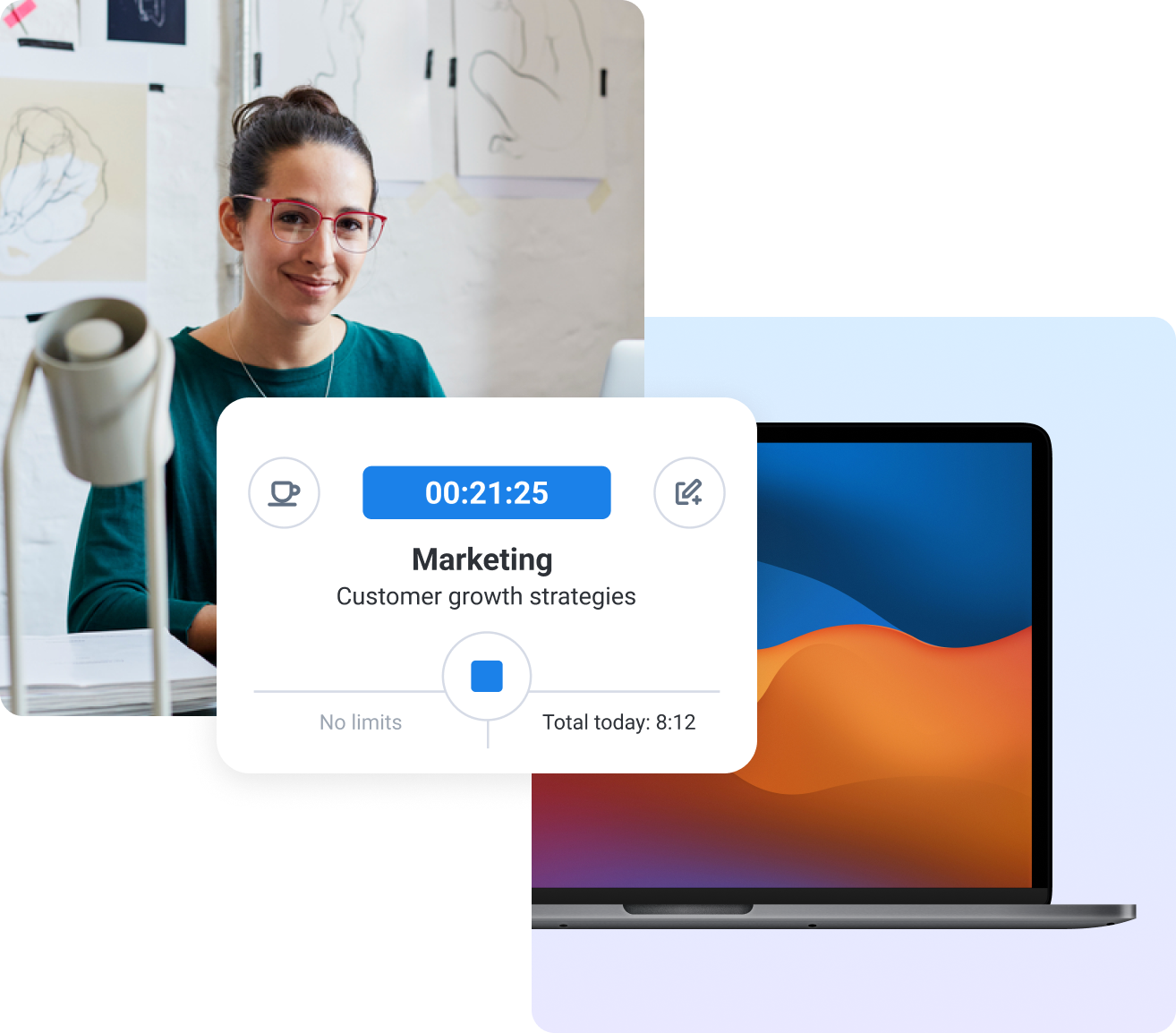
Why traditional time tracking falls short at enterprise scale
The most dangerous aspect of traditional time tracking also happens to be its most reassuring one: you hardly see it when it fails.
Missed entries are fixable, but if those accumulate at enterprise scale, the sum is far more damaging than its parts.
Here are reasons traditional time tracking isn’t reliable at enterprise scale:
- Human error becomes a systemic liability. It’s understandable for individual time entry mistakes to occur. But across hundreds or thousands of employees, those mistakes aggregate into client billing disputes, added labor costs, and payroll discrepancies that cost businesses nearly one million dollars annually.
- Inaccurate records create compliance exposure. In regulated industries, time logs aren’t just internal documents — they’re legal ones, too. At the enterprise scale, approximations can trigger audits, penalties, or contract violations.
- Start/stop friction impedes adoption. The more steps a system requires, the more places it can fail. Workflow disruption not only frustrates employees but also degrades the quality of the data the business depends on.
- Operational visibility is mostly guesswork without reliable data. Decisions about staffing, project resourcing, and workforce planning are only as good as the time data underneath them. When that data is incomplete or inconsistent, the decisions built on it are too.
The negative impacts of poor time tracking do not stop at HR or payroll. It also materializes in missed project margins, unresolvable client disputes, and strategic decisions made on inaccurate numbers. At a scale that large, a broken time tracking system actively hurts the business.
What is modern enterprise time tracking?
Modern enterprise time tracking is software that runs on company-owned devices and captures work automatically, without requiring employees to start a timer, log a project, or do anything at all.
Unlike traditional tracking, which depends on individual behavior, modern systems are policy-driven. The organization decides what gets tracked, on which devices, and under what conditions. The software handles the rest.
The primary benefit of this tracking approach to enterprise environments is that time data is no longer a collection of individual records subject to individual human error. Instead, organizations get consistent operational records across the board, which finance, HR, and compliance teams can build on.
Key capabilities enterprise teams should expect
Not all time tracking software is built for enterprise environments. A tool designed for 50-person teams is significantly different than one designed for distributed organizations with thousands of people.
Here are the capabilities that separate the two:
- Automatic time capture. Automatic tracking records work in the background on company-owned devices without any action required from the employee. The data exists because the system created it.
- Enterprise-grade security. Time data touches payroll, compliance, and workforce behavior, so automatic tracking systems need to meet the same security standards as other infrastructure.
- Compliance-ready reporting. Regulated industries need time logs that can withstand scrutiny. Reports should be accurate, timestamped, and exportable in formats you can fall back on in case of an audit or a client dispute.
- Centralized deployment. Enterprise software needs to be deployable at scale through MDM platforms or bulk install, without requiring individual setup for each employee.
- Offline tracking with sync. Employees don’t always work with a stable connection, particularly in field or hybrid environments. A capable system captures time locally and syncs when connectivity is restored, so no data is lost in the gaps.
- Activity and app usage insights. Beyond hours logged, enterprise teams need to understand how users spend their work time. This includes which applications are in use, how long, and by whom. Activity tracking can help here.
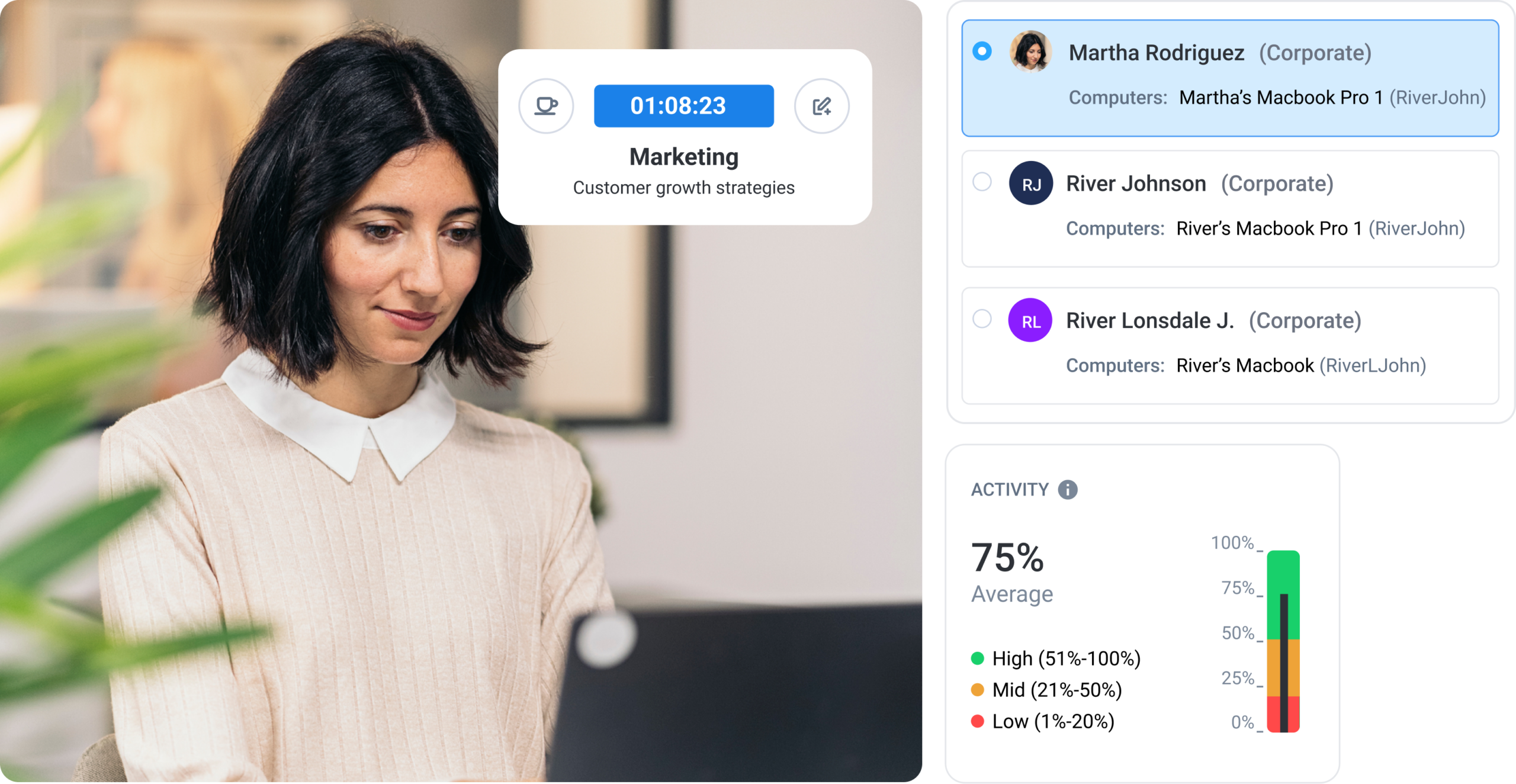
These aren’t premium features, but the baseline for any tool teams might consider at an enterprise scale. A system missing any one of them will inevitably create a problem somewhere downstream.
Balancing visibility with trust in enterprise environments
It’s hard to get buy-in on automatic tracking when employees have never experienced it. In this case, skepticism is a valid reaction that should never be met with dismissive behavior.
Software that runs in the background on a work device and captures activity without any visible interaction is, on first description, indistinguishable from surveillance. There’s no going around it. The concern is legitimate, and enterprises that ignore it tend to find out the hard way that trust, once lost in a rollout, is difficult to rebuild.
However, the difference between a surveillance tool and a time tracking or monitoring system and a time tracking system is not technical but definitional. How enterprises draw and communicate employee monitoring software determines whether automatic tracking becomes a source of friction or a non-issue.
Strategies for inviting trust in enterprise environments
- Create clear policies set expectations before the software does. Employees should know what is being tracked, why, and what the data is used for before they encounter the tool itself. Ambiguity is the breeding ground for distrust, so have a policy ready before you roll out any kind of tracker.
- Define scope limits for what the system can see. Tracking work hours and application usage on a company-owned device during work hours is an understandable initial boundary. Extending beyond that (i.e., into personal activity, communications, or off-hours behavior) is where the line gets crossed (and where enterprises create legal and cultural problems for themselves).
- Provide transparency in usage. When people can see their own data, the system feels like a shared record. That visibility is one of the more underrated trust mechanisms available.
- Prioritize manager training as much as policy. How a manager talks about tracking data (whether they use it punitively or constructively) shapes how the entire team perceives the system over time.
- Ensure consent and communication at rollout are not formalities. The way automatic tracking is introduced to a team is often more consequential than the tracking itself.
Automatic tracking doesn’t have to feel like surveillance. But that outcome requires deliberate choices about scope, communication, and intention toward that data.
Enterprise use cases driving adoption
Automatic time tracking isn’t solving the same problem for every enterprise that adopts it. The use cases driving adoption are varied enough that the tool looks meaningfully different depending on where it’s deployed.
This is part of why it’s spreading across industries that don’t otherwise have much in common, such as:
- Distributed and remote teams. When a workforce spans multiple time zones, and nobody shares an office, time data is the closest thing a manager has to operational visibility. Automatic tracking gives distributed teams a consistent record without adding coordination overhead to an environment that has no shortage of it.
- Call centers and support teams. Call centers, VAs, and high-volume, shift-based environments need time data that reflects real working patterns. Automatic tracking captures the reality of how those hours are structured without adding any administrative burden to teams already measured on throughput.
- Field and hybrid workforces. Employees who split time between locations, clients, or job sites present a particular tracking challenge that manual systems handle badly. Automatic tracking with offline sync means the record is complete regardless of where the work happened or whether there was a connection at the time.
- Compliance-heavy industries. In finance, BPOs, and health care, time records are required. These industries operate under regulatory frameworks where inaccurate or incomplete logs carry real consequences. Automatic tracking is the only method that produces records reliable enough to withstand that level of scrutiny.
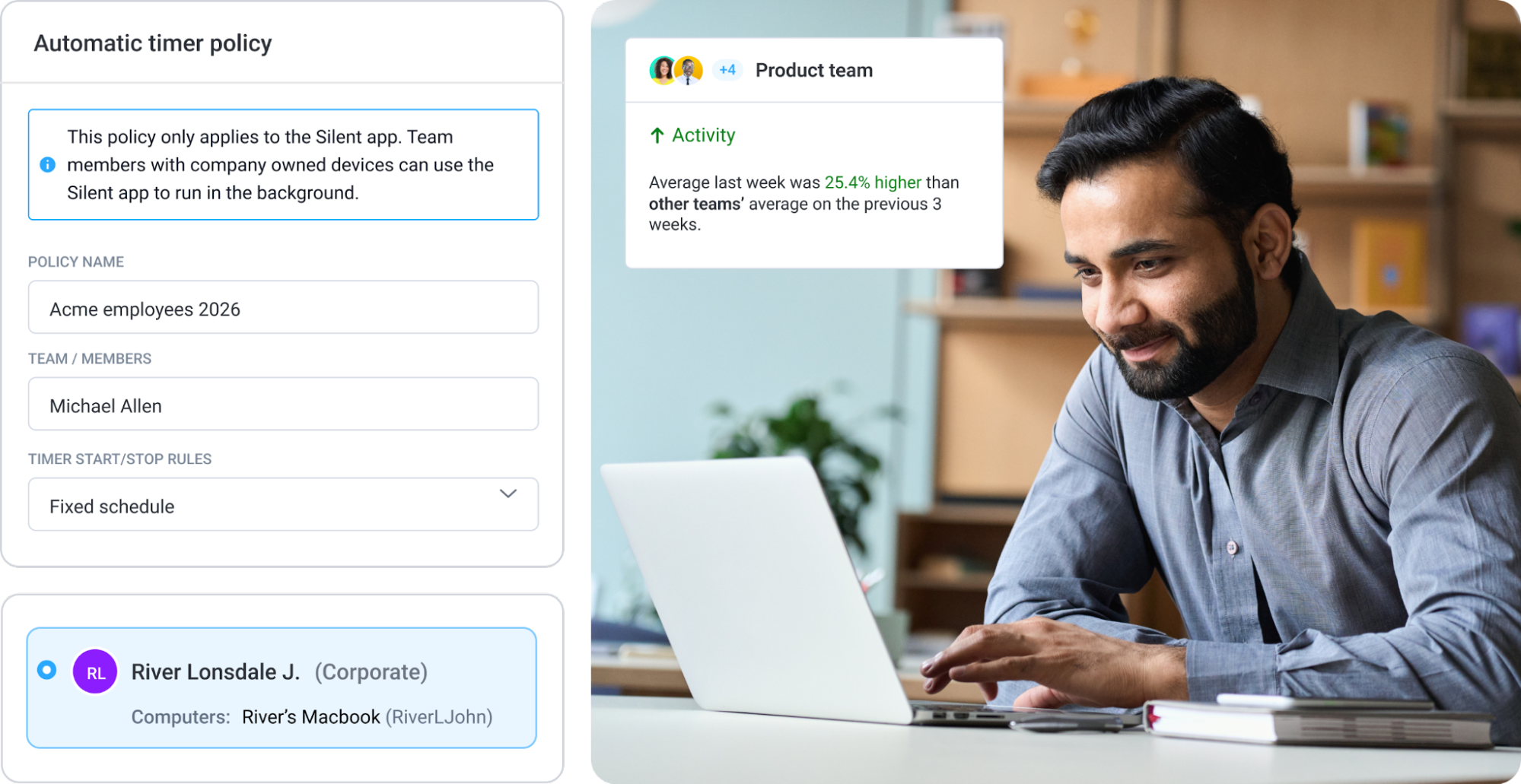
What these environments share is not size or industry but the cost of getting time data wrong. The higher the cost, the stronger the case for automatic tracking as an infrastructure.
How leading enterprises are implementing automatic tracking
The difference between enterprises that implement automatic tracking successfully and those that do not comes down to the groundwork laid before the software is ever installed.
Here is an approach to help ensure a successful rollout:
- Define tracking policies first. Before any tool is deployed, the organization needs to create a policy that determines what gets tracked, on which devices, during which hours, and for what purpose. This policy document determines whether the rollout lands well or creates the trust problems covered earlier. Policies should be specific enough to answer the questions employees will actually ask.
- Deploy on company-owned devices. Automatic tracking belongs on hardware that the organization controls. Deployment through an MDM platform or bulk install keeps the process consistent and removes the dependency on individual employees to set anything up correctly.
- Automate tracking rules. Once the software is deployed, configure it to reflect the policies defined in step one. Which activity gets captured? Which gets excluded? How is work time categorized across teams or projects?
- Analyze reports and optimize. The value of automatic tracking compounds over time, but even initial reports will reveal patterns that weren’t visible before. For example, how time is distributed across projects or which teams are carrying a disproportionate load. That data should feed back into how work is structured.
None of these steps are technically complex. That said, if you skip step one, that will make every subsequent step harder than it needs to be.
The role of Hubstaff in the future of enterprise time tracking
Hubstaff Enterprise is built around the premise that time tracking should not require employees to focus on anything other than their jobs. On company-owned devices, it runs in the background, captures work automatically, and generates records that are compliance-ready by default.
Here’s how Hubstaff supports enterprise teams:
- Deployment at scale. Hubstaff provides MDM-compatible installers that allow IT and security teams to manage installation, updates, and permissions across the organization without touching individual machines.
- Automatic tracking. Automatically starts and stops time tracking based on schedules or activity, with no employee interaction required.
- Compliance-ready reporting. Hubstaff is GDPR, HIPAA, and SOC 2 Type II compliant. It’s built for environments where accurate records are a legal requirement.
- Enterprise identity management. SSO via Azure, Google Workspace, and Office 365 (with SCIM-based bulk user provisioning) enables Hubstaff to integrate with existing infrastructure.
Hubstaff removes the aspects of time tracking that have always been the least reliable and replaces them with a system that works the same way regardless of team size, location, or how busy any given week gets.
What to look for in an enterprise time tracking solution
Not every time tracking tool is built to hold up at enterprise scale, and the difference usually becomes apparent after the rollout.
Here’s the criteria you can use to pressure-test before you make a decision.
- Automation versus manual tracking. A tool that still depends on employees to start and stop timers introduces the same reliability problems as the systems it’s replacing.
- Compliance features. Time records in regulated industries need to be accurate, timestamped, and auditable. Look for time tracking features that support automation, compliance, and audit-ready reporting
- Deployment flexibility. Enterprise software needs to integrate with existing MDM infrastructure and support bulk provisioning. A tool that requires individual setup from each employee will create adoption roadblocks that hinder the consistency the organization is trying to achieve.
- Reporting depth. Accurate time capture is only useful if the reporting layer makes that data actionable. Look for tools that connect time data to project costs, workforce utilization, and operational patterns, not just hours logged.
- Security standards. Time data touches payroll, workforce behavior, and in some industries, protected information. The tool handling it should meet the same security standards as the rest of the organization’s infrastructure. GDPR, HIPAA, and SOC 2 Type II compliance are reasonable minimum expectations.

Every point of manual input, every deployment exception, and every compliance gap is a place where the system can fail at scale. The right solution is one that removes variables rather than adding more.
Where enterprise time tracking is headed
Manual time entry is becoming harder to justify as the tools that replace it become more capable, more affordable, and easier to deploy at scale.
The standard that’s emerging isn’t complicated: accurate data, captured automatically, on hardware the organization controls, with reporting that holds up under the highest levels of scrutiny. That’s what enterprise environments have always needed from time tracking. The difference now is that the tools can actually deliver it. If you’re ready to see what effortless enterprise time tracking looks like, you can sign up for a free, 14-day trial and a personalized demo with Hubstaff.
Most popular
The Best Coaching Conversations Start With Productivity Data
Most coaching conversations happen too late. A deadline is missed, or a client flags a problem, and then a manager schedules a sit...
A Quick Guide to Work Order Management
From quick fixes to long-term stability, work orders are crucial to asset management and helping managers keep operations running...
How to Identify High Performers Using Work Patterns
Every business has top performers, and managers are told to find them all the time. But in most cases, they default to approaches...
The AI Productivity Panel: Lessons From Leaders on What’s Working (and What’s Not)
When I moderated this AI productivity panel, I expected a solid conversation. What I didn’t expect was the flood of real-world i...