How to Communicate Device Tracking Without Breaking Trust

 8 min read
- Transparent monitoring builds mutual trust: 73% of employers now track remote workers, and leaders who share visibility openly are less likely to hold negative assumptions about their teams.
- Undisclosed monitoring backfires — it drives down morale, increases turnover (top performers leave first), and can create legal exposure depending on jurisdiction and device type.
- A clear written policy isn't enough; sustained trust requires consistent check-ins, acting on feedback, and sharing data — transparency is an ongoing practice, not a one-time announcement.

How would you feel if you found out your work device was being monitored by an employee tracking device for months without your knowledge?
For most of us, feelings would generally be negative. Maybe those feelings land somewhere between unsettled and genuinely betrayed to the point of looking for a new position.
It doesn’t matter if the tracking was legal or not. It doesn’t matter if the decision to use this software wasn’t about data collection. For many, it’s being kept in the dark that really stings.
That’s why we’ve compiled this helpful guide to help you avoid these challenges. You’ll learn how to communicate device tracking in a way that helps maintain trust, employee morale, and retention.
Stay in the loop
Subscribe to our blog for the latest remote work insights and productivity tips.
Why transparency matters when tracking employees
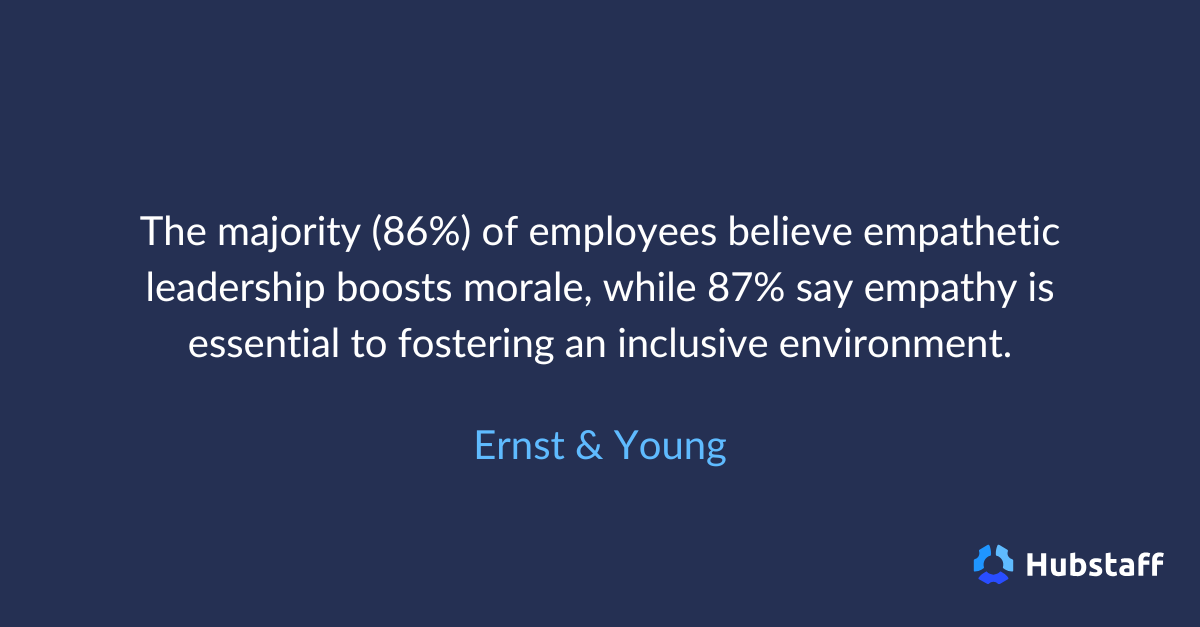
Employee monitoring is not new, but the scale of it is, as 73% of employers now monitor remote or hybrid workers. The device-tracking tools available now are more capable, more granular, and easier to embed in everyday work than anything that existed a decade ago.
Companies are now using them at a rate that has grown steadily alongside the shift toward remote and hybrid work. In the Workstyle Report (2026), we found that leaders who use remote monitoring tools are less likely to hold negative assumptions about their teams.
This suggests that visibility, when established openly, can build confidence. The problem, though, is that the “openly” part doesn’t always happen.
There are signs employees can tell they’re being monitored, and what follows is rarely about the tracking itself, but rather the secrecy implied.
What it implies (almost without exception) is that the employer didn’t trust or value them enough to be honest about their intentions. That feeling has consequences that outlast the initial conversation:
- Decreased morale. When employees discover they’ve been monitored without being told, the sense of being watched without consent lingers. This changes the texture of everyday work in ways that are hard to reverse — less candor, less initiative, and quiet quitting.
- Increased turnover. People who feel surveilled rather than trusted are more likely to start looking for new work, and the employees most capable of leaving typically do so first.
- Legal exposure. Depending on the jurisdiction, monitoring employees without adequate disclosure can cross into legally actionable territory. Even where it doesn’t, the absence of a written policy creates ambiguity that rarely benefits the employer.
The difference between covert and transparent tracking is not just a matter of optics.
Organizations that announce monitoring policies upfront, explain what is and isn’t being tracked, and invite questions before deploying are much better positioned to get employee buy-in than organizations running silent monitoring operations.
Trust is easier to protect than it is to repair. A conversation before deployment costs very little, but the absence of one costs exponentially more.
Legalities of disclosing to employees
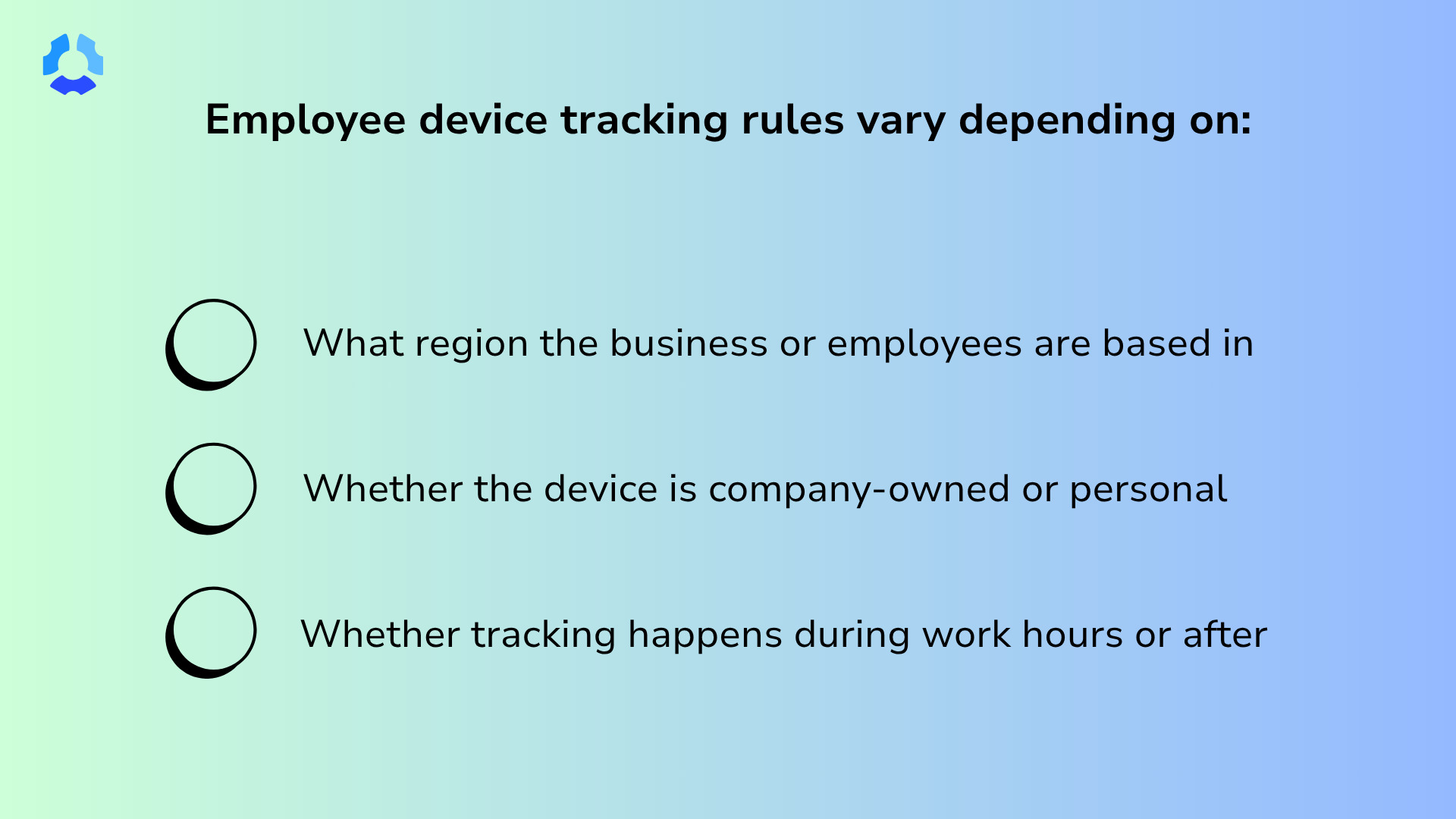
The legal landscape around employee device tracking is complex and constantly changing. Specific rules may vary depending on:
- What region the business or employees are based in.
- Whether the device is company-owned or personal
- Whether tracking happens during work hours or after.
One of the key considerations to focus on is consent. Here are a few examples:
- In the United States, most states don’t explicitly prohibit employer tracking. However, tracking without knowledge or consent is where legal exposure tends to begin.
- In the UK and across the EU, the GDPR requires a lawful basis for processing employee location data, transparency about how it’s used, and a genuine prohibition on using it to the employee’s detriment.
- Canada’s federal privacy law similarly requires that employees have fully understood the monitoring policy before it goes into effect.
The specifics matter, and they vary enough that we’d strongly consider consulting legal counsel to get a handle on legal requirements in your industry and region before rolling anything out. A written employee tracking policy that employees have reviewed is helpful, as it gives employees something concrete to refer back to.
How to create a clear employee tracking device policy
A tracking policy is a great way to provide transparency and invite feedback on how you plan to monitor devices. What you choose to include and how you write it tells employees a lot about your intentions and reasoning behind the decision.
Plain language matters here. If the policy reads like it was written by a lawyer for a lawyer, employees will either skip it or sign it without understanding it. That said, if it comes across as too vague, employers may be concerned that you can change what you monitor at any time.
Neither outcome serves anyone well. In the policy, make sure to include:
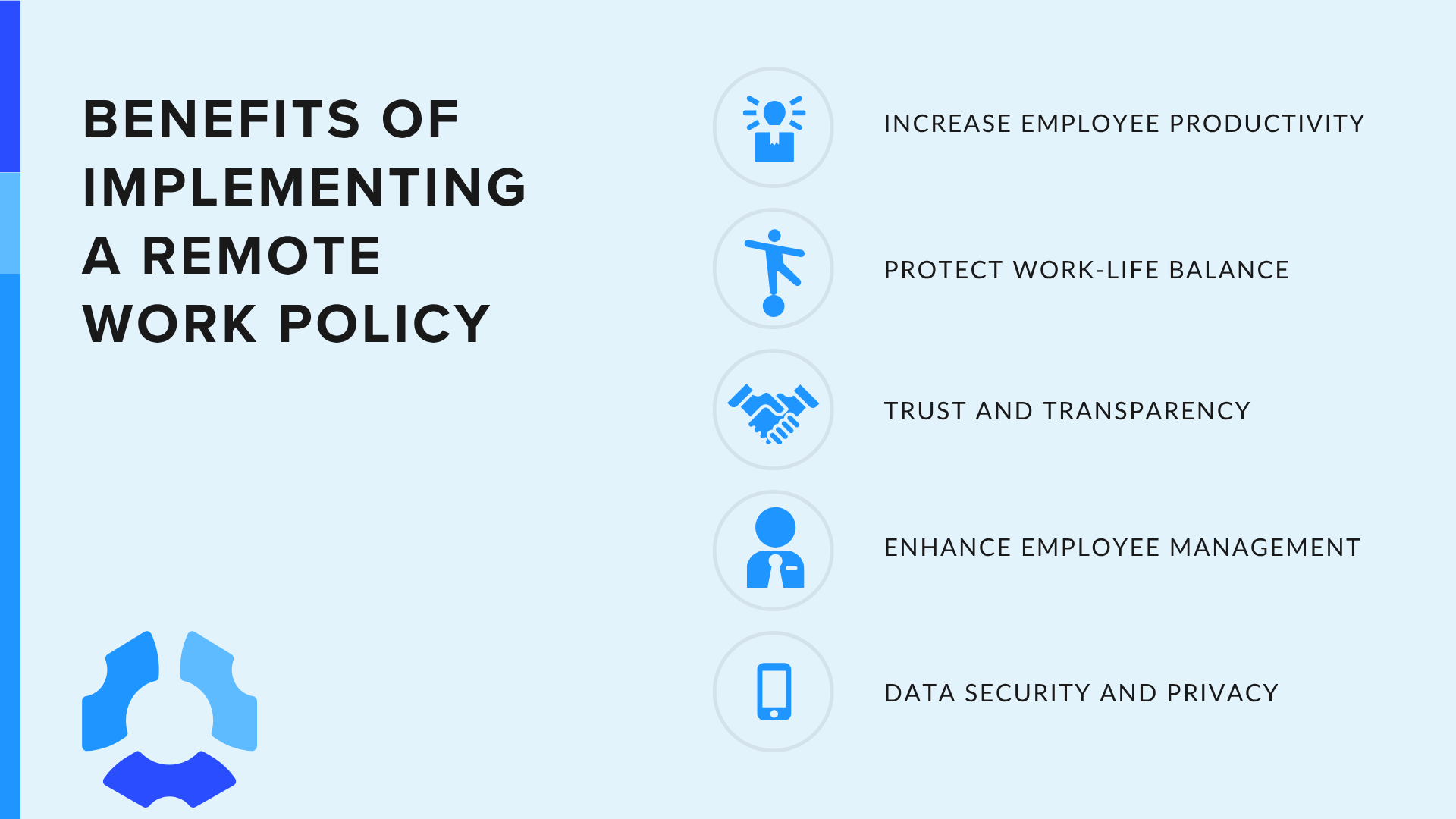
- What is tracked and what is not. Be specific about exactly what data the software collects (e.g., location, activity, screenshots, app usage) and equally specific about what it doesn’t.
- When tracking is active. Clarify whether monitoring runs only during work hours or continuously. If the answer is continuously (only on company-owned devices), say so plainly. Employees who discover always-on tracking they didn’t expect will feel more surveilled than employees who were told about it upfront and agreed.
- Who has access to the data. Name the roles (i.e., not just “management”) that can view tracking data, and under what circumstances. The narrower and more specific this answer is, the better.
- How data is stored and for how long. Explain where data is stored, who manages it, and when it gets deleted. Declaring a retention timeline signals that the data exists for a purpose.
- Employee rights and opt-out scenarios. Be honest about what employees can and cannot control. For instance, can they pause tracking, request their data, or raise concerns without consequence? Where genuine opt-out options exist, name them clearly.
A good policy that answers these questions plainly gives employees a document they can read, refer back to, and hold the organization accountable to.
Communicating tracking to your team: A step-by-step approach
The sequence in which you introduce tracking matters almost as much as the policy itself.
Employees who hear about it before it’s deployed are more likely to feel involved and heard. On the other hand, employees who find out later might feel betrayed. The difference between those two experiences is largely just timing and intention.
Below is a rollout order that respects the logic of how trust works.
- Announce the policy before deploying anything. Give employees time to sit with the information before it goes live. An announcement that arrives the same day as the software will feel like nothing more than a formality.
- Hold a team meeting or Q&A session. Create a space where questions can be asked out loud, in front of others. The questions employees ask in a room together are often the heaviest ones, and hearing them answered publicly builds a lot of confidence.
- Distribute the written policy and collect signed acknowledgments. Once questions have been addressed, put the policy in writing and ask employees to sign it. This step protects both sides and signals that what was discussed is now official.
- Offer a trial period. A defined window where employees can flag concerns, report unexpected experiences, or ask follow-up questions makes the rollout feel less permanent and more collaborative.
- Collect feedback and iterate. Ask employees what felt unclear, what felt fair, and what didn’t. A policy earns more trust over time if it is revised based on real input.
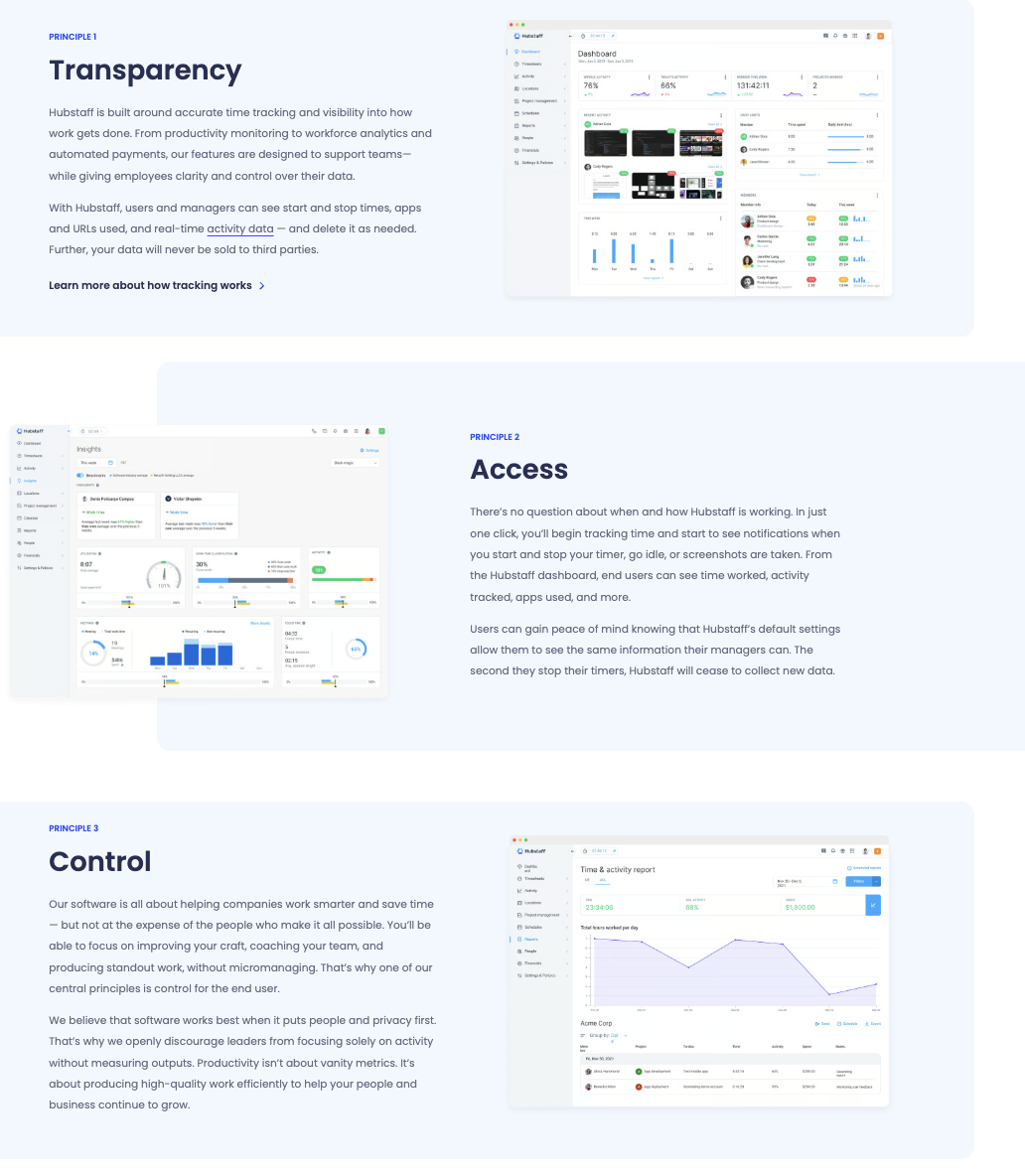
If you’re curious about a good overarching method of implementing tracking, we strongly urge an approach centered around our guiding principles of Transparency, Access, and Control (TAC).
None of this works if communication only flows in one direction. Employees are very good at discerning whether the appearance of openness is genuine, so meetings, trial periods, and feedback loops are only worth something if the people running the rollout are genuinely listening.
Common mistakes that damage employee trust
A breakdown in trust around tracking doesn’t necessarily mean the decision to monitor was wrong. It does, however, signify that the way the decision was handled was wrong.
Perhaps a conversation never happened, or the policy was written to protect the company instead of informing the employees. Here are some patterns that come up often:
- Deploying tracking secretly and telling employees after the fact. This version of events typically ends badly, regardless of how reasonable the monitoring policy actually is. The secrecy is the only thing employees take away from the experience.
- Using vague language like “we may monitor activity.” Language that hedges without specifying leaves employees to fill in the blanks themselves. What they imagine is usually worse than what’s actually being tracked. Specificity is kinder than ambiguity, even with uncomfortable specifics.
- Tracking personal devices or off-hours activity without explicit consent. Company-owned devices during work hours is one thing, but a personal phone on a weekend is another entirely. These devices should not be treated the same way, legally or ethically.
- Treating tracking data as a disciplinary tool. The moment employees believe their data will be used against them, they start treating it as a trap. Monitoring that exists to catch people will eventually be experienced that way.
- Failing to explain the “why.” A policy without a rationale asks employees to trust a decision they don’t understand. Whatever the reason behind the tracking, it has to be clearly explained. Otherwise, employees will understandably assume worse things.
Most of these mistakes share the same root: inattention. Employees rarely give the benefit of the doubt to a decision that was never explained to them.
How to handle pushback from employees
Pushback is not a sign that the rollout failed. It’s a sign that employees are paying attention and that they care enough about their working conditions to say something.
The goal isn’t to eliminate resistance, because that isn’t healthy either. Instead, it is to take resistance seriously enough that it doesn’t calcify into something harder to address later.
Here are a few objections that come up reliably, and how you can address them:
- “Why don’t you trust us?” This one deserves a direct answer. Tracking is about documentation, compliance, and operational visibility that benefits the whole team. If that’s genuinely true, say it plainly. If it isn’t, you might need to delay the rollout and rethink its purpose.
- “Is this legal?” Be prepared to answer this question. Do your research and seek legal counsel for all regions, industries, and devices while you plan to utilize monitoring software. Having written documentation reviewed by a lawyer is a great way to prepare for this exact ask and help ensure compliance.
- “What about my personal time?” Be specific about when tracking is and isn’t active. If the answer is that tracking stops when they clock out, say so clearly and show them where that’s written. If it doesn’t, have the conversation before deployment.
It also helps to remind employees what the data does for them, not just for the organization.
For instance, accurate payroll means they get paid for every hour worked. Mileage logs mean reimbursements don’t depend on memory. Location data during field work can matter for safety in ways that are genuinely in employees’ best interest.
These are real benefits, and employees are more likely to receive them that way when the conversation has been honest from the start.
Tools that support transparent employee tracking
Not all tracking tools work the same way, and there will be a right solution depending on your team’s needs and your transparency commitments.
The three categories below vary in how they track time, how much they monitor, and how much they ask of the employee.
| Comparison criteria | Basic time trackers | Employee monitoring tools | Automatic time trackers |
| How time tracking works | Employees manually start and stop a timer to log hours | Employees manually start and stop a timer to log hours | Time is tracked automatically in the background without employee input |
| Activity monitoring | No | Yes, including but not limited to app usage, website activity, and screenshots | Yes, including but not limited to app usage, website activity, and screenshots |
| Employee interaction | Employees start and stop the timer | Employees start and stop the timer | Runs passively on the device without employee action |
| Primary benefits | Simple, low friction, easy to adopt | Deeper visibility into how work time is spent across apps and tasks | Removes the burden of manual tracking and ensures maximum record accuracy |
On personal devices, Hubstaff employees retain real control over their own data: they can view what’s been collected in real time, edit time entries, and delete location data without requiring a manager’s sign-off.
Hubstaff’s company-owned device solution sits in that third category. It runs in the background on company devices without requiring employees to manually start or stop anything.
Maintaining trust after implementation
Trust isn’t established in the announcement meeting. Instead, it accumulates slowly through signals that come after: whether check-ins actually happen, whether feedback changes anything, or whether the data ever gets shared with the team.
If you’re looking for a tool built around these principles, Hubstaff provides employees with visibility into their own data while giving managers the operational visibility they need. See how it can help your team with a free 14-day trial.
Most popular
A Quick Guide to Work Order Management
From quick fixes to long-term stability, work orders are crucial to asset management and helping managers keep operations running...
How to Identify High Performers Using Work Patterns
Every business has top performers, and managers are told to find them all the time. But in most cases, they default to approaches...
The AI Productivity Panel: Lessons From Leaders on What’s Working (and What’s Not)
When I moderated this AI productivity panel, I expected a solid conversation. What I didn’t expect was the flood of real-world i...
Ask Your Workforce Data Anything with Hubstaff’s New AI-Ready CLI and API
It’s Monday morning. Your CEO asks, “Which projects went over budget?” Instead of pulling reports, exporting numbers, and ve...