Tracking productivity on company-owned devices doesn’t have to mean constant check-ins, visible timers, or tools that make people feel like their every move is being watched.
A good setup runs quietly, captures only what matters, and, most importantly, stays out of the way. Here’s how to make that happen.
1. Automate time tracking
The simplest fix for inconsistent data is to remove the human step that causes it.
With automated time tracking, tracking starts automatically the moment someone begins working. No timer to start, no session to close — by default, teams get a complete and accurate picture of how time is spent.
This accuracy doesn’t depend on habits or whether someone was too deep in a task to notice the clock. Over time, that consistency compounds into patterns you can trust, reports that reflect reality, and one less administrative burden on everyone.
2. Run tracking in the background
The most disruptive thing a tracking tool can do is remind people it exists.
Every pop-up, every prompt, every visible timer is a small interruption. Such interruptions have a way of arriving at exactly the wrong moment, pulling someone out of a state of concentrated work just as they’ve finally settled into a flow state.
Background tracking helps prevent that. It runs behind the scenes while employees stay focused on what they were hired to do. The work gets done, the data gets captured, and nobody has to waste time toggling between their job and the tool meant to measure it.
3. Focus on activity insights, not surveillance
There’s a meaningful difference between knowing someone is working and understanding how work is getting done. Activity data bridges that gap by uncovering patterns that would otherwise stay invisible.
Here is what that looks like in practice:
- App usage trends. See which tools your team spends the most time in, and whether that lines up with the work that actually matters.
- Website activity. Understand browsing patterns across a workday without micromanaging individual sessions.
- Productivity patterns. Identify when focus is highest, where time gets fragmented, and what a productive day looks like for your team.
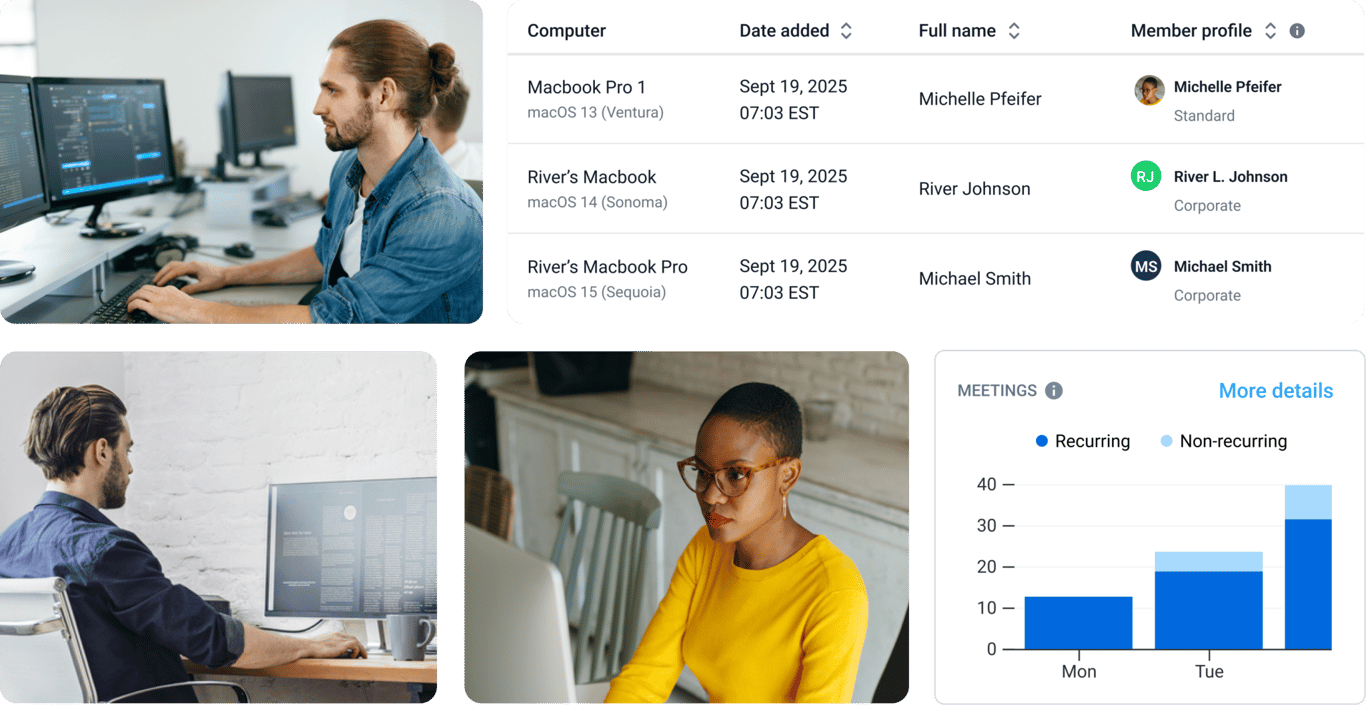
- Time spent on meetings. See how much of the workday is spent on calls and whether that leaves enough time for focused work.
The goal isn’t to catch anyone doing something wrong but to understand how work moves through your organization. In turn, you can make better decisions about it.
4. Align tracking with company policies
Tracking that runs outside of established boundaries (e.g., capturing data during personal hours or in ways employees were never told about) is how you turn a useful tool into a liability. You need to supplement intention with configuration.
Most good tracking tools let you define exactly when and how monitoring runs — for instance, business hours only, specific devices, specific roles. A setup like this means the data you collect is defensible, and the people being tracked aren’t worried about being tracked on a weekend.
Compliance-ready reporting matters here, too. When audits occur or disputes arise, having clean, policy-aligned records is far more useful than trying to explain what your tracking tool was doing and why.