Top Employee Monitoring Software for Mac: 2025 Guide

 7 min read
- Effective Mac-compatible monitoring software must combine time tracking, screenshot capture, activity monitoring, and secure reporting — Hubstaff delivers all of this with GPS and automated payroll built in.
- Not all monitoring tools are built the same: some focus on distraction alerts, others on insider risk or behavior analytics, so matching features to your team's needs is critical.
- Before committing to any employee monitoring platform, use a free trial to validate real-world fit — the right tool should enhance workflows, not just add oversight.

Hey, Mac enthusiasts! Are you feeling a little lost in the complex world of employee monitoring software —especially when looking for solutions that mesh with Mac’s ecosystem?
I’m a Mac loyalist and daily user of time tracking and productivity-measuring software, so I’ve got some intel you might find interesting. Whether you’re managing remote workers or optimizing an in-office team, the right tools are crucial for fostering productivity and accountability.
We’ll simplify your search with a curated guide to the best employee monitoring tools designed specifically for Mac users. From tracking time to managing tasks, these tools blend well with your Mac setup and enhance team performance.
Ready to dive in? Let’s discover the perfect software to empower your team and streamline your management processes.
Features to look for in Mac employee monitoring software
Compatibility and seamless integration with macOS is key when scouting for a comprehensive employee monitoring solution for your Mac setup. You want a tool that feels like a natural extension of your workspace, not a clunky add-on.
Let’s also focus on the core features that boost productivity and security. Whether it’s robust time tracking, insightful analytics, or advanced protection for sensitive data, these functionalities are essential to empowering your team and safeguarding your operations.
Ready to enhance your management game? Let’s dive into what makes for standout monitoring software on your Mac.
- Seamless macOS integration. The software should integrate effortlessly with your Mac, maintaining the fluid user experience you love.
- Comprehensive time tracking. Keep tabs on how work hours are spent with detailed time tracking that offers insights into productivity levels.
- Employee monitoring. Monitor activities in real time to ensure tasks are on track and resources are used efficiently.
- Screenshot and activity levels. Capture periodic screenshots and analyze activity levels to gauge focus and engagement.
- Project and task management. Organize, assign, and track the progress of projects and tasks to keep everyone aligned and accountable.
- Secure data handling. Robust security features that protect sensitive information and comply with data protection regulations.
- Reporting. Generate easy-to-understand reports that help you make informed decisions about your team’s performance and workload.
Each of these features is designed to enhance productivity and security and integrate into your Mac environment in a way that feels intuitive and unobtrusive.
Ready to take your team’s performance to the next level with an advanced monitoring system? These features are your toolkit for success. Now, let’s look at some tools that fulfill these expectations.
Our choice of the best employee monitoring software for Mac
First, let’s start with an overview of the top employee monitoring tools.
| Tool | Key features | Starting price |
| Hubstaff | – Automated time tracking – Configurable work activity tracking – App and URL tracking – Optional screenshots – GPS time tracking – Advanced reporting – Workforce analytics (Insights) – Integrations – Advanced project management features | $7 per user/month |
| Time Doctor | – Automatic time tracking – Screenshots and activity levels – Detailed analytics – Web and app usage monitoring – Payroll integrations | $7 per user/month |
| Veriato | – User activity monitoring – Screen recording – Anomaly detection – Email and file tracking – Productivity reports | $15 per user/month |
| DeskTime | – Automatic time tracking – URL and app tracking – Project time tracking – Absenteeism calendar – Efficiency analysis | $7 per user/month |
| Insightful | – Automatic time tracking – Productivity labeling – Real-time employee monitoring – Screenshots and screen recording – Comprehensive reporting | $8 per user/month |
| ActivTrak | – Automatic time tracking – Website and application monitoring – Real-time activity dashboard – Productivity insights – Alerts and alarms | $10 per user/month |
Now, let’s take a deeper look at each tool.
1. Hubstaff

Key features
- Start/stop and automated time tracking. Hubstaff’s time tracking platform allow you to measure the hours employees spend on various tasks and projects. You can automatically convert tracked time to timesheets to simplify payroll, too.
- Productivity monitoring. With Hubstaff, productivity monitoring is configurable by role, so teams can choose the right level of visibility for their needs. You can track activity levels using optional screenshots, along with app and website tracking, ensuring transparency without micromanagement. This approach provides a clear, fair view of how work time is used—helping teams identify productivity trends, spot inefficiencies, and improve performance based on data, not assumptions.
- GPS time tracking. This feature allows for location-based tracking, which is particularly useful for mobile or remote employees. Geofencing features allow you to set up Job sites that automate clock-ins and clock-outs whenever employees enter or leave the radius.
- Advanced reporting. Hubstaff offers robust reporting tools that provide insights into operational visibility: productivity, budget management, and employee performance. These customizable reports can be tailored to the specific needs of your business, helping you make informed decisions.
- Workforce analytics. With the Hubstaff Insights add-on, Hubstaff extends time tracking into workforce analytics that help teams understand long-term productivity and utilization trends, not just daily activity. Insights highlight focus patterns, unusual activity, time inefficiencies, and utilization rates across teams and projects, all surfaced through clear dashboards and work time classification. This allows managers to identify systemic bottlenecks, balance workloads, and make informed resourcing decisions based on trends and data—rather than assumptions or real-time monitoring. The result is smarter workforce planning, improved workflows, and more consistent team performance over time.
- Integrations. Hubstaff offers robust integration capabilities with over 30 tools, including popular tools like Asana, Trello, and Wrike.
- Advanced project management features. Use the Hubstaff Tasks add-on to manage projects and track time and money spent on tasks. This feature allows for detailed task breakdowns and time tracking.
Pricing
Hubstaff offers a free version for a single user with time tracking, timesheets, and limited payment features. If you need more users and features, you can opt for one of the paid plans — all of which support unlimited users:
- Starter: $7 per user/month
- Grow: $9 per user/month
- Team: $12 per user/month
- Enterprise: Custom pricing is available upon request
Plus, check out the additional add-ons.
- Insights: $2 per user/month
- Tasks: $3 per user/month
- Data retention: $2 per user/month
- More screenshots: $3 per user/month
Try Hubstaff’s time tracking app, free for 14 days.
Why it stands out
Hubstaff stands out by pairing configurable productivity monitoring with workforce analytics and built-in automated payments—so teams can not only see how time is spent, but also turn approved hours directly into accurate, low-admin payouts.
2. Time Doctor

Key features
- Automatic time tracking. Automatically records time spent on tasks with minimal input required from users, ensuring accurate and effortless time logging.
- Screenshots and activity levels. Time Doctor periodically takes screenshots and measures keyboard and mouse activity to provide insights into productivity and focus.
- Detailed analytics. This feature offers analytics on time usage, clearly showing how work hours are distributed across projects and tasks.
- Web and app usage monitoring. This computer monitoring software tracks the use of applications and websites, helping identify potential distractions and improve time management.
- Payroll integrations. Integrates with premier payroll systems to reduce admin work and streamline the payment process.
Pricing
- Basic. $7 per user/month
- Standard. $10 per user/month
Why it stands out
Distraction alerts. Alerts help employees stay focused by reminding them to get back on task when they visit unproductive websites or are idle for too long.
Compare Hubstaff and Time Doctor.
3. Veriato

Key features
- User activity monitoring. Veriato comprehensively monitors all user activities, including keystrokes, email content, chat messages, and document usage.
- Screen recording. This feature captures video recordings of user screens, allowing for real-time or retrospective viewing of user actions.
- Anomaly detection. Veriato uses AI to establish typical user behavior patterns and then alerts managers of any abnormal activity.
- Email and file tracking. Veriato monitors and records all email interactions and file movements.
- Productivity reports. Veriato’s employee tracking software generates detailed productivity reports that help managers measure productivity and understand how employees spend their time.
Pricing
- User Activity Monitoring (UAM). $15 per user/month
- Insider Risk Management (IRM). Pricing available upon request
Why it stands out
Keystroke Logging. Offers detailed surveillance capabilities critical for high-security environments and compliance needs.
4. DeskTime
Key features
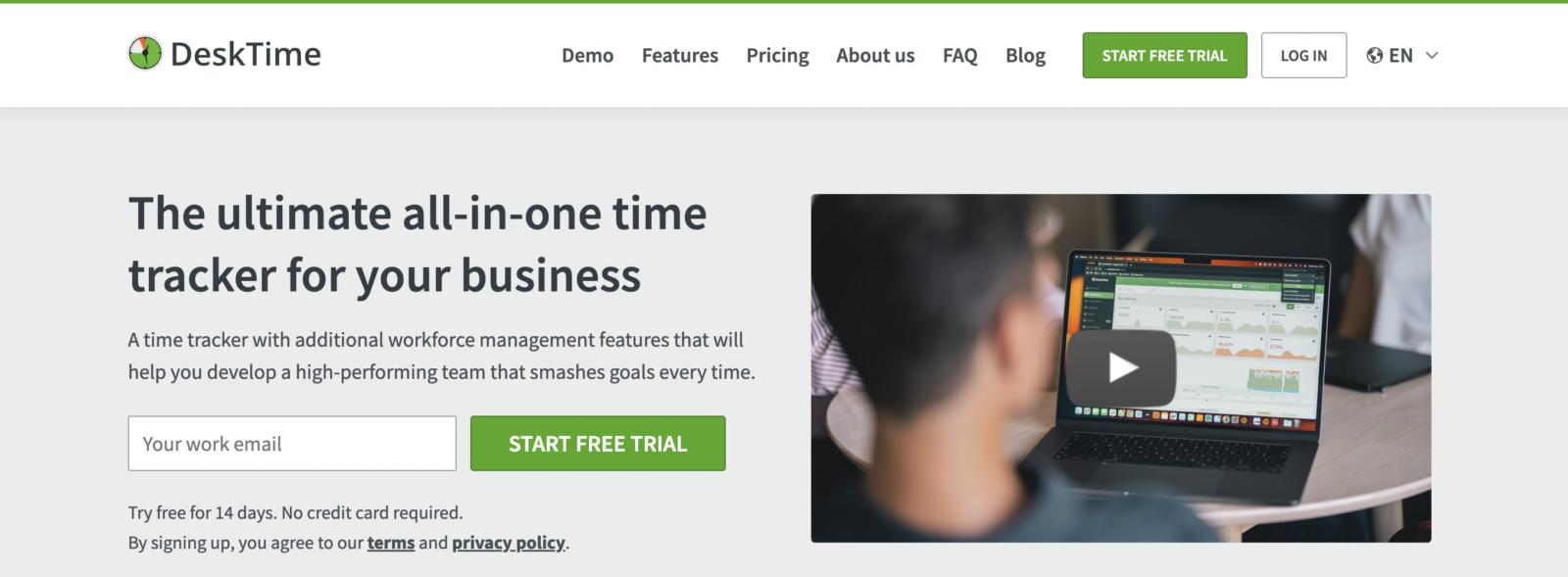
- Automatic time tracking. DeskTime starts and stops tracking automatically as employees turn their computers on and off.
- URL and app tracking. This feature tracks employees’ applications and websites during work hours.
- Project time tracking. DeskTime allows employees to allocate time to specific projects or tasks.
- Absenteeism calendar. This integrated calendar tool helps managers track employee vacations, sick leaves, and other absences.
- Efficiency analysis. DeskTime provides detailed reports and analytics on employee productivity.
Pricing
- Pro: $7 per user/month
- Enterprise: $20 per user/month
Why it stands out
Absence management. DeskTime has an absenteeism calendar built right into the tool, making it easier to manage leave and ensure coverage.
5. Insightful
Key features
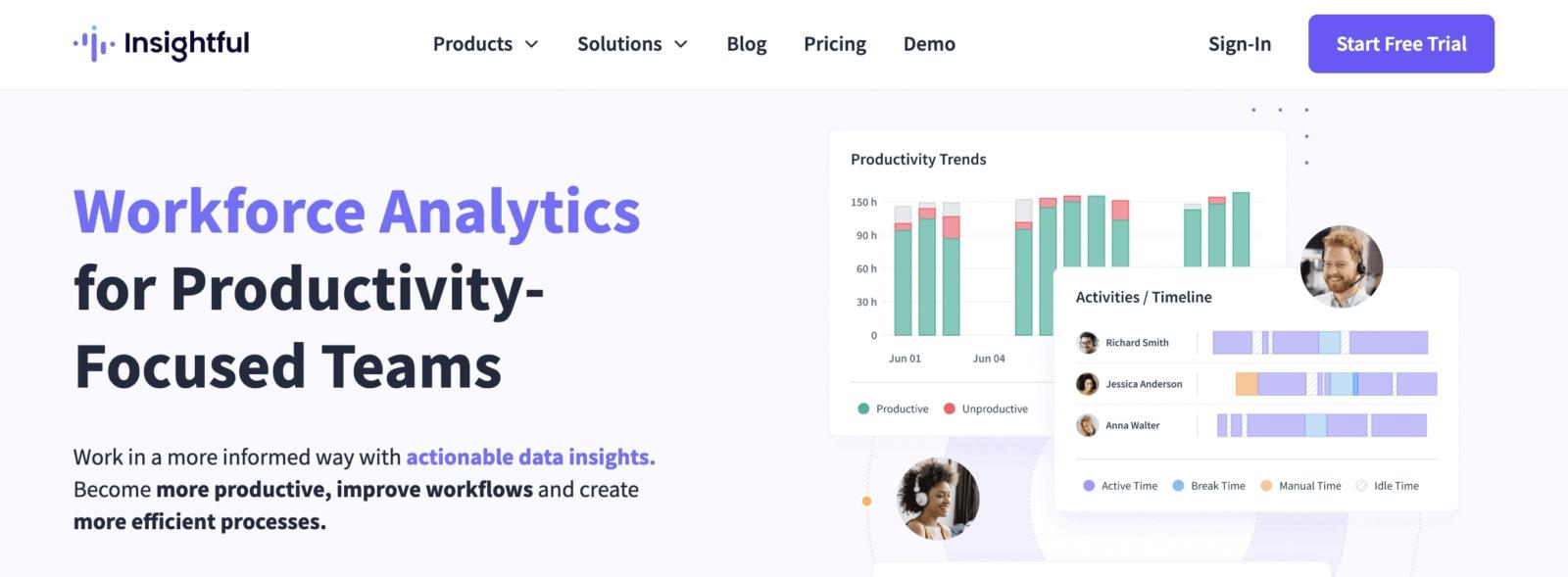
- Automatic time tracking. Insightful automatically records the time spent on computers, providing data on when and how employees work.
- Productivity labeling. Create categories and watch as Insightful labels apps and websites as productive, unproductive, or neutral.
- Real-time employee monitoring. Gain real-time visibility into what employees are doing at any given moment.
- Screenshots and screen recording. Insightful captures screenshots and video recordings of employee screens periodically.
- Comprehensive reporting. Insightful offers detailed reports that help users analyze team productivity and time management to improve workflows.
Pricing
- Productivity management: $8 per user/month
- Time tracking: $10 per user/month
- Process improvement: $15 per user/month
- Enterprise solution: Custom pricing available
Why it stands out
Behavior and data analysis. Insightful’s advanced analytics features extend beyond simple time tracking to offer insights into workflow patterns and productivity strategies.
Compare Insightful to Hubstaff.
6. ActivTrak
Key features
- Automatic time tracking. ActivTrak automatically captures data on how work time is spent.
- Website and application monitoring. Productivity features allow managers to see which applications and websites their employees use during work hours.
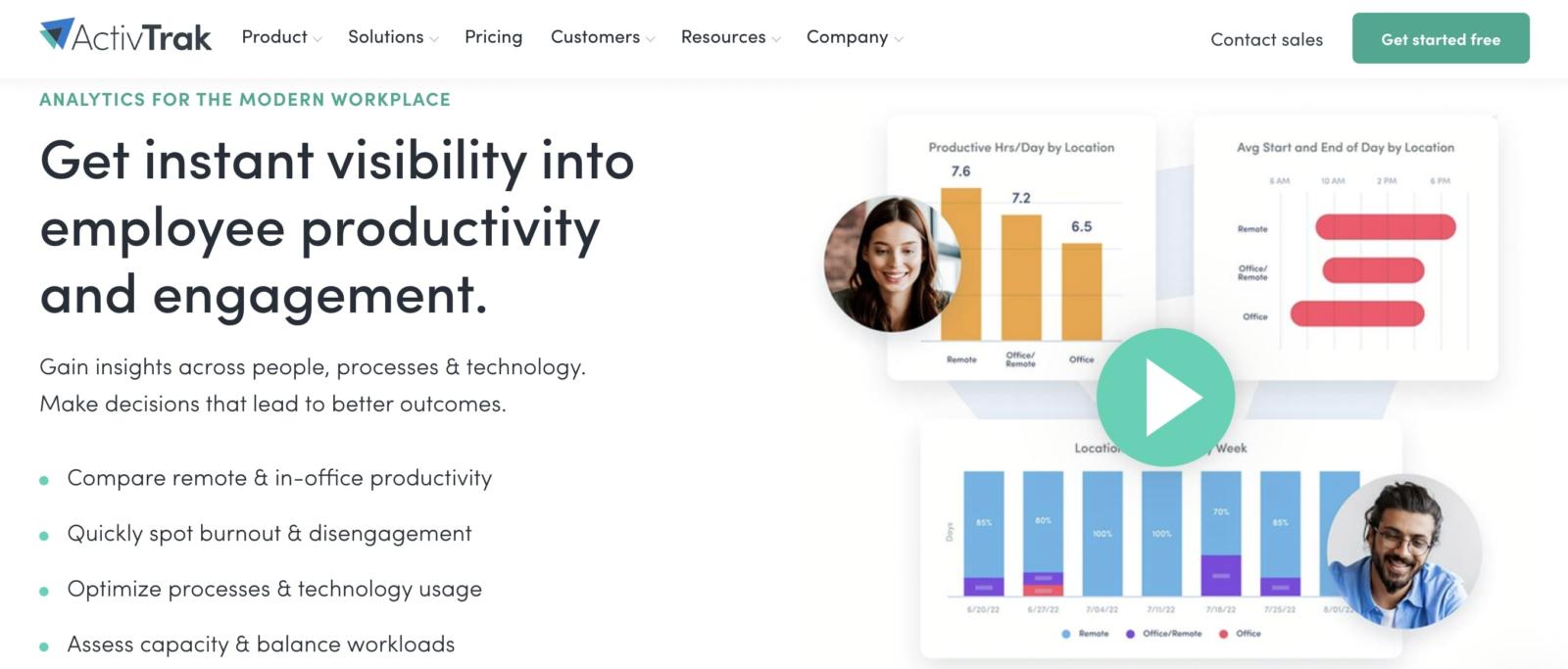
- Real-time activity dashboard. Provides a live view of team activities, hours worked, earnings, and current working status.
- Productivity insights. With ActivTrak’s insights, managers and employees can analyze activity data to optimize productivity.
- Alerts and alarms. Sets up alerts to notify managers about capacity issues, spending, and more to balance workloads and improve employee morale.
Pricing
- Free
- Essentials: $10 per user/month
- Professional: $19 per user/month
- Enterprise: Custom pricing is available upon request
Why it stands out
Team behavior analytics. ActivTrak focuses on broader team patterns and productivity trends than your average employee monitoring tool. This helps supervisors optimize workforce strategies.
Compare ActivTrak to Hubstaff or Time Doctor.
Final words on employee monitoring systems
Whether you’re looking for employee PC monitoring software or a tool specifically made for Macs, there are tons of options out there. Navigating employee monitoring software options for Mac can be daunting, but armed with the correct information, it becomes straightforward.
The tools we’ve explored in this guide offer a range of features tailored specifically to enhance productivity tracking and streamline management processes on macOS environments.
So, what’s next? Start with a trial to see how these tools can transform your workflow and help you maintain a competitive edge in an increasingly digital workplace.
Most popular
The AI Productivity Panel: Lessons From Leaders on What’s Working (and What’s Not)
When I moderated this AI productivity panel, I expected a solid conversation. What I didn’t expect was the flood of real-world i...
Ask Your Workforce Data Anything with Hubstaff’s New AI-Ready CLI and API
It’s Monday morning. Your CEO asks, “Which projects went over budget?” Instead of pulling reports, exporting numbers, and ve...
How to Spot and Manage Work Overload Before Your Best People Burn Out
Work overload occurs when the demands placed on an employee or team exceed their available resources, leading to stress, burnout,...
Workplace Productivity Statistics in 2026: What the Numbers Say
For many businesses, having the ability to maximize output without compromising quality gives them a major edge over their competi...