The 6 Best Time Doctor Alternatives (2026)

 8 min read
- Time Doctor alternatives generally fall into three categories: lightweight time trackers, monitoring-focused tools, and all-in-one platforms that connect time tracking with reporting, payroll, and team operations.
- The key tradeoff is between visibility and flexibility—tools with deeper monitoring provide more oversight, while simpler tools are easier to adopt but offer limited insight into performance.
- Teams should evaluate tools based on how time is captured (manual vs automatic), how productivity is measured (activity tracking vs analytics), and whether the tool supports workflows like payroll, invoicing, or compliance.

Time Doctor is an excellent entry-level time tracking tool with built-in productivity monitoring and reporting, but teams are beginning to outgrow it. If your business is struggling with scalability, intrusive monitoring, or limited payment capabilities, we’ve compiled six Time Doctor alternatives that may be a better fit.
Everyone’s needs are different, so there’s no way to determine a definitive, one-size-fits-all solution that works for everyone. That’s why we’ve selected these tools based on areas they excel in, like:
- Lightweight time tracking
- High-compliance, heavy-duty monitoring
- Automated tracking
- Versatile solutions to help you connect your full tech stack
Teams in need of a more versatile, all-in-one alternative to Time Doctor look to Hubstaff, while Toggl Track and Clockify serve as lightweight options with fewer monitoring and productivity features. Those looking for better automation may find Timely to be a strong alternative.
If you’re not sure where you stand, let’s take a deeper look.
Hubstaff Walkthrough
Dive into our interactive demo and explore the features that make managing global teams easier than ever.
Time Doctor alternatives: TL;DR
When it comes to Time Doctor alternatives (or really any tracking software, for that matter), your options often fall into one of a few categories:
- Lightweight time trackers. These are your basic employee time tracking software tools that help you log hours easily without slowing down devices with unnecessary, convoluted features.
- Monitoring focused tools. These productivity tracking tools go beyond basic time tracking to provide real-time usage data. Remote teams often benefit from access to live data and detailed reports, including website and app usage, time spent in meetings, and optional screenshots for high-compliance environments.
- All-in-one platforms. Think of these tools as the Swiss Army Knife of the time tracking space. All-in-one tools seamlessly connect time tracking with workforce analytics, performance insights, payroll, reporting, invoicing, expense reporting, and more, helping you consolidate your tech stack and streamline remote workforce management.
Each of these areas has its strengths and weaknesses, with the key trade-off centering on versatility vs. simplicity. Before diving into our Time Doctor alternatives, identifying where your team’s needs lie on that spectrum can be helpful for making an informed decision.
Table of contents
How we evaluated these tools
In selecting the best Time Doctor alternatives, we based the decision on extensive research, real customer feedback, and applicability across an array of industries and use cases, as well as:
- Features and versatility
- UI/UX
- ROI
We made our selections based on selections that build upon Time Doctor’s core features and address shortcomings mentioned in real customer feedback.
Best Time Doctor alternatives at a glance
| Tool | Best for | Monitoring level | Pricing | Add-ons (per/user/month) |
| Hubstaff | Time tracking with productivity monitoring, workforce analytics insights, global payments, reporting, scheduling, and more. | Medium | Starter $7/user/month Grow $9/user/month Team $12/user/month Enterprise $25/user/month | Tasks Starting at $3 Data retention Starting at $3 More screenshots Starting at $3 Locations Starting at $3 Silent app Starting at $3 |
| Insightful | High-compliance teams in need of stricter monitoring features. | High | Starts at $8 per user/month | On-Demand Screenshots $1/user/month Security Bundle $2/user/month Increased Screenshots $1/user/month Screen recording $2/user/month Data Warehouse Integrations $500/month |
| ActivTrak | Workforce analytics insights that look beyond basic surveillance. | Medium | Starts at $10 per user/month | Automatic time-off sync from HRIS, Screen details, Data history, and more available upon request. |
| Toggl Track | Basic, intuitive time tracking with a clean interface. | Low | Starts at $9 per user/month | N/A |
| Clockify | Free time tracking with basic reporting and paid plans for more robust monitoring, project management, and more. | Low–Medium | Free plan. Paid plans start at $9.99 per user/month | N/A |
| Timely | Automatic, AI-based time tracking | Low | Starts at $11 per user/month | Tasks $5/user/month |
1. Hubstaff
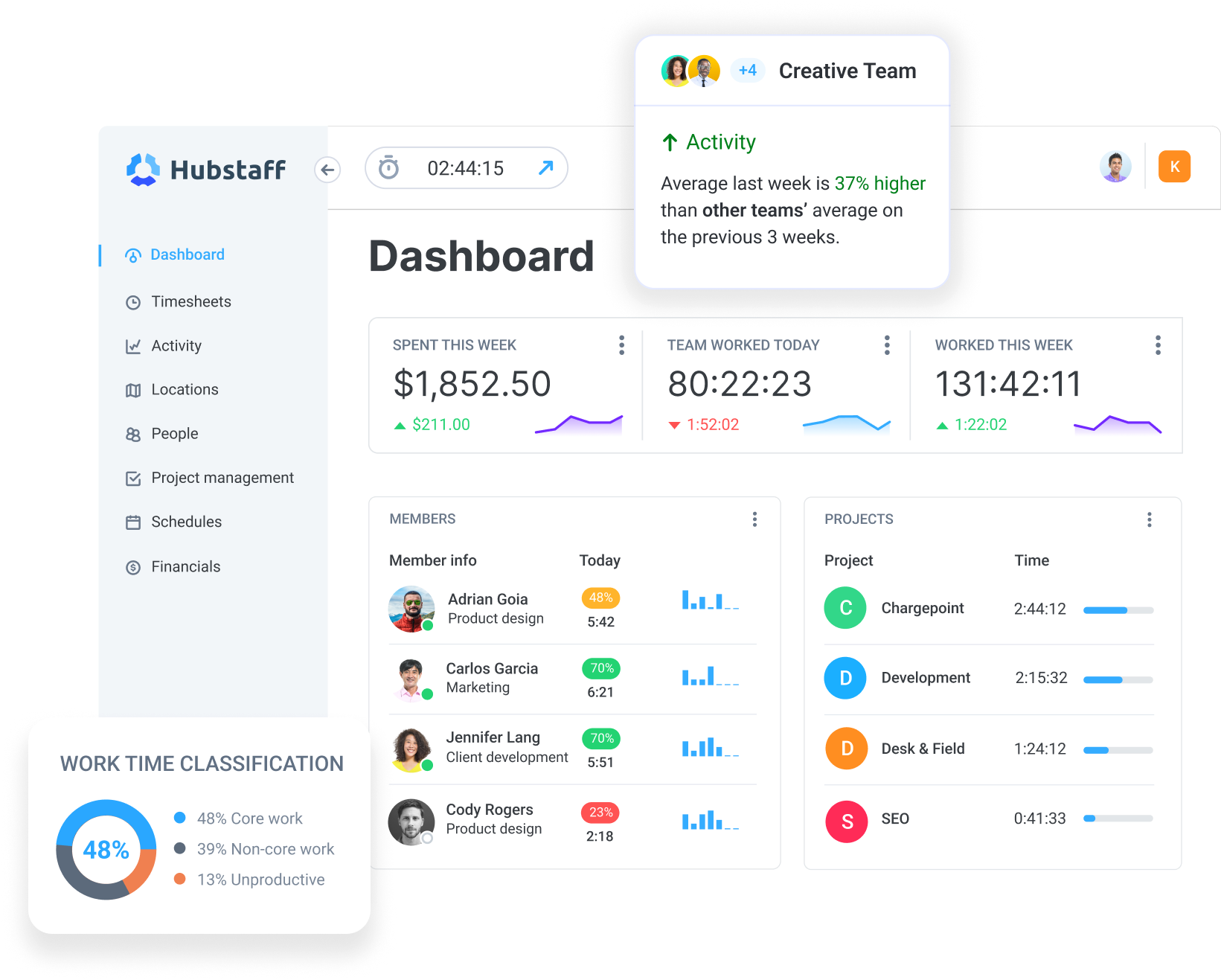
Hubstaff is a time tracking software platform with built-in productivity monitoring, workforce analytics, and automated global payments. Compared to Time Doctor, it goes beyond tracking by connecting time, productivity insights, payroll, and invoicing in one system.
What it does
Unlike basic time trackers, Hubstaff combines accurate time tracking with productivity monitoring, workforce analytics, and automated payments to help teams actively manage work, not just record it.
Its lightweight desktop and mobile apps allow teams to track time from anywhere, while giving managers clear visibility into how work gets done. Teams utilizing Hubstaff benefit from a versatile feature set that includes:
- Automated time tracking. Hubstaff allows users to track time to tasks and projects with the click of a button. Seamlessly convert tracked time into detailed, automated timesheets, make manual adjustments, and trigger payments with one-click approvals.
- Productivity monitoring. Like Time Doctor, Hubstaff offers built-in productivity monitoring features. See keyboard and mouse activity with activity levels, gauge app and URL usage to identify productive tools, and set up optional screenshots with customizable settings to identify trends and prioritize productivity.
- Workforce analytics. Look beyond basic productivity indicators with detailed workforce analytics. Turn basic activity data into valuable, real-time Insights. You’ll be able to spot live trends in utilization, focus patterns, and unusual activity to make scalable decisions for better workload distribution, budgeting, and project planning.
- Automated payments. Take the process further with time tracking with payroll integration, where timesheet approvals trigger global payments. Hubstaff integrates with payroll providers like Wise, Payoneer, PayPal, and Deel so you can pay each team member on their preferred platform, from one central app.
- Project and task management. Hubstaff integrates with 35+ tools, including Jira, Asana, Trello, and other PM tools. There’s also a Tasks add-on using our native project management software, starting at just $3/user/month.
- Scheduling. Manage shift-based work with detailed employee scheduling features. Set alerts for late, missed, or abandoned shifts to stay on top of even the most complex work arrangements. Then make real-time adjustments to project budgets by tying tracked hours to project rates and billing cycles.
Beyond tracking, Hubstaff connects time data to business operations. Tracked hours automatically flow into timesheets, invoices, and automated payments through integrations with tools like PayPal, Wise, and Gusto — reducing manual admin and improving payroll accuracy.
With 30+ integrations across project management, communication, and CRM tools, Hubstaff fits into existing workflows while giving teams a centralized, reliable source of truth for time and productivity.
Best for
- Remote teams interested in increased visibility that extends beyond monitoring with high-level workforce analytics
- BPOs, VAs, call centers, and other businesses looking to centralize time tracking, timesheets, and payments to one tool
- Businesses looking to consolidate a growing tech stack into one versatile tool
Limitations
- No free plan for basic tracking
- May require more setup than lightweight tools
2. Insightful
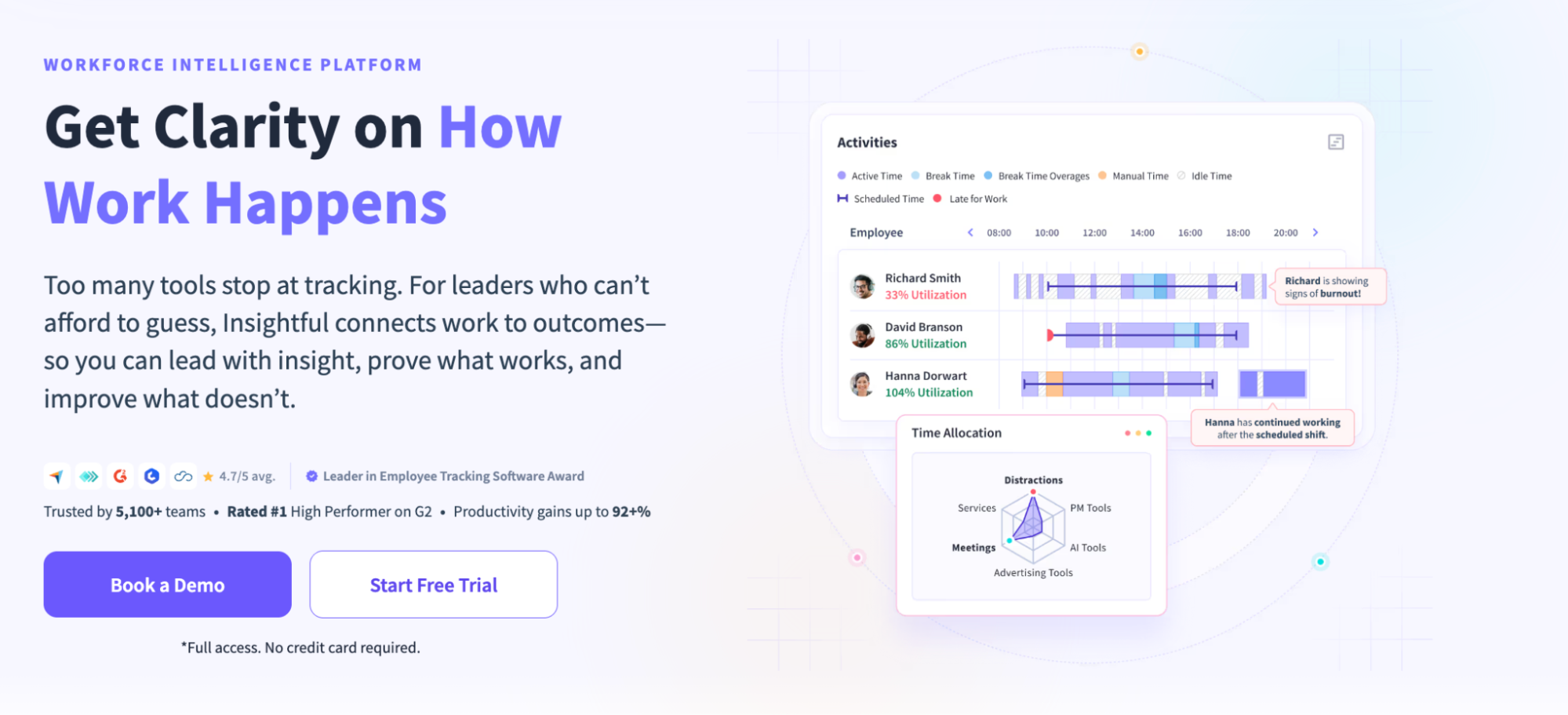
Insightful is a monitoring-focused tool designed for teams that want deeper visibility into employee activity. Compared to Time Doctor, it leans further into monitoring and workforce oversight, a tradeoff our Insightful review explores in the context of visibility, transparency, and team fit.
What it does
Insightful offers activity tracking and attendance features that remote teams have come to expect. Like Time Doctor, managers assess each individual employee’s productivity levels with website and app usage.
With Insightful, employers can gain a glimpse into the day-to-day lives of their team. This increased visibility can boost productivity and help leadership make informed decisions.
On the other hand, one could argue that Insightful’s more authoritarian approach could damage the rapport between a team and its manager. Team members might be concerned about the lack of transparency while they’re being tracked.
Best for
- Employers in need of heightened visibility
- Businesses that prioritize high-level employee monitoring and oversight
- High-compliance teams in need of stringent activity tracking
Limitations
- Often considered highly intrusive
- Increased risk of micromanagement
3. ActivTrak
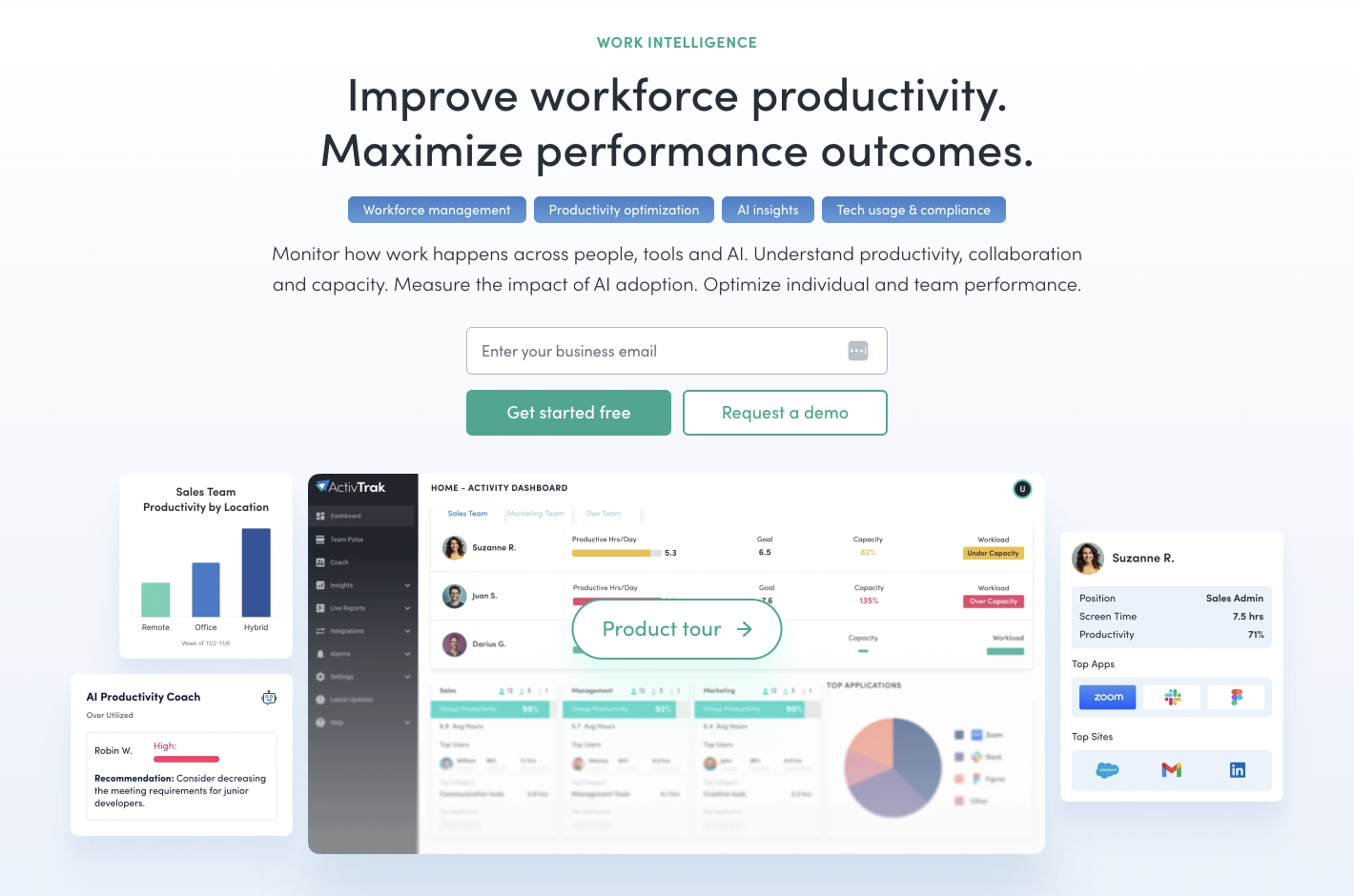
ActivTrak is a workforce analytics platform designed to uncover detailed workforce analytics. While Time Doctor takes an approach centered on proof of work, ActivTrak aims to go further with less intrusive, more actionable data.
What it does
ActivTrak is a workforce analytics and productivity management solution based in Austin, Texas. Aside from just tracking time, ActivTrak explores the tools your team uses on a larger scale to help you find cost-effective alternatives. Easy-to-read charts and reports help you make business decisions with useful, unbiased data. If you’re looking for more robust analytics than what Time Doctor offers, this tool is worth a closer look.
Best for
- Tech-savvy managers who enjoy analyzing data
- Teams looking to evaluate the true value of their tech stack by identifying apps that aren’t worth their cost
Limitations
- Less direct “proof of work” compared to Time Doctor
- Outdated UI/UX
- Not ideal for teams needing strict tracking or compliance
4. Toggl Track
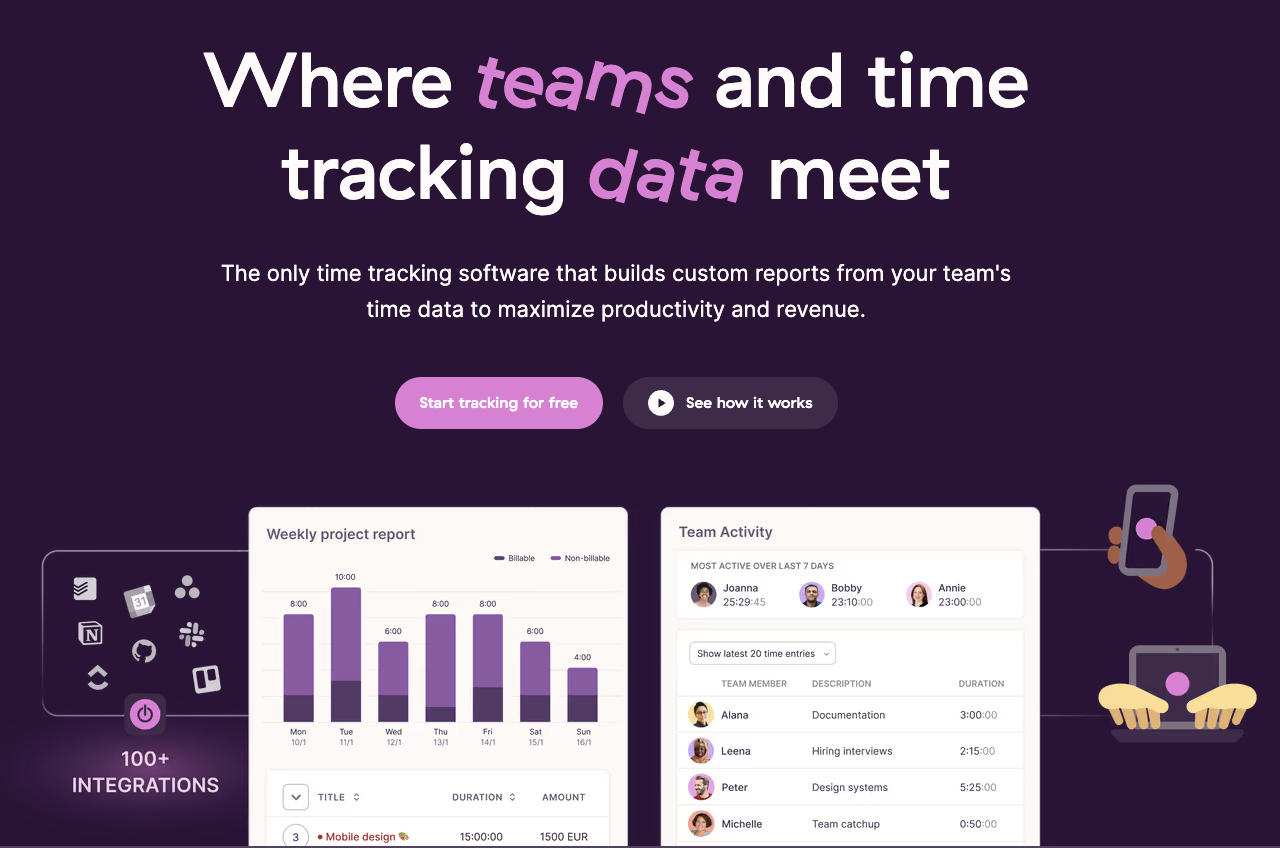
Toggl Track is a lightweight time tracking tool designed for simplicity and ease of use. Unlike Time Doctor, there are virtually no monitoring features, meaning you’ll need to look at other alternatives on the list for screenshots, website and app usage, and other features.
What it does
Toggl Track is just one facet of a three-pronged approach to time tracking, project management, and hiring. It’s a beautiful, lightweight time tracking solution that serves as a great alternative to those who haven’t found value in Time Doctor’s monitoring features.
Toggl simplifies time tracking with a basic timer that lets teams track time across desktop, web, and mobile devices without losing a second of time. While it doesn’t capture screenshots and keyboard and mouse activity, Toggl does offer some clean, time-based reports to help teams make more effective use of their time.
Best for
- Teams focused solely on time tracking data
- Freelancers or small teams in need of a sleek, lightweight interface
- Client-facing teams in need of time logs to present to clients
Limitations
- No employee monitoring or activity features
- Limited productivity insights
5. Clockify
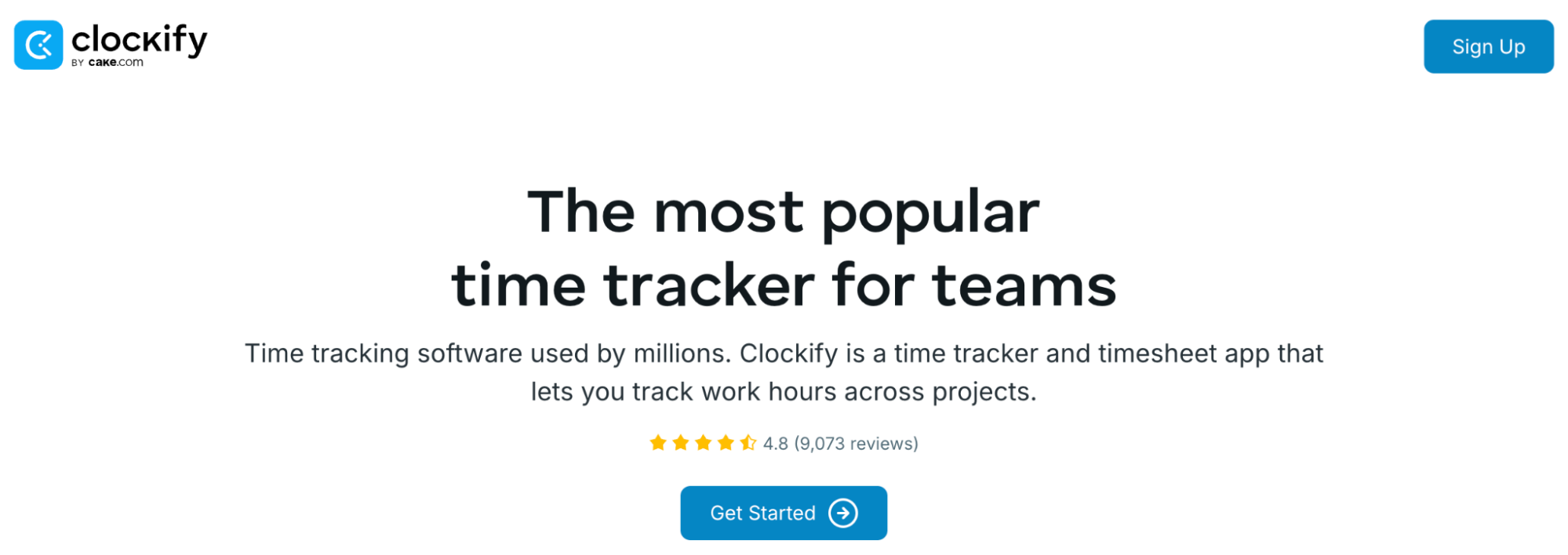
Clockify is arguably the most lightweight time tracker on the list. It boasts a free plan focused on basic time tracking, with a slew of add-ons for scheduling, screenshots, invoicing, and other features on par with Time Doctor.
What it does
Clockify is a free Time Doctor alternative. It’s a time tracking app with a powerful, intuitive interface for basic tracking, with the option to add productivity monitoring, scheduling, screenshots, and other capabilities of Time Doctor through paid plans.
Employees can track time to each task on their to-do list. Then, they can look to their dashboard to see work hours, project spend, task breakdowns, and other project insights.
Best for
- Teams looking for a free alternative to Time Doctor
- Startups or growing teams with tight budgets
- Teams that only need basic time tracking and reporting
Limitations
- Limited automation and integrations
- Requires manual workflows for payroll or billing
- Advanced features require paid add-ons
6. Timely
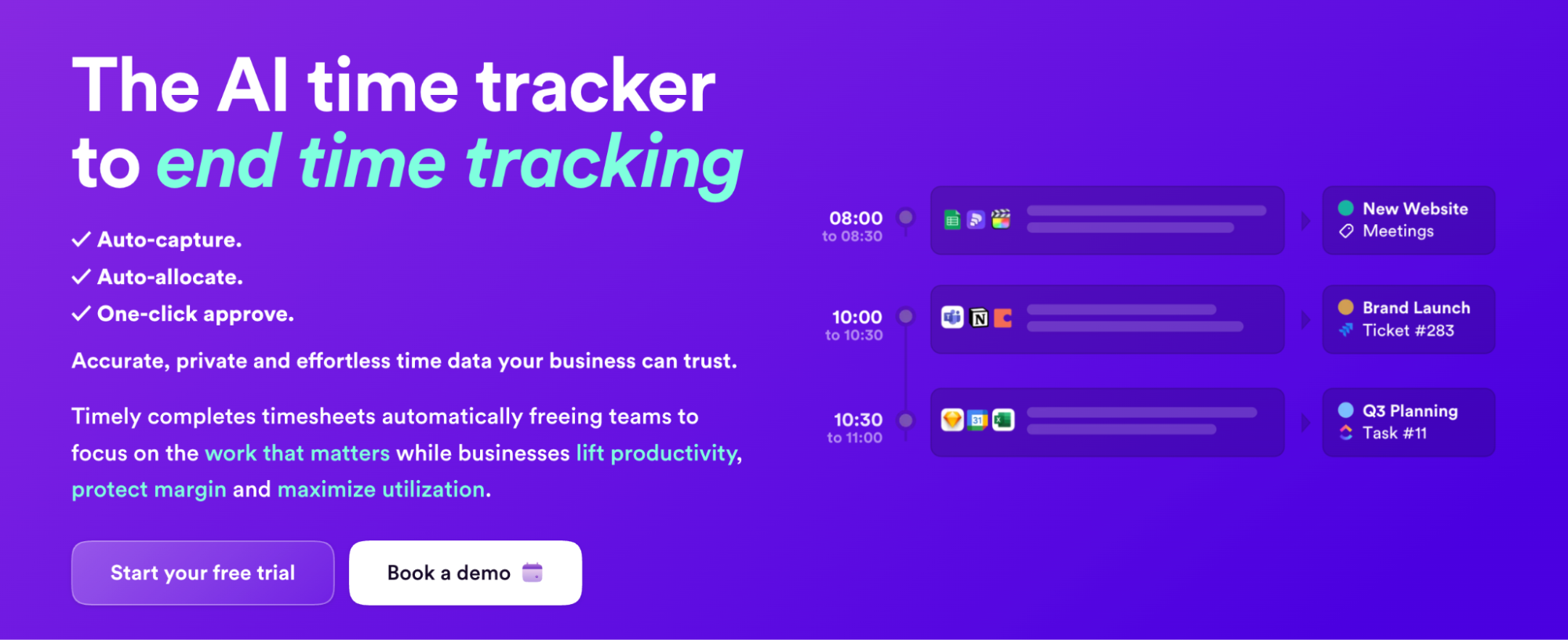
Timely is an interesting Time Doctor alternative as it boasts automatic time tracking features powered by Artificial Intelligence. It stands out from Time Doctor and other tools on this list for its ability to reduce manual entry errors and its emphasis on passive tracking.
What it does
One of the best alternatives to Time Doctor is Timely. It’s an automatic time tracking system created by the Norwegian tech company Memory, designed to automate the time tracking process with AI features.
With both client and team member safety in mind, Timely works by collecting active timestamps from web and desktop applications to automatically log hours and categorize time without requiring timers to be started and stopped.
Best for
- Teams in need of automatic tracking with limited manual effort
- Businesses that aren’t interested in employee monitoring features like screenshots
- Users working in environments where timers can be cumbersome
Limitations
- Requires more manual input than advertised
- Memory feature can struggle to build upon existing rules
- No employee productivity/monitoring features like screenshots
How to choose a Time Doctor alternative
Choosing an alternative to Time Doctor is challenging, but we hope we’ve provided the guidance you need to make the right choice for your business. At the end of the day, choosing the right tool comes down to a variety of factors like team size, industry, and general need.
Here are a few questions you can ask yourself to ease the decision:
- High-level monitoring vs. privacy first: Do you need screenshots, app and URL tracking or other monitoring features, or just basic time tracking?
- Automatic vs. manual tracking: Is your team able to rely on manual tracking, or do you need automatic time tracking to streamline the process?
- Lightweight vs. versatile: Are you in need of a simple tracker that merely keeps time, or an all-in-one tool that connects payments, productivity monitoring, invoicing, and other core features?
Some users have found issues with overly intrusive screenshots, limited reporting, and a high price tag for the features provided. If you’re experiencing similar challenges, here are some next steps you can take.
Next steps
Choosing the right tool often comes down to meeting your business’s unique needs. The only way to do that is by trialing tools. You can start by shortlisting your needs:
- Want a well-rounded solution with built-in features? Try Hubstaff.
- Want something lightweight with a small learning curve? Try Toggl or Clockify.
- Looking to automate more processes with AI technology? Try Timely.
Take advantage of free trials, test with your team, and evaluate how each tool fits your workflows before committing.
Most popular
The Top Time Management Statistics in 2026 for Workplace Productivity
We all have the same hours in the day. But when employees struggle to focus, those hours likely won’t be used effectively. Witho...
The Best Coaching Conversations Start With Productivity Data
Most coaching conversations happen too late. A deadline is missed, or a client flags a problem, and then a manager schedules a sit...
A Quick Guide to Work Order Management
From quick fixes to long-term stability, work orders are crucial to asset management and helping managers keep operations running...
How to Identify High Performers Using Work Patterns
Every business has top performers, and managers are told to find them all the time. But in most cases, they default to approaches...
![How to Use Time Blocking to Make 2024 Your Most Productive Year Ever [Free Template]](https://hubstaff.com/blog/wp-content/uploads/2018/12/time-blocking@2x-780x390.png)