How to Roll Out Company Device Monitoring in Regulated Industries

 7 min read

In regulated industries like finance, health care, and government, even small gaps in tracking can lead to failed audits, compliance violations, or costly data exposure. However, many teams still rely heavily on manual time logs or intrusive monitoring tools that introduce just as many problems as they solve.
The challenge isn’t just tracking work — it’s doing it in a way that ensures accuracy, maintains compliance, and won’t erode employee trust or hurt employee productivity.
That’s where company device monitoring offers a different approach. By automatically capturing activity on company-owned devices, these tools help businesses create reliable, audit-ready records without relying on manual input or overly invasive practices.
In this post, you’ll learn how to roll out company device monitoring for regulated industries using a compliance-first, low-friction approach that scales across teams.
Boost your team’s efficiency with Hubstaff's productivity tools
Why regulated industries need device-level visibility
From financial records to private patient information, even minor oversight gaps in regulated industries can lead to costly breaches or failed audits. In fact, the average cost of a health care data breach reached $10.93 million in 2025, the highest of any industry.
To stay compliant and reduce cybersecurity incidents, organizations need reliable, defensible visibility into how work happens at the device level.
Effective employee productivity monitoring in regulated industries helps teams operate securely and transparently, without adding unnecessary friction.
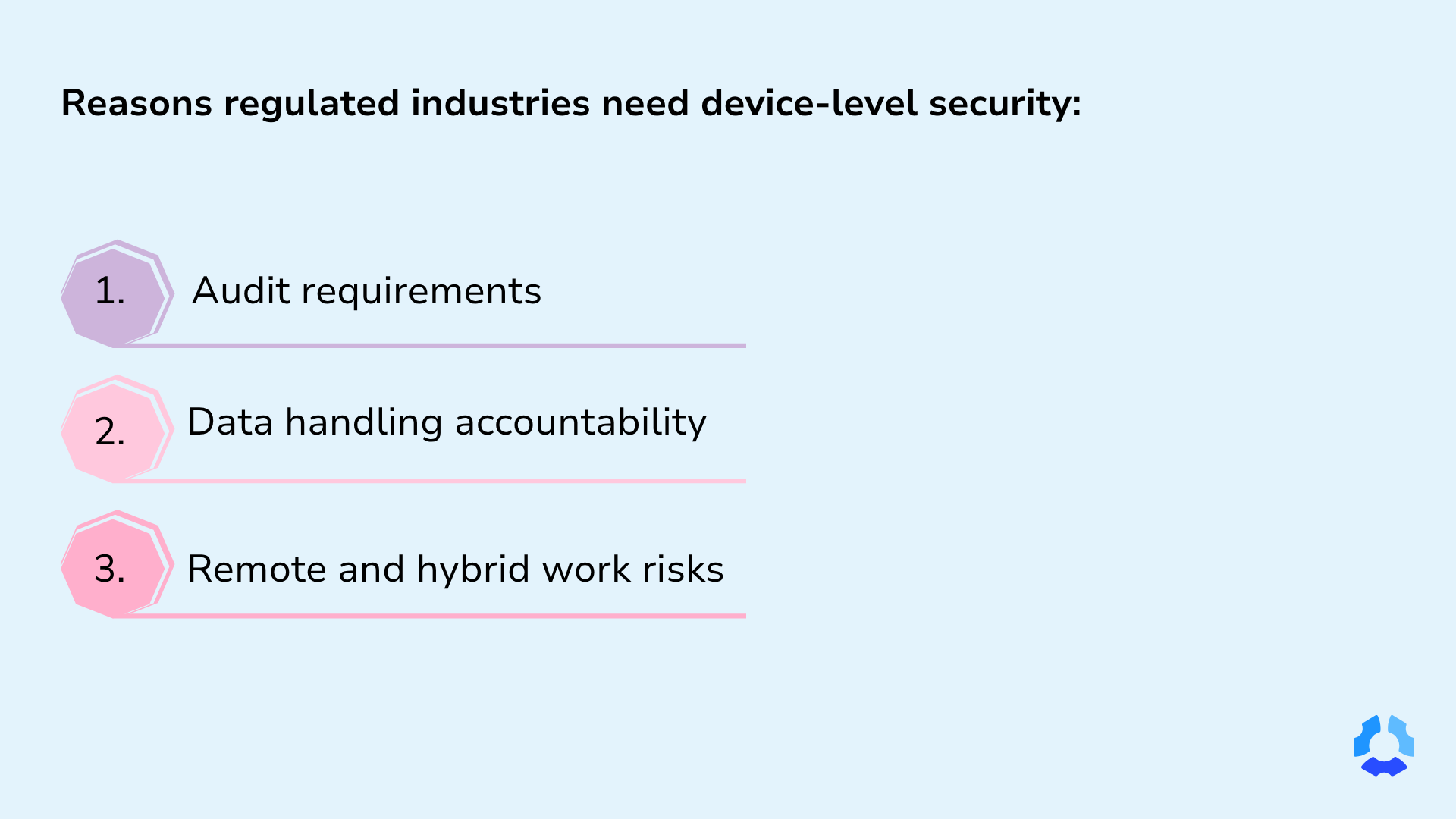
Here’s how device-level security supports compliance:
- Audit readiness: Maintain accurate time tracking and detailed activity logs to demonstrate compliance
- Data accountability: Gain clear visibility into how sensitive data is accessed and used
- Remote and hybrid risk management: Reduce exposure to threats without relying on constant oversight
Manual tracking and traditional methods often create inconsistencies and blind spots that are difficult for highly-regulated industries to address. Device monitoring helps close those gaps. Instead of relying on surveillance, it focuses on maintaining accurate records for consistent compliance readiness.
What “company device monitoring” actually means today
Modern company device monitoring is a step ahead of traditional time tracking. Instead of relying on manual timers that require employees’ input to track time, it operates seamlessly on company devices, capturing time and activity automatically during work hours.
This approach eliminates common problems like forgotten clock-ins or missed hours, which can lead to bigger issues, such as compliance issues and inaccurate payroll.
In the past, monitoring was either intrusive or dependent on inconsistent manual tracking. Both can create friction and result in unreliable records. Today’s approach replaces that tradeoff with accurate, low-friction visibility built for compliance and trust.
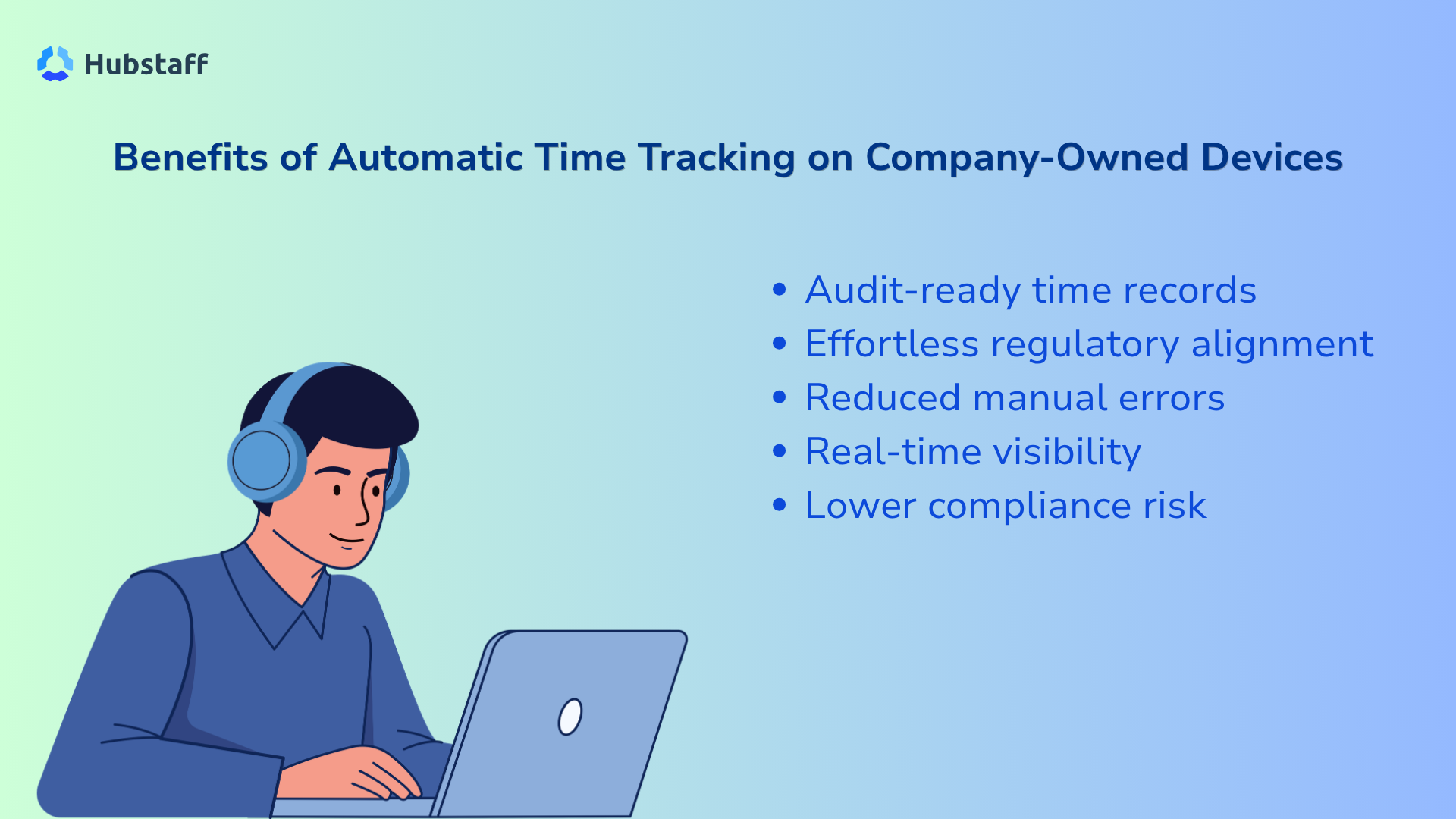
The new way of monitoring is fundamentally different; it includes:
- Policy-driven device tracking. Tracking is aligned with internal policies and regulatory requirements.
- Compliance-focused monitoring. Data is captured to support audits and accountability, not to spy or punish.
- Transparent and consistent tracking. Employees understand what’s tracked, and records remain accurate.
Automatic tracking removes guesswork, ensuring reliable records and better compliance for both employers and employees.
Time tracking software platform like Hubstaff help regulated industries strengthen data security by automatically capturing activity on company-owned devices, creating reliable, audit-ready records while enabling secure, low-friction monitoring.
Step-by-step: how to roll it out successfully
Successfully rolling out automatic time tracking software on company-owned devices across teams requires thoughtful planning. The healthiest way to enable enterprise time tracking involves clear communication, transparency, and education.
Here are a few practical steps to streamline your rollout:
1. Define your compliance requirements
Compliance requirements vary by industry. Time tracking for health care differs significantly from time tracking for accounting in terms of data sensitivity, regulations, and reporting needs.
Here is some information on the different tracking requirements across regulated industries:
- Health care. Organizations must comply with the Health Insurance Portability and Accountability Act (HIPAA) requirements to protect patient data. Choosing HIPAA-compliant time tracking software is essential to meet these standards.
- Finance. Accounting firms must maintain audit logs, enforce strict data protection, and prevent insider risks through controlled access.
- Cloud Computing. Teams must implement verifiable access controls and maintain visibility over who interacts with sensitive systems and infrastructure.
- BPO (Business Process Outsourcing). Time tracking for BPO often needs to meet client service-level agreements (SLAs) to ensure accountability and service quality.
To avoid excessive monitoring, decide upfront:
- What data will be tracked?
- When will tracking occur?
- How will that data be used?
2. Create a transparent monitoring policy
A clear, documented policy is essential for building trust. When your teams are aware, they’ll focus more on being accountable and less on monitoring anxiety.
Your policy should include:
- Purpose: Compliance, reporting, or productivity insights.
- Scope: Monitoring on company-owned devices only.
- Data collected: Apps used, URLs visited, and activity levels (not sensitive content).
Bonus tip: Keep key principles, such as transparency, in mind. It’ll help build trust with your teams. Avoid any perception of “hidden surveillance” by clearly communicating what is and isn’t being tracked.
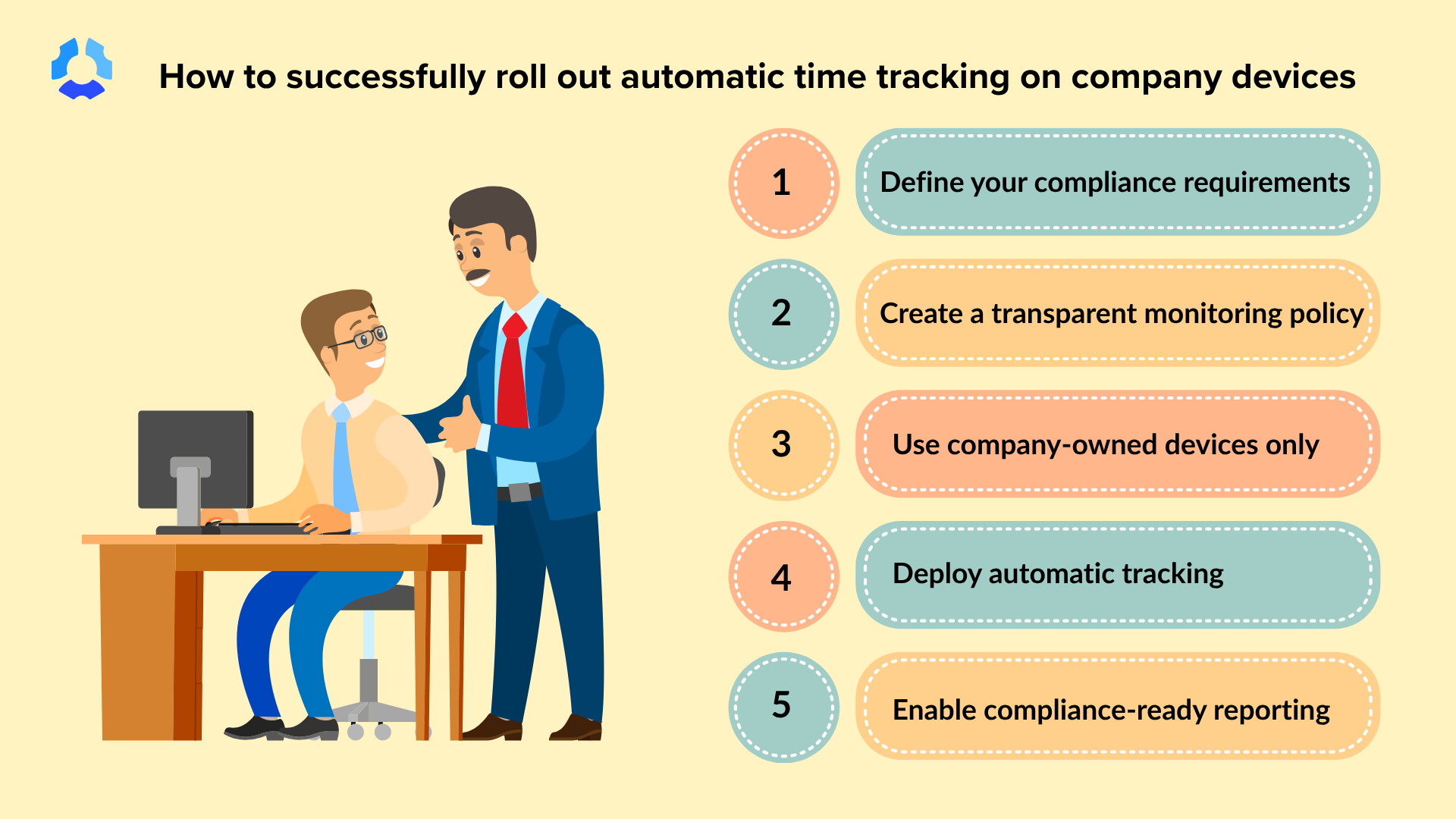
3. Use company-owned devices only
It’s critical for regulated industries to ensure employees use company-issued devices configured for security and visibility.
Personal devices can introduce vulnerabilities, increasing the risk of data breaches, legal exposure, and privacy issues.
Automatic tracking with Hubstaff on company-owned hardware provides:
- Secure device tracking
- Reliable visibility across teams
- Early detection of cybersecurity threats
4. Deploy monitoring for automatic tracking
For an effective enterprise time tracking rollout, deployment should be managed by an experienced IT team over individual employees.
A few best practices include:
- Using MDM (Mobile Device Management) tools
- Bulk installation across devices
- Centralized configuration
When Hubstaff runs securely in the background on company-owned devices, it removes common workflow disruptions, such as:
- Manual timer start/stop
- Idle time reminders
- Pop-up notifications
No setup is required from employees, ensuring consistent implementation across teams.
5. Configure tracking policies (not just tools)
Technology alone isn’t enough. Clearly defined company policies that follow government laws and regulations determine success.
Set clear rules for:
- Work schedules
- Activity thresholds
- Reporting expectations
Document these guidelines and ensure teams understand them. This creates consistency, fairness, and accountability across the organization.
6. Enable compliance-ready reporting
One of the main advantages of company device tracking is the ability to pull automated reports. For example, receive scheduled updates directly in your inbox, daily or weekly, enabling:
- Automated timesheets
- Activity logs
- Audit trails
- Reduced manual reporting
- Faster access to accurate data
Having access to clear reports helps provide immediate support for audits and compliance checks.
Common pitfalls to avoid
Time tracking is a cultural shift that impacts trust and morale. Poor implementation can backfire.
Avoid these common mistakes to successfully roll out tracking:
- Monitoring personal devices without consent. Tracking activity on personal devices crosses clear privacy boundaries and can violate legal requirements. It erodes trust instantly.
- Insufficient transparency: Employees who do not understand what is being tracked, when, or why may assume negative intent. Unclear policies can result in resistance and disengagement.
- Over-collecting unnecessary data. More data isn’t better, it’s riskier. Collecting irrelevant or excessive information increases compliance exposure and complicates data management.
- Relying on manual timers. Tools that depend on manual input lead to inconsistent data, employee frustration, and lower adoption rates.
- Positioning monitoring as surveillance: Framing tracking initiatives solely as oversight can raise concerns. Use language focused on productivity, clarity, and fairness to support adoption.
Ultimately, intent is what determines successful tracking implementation. At its core, effective time tracking respects employees while creating clarity for everyone.
Best practices for ethical and compliant monitoring
Balancing oversight and trust starts with intentional, people-first policies. While technology plays a key role, your team should remain the priority.
Follow these best practices for ethical employee monitoring:
- Be transparent from day one. Clearly communicate what’s being tracked, how the data is used, and how it benefits both the organization and employees.
- Limit tracking to work-related activity. Keep monitoring strictly tied to business goals. This reduces legal risk and reinforces respect for employee privacy.
- Allow configurability and control. Give teams flexibility where possible, such as pausing tracking outside work hours or customizing settings like screenshots to build autonomy and trust.
- Align with legal and compliance teams. Ensure your policies meet regional regulations and industry standards before rollout, not after.
- Focus on outcomes, not micromanagement. Use data to support performance and productivity, not to monitor every minute. The aim is clarity, not control.
Every industry operates differently, and finding the right balance between monitoring and employee well-being is the key to running a successful organization.
How Hubstaff supports regulated environments
For businesses operating in compliance-heavy industries, the right tool delivers secure tracking, employee transparency, and scalable monitoring across teams. Hubstaff is designed for this level of automatic time tracking, providing these benefits without compromising trust.
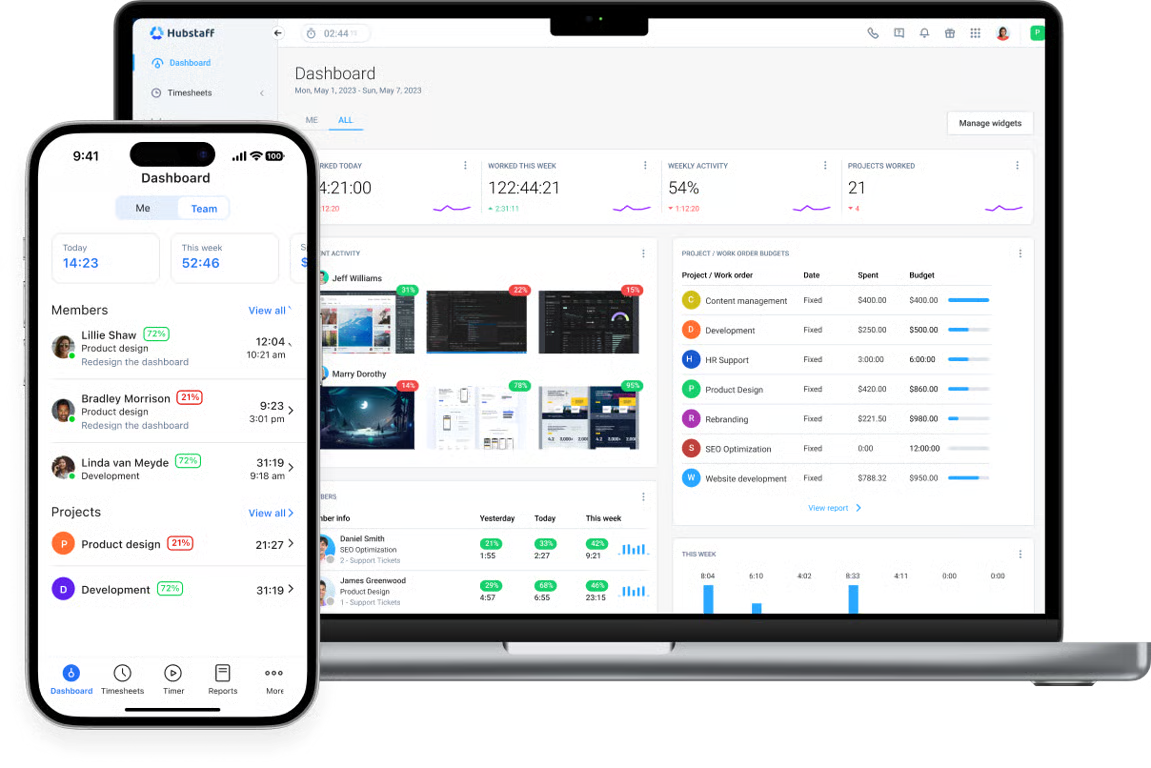
Built for discretion, security, and compliance, Hubstaff offers:
- Automatic tracking on company-owned devices. Keeps monitoring clearly separated from personal use, reducing privacy concerns and compliance risks.
- Discreet background operation. Runs seamlessly without disrupting workflows, ensuring accurate data without constant employee input.
- Compliance-ready reporting. Generates clear, audit-friendly records that support internal policies and external regulatory requirements.
- Enterprise-grade security. Protects sensitive data with robust safeguards, giving enterprise organizations confidence in how information is stored and managed.
- Centralized deployment and control. Enables IT and leadership teams to manage tracking policies consistently across the organization.
- AI-powered workforce analytics: Hubstaff Insights consolidates intelligent metrics from work patterns to elevate productivity with deeper, data-driven visibility.
The automatic time tracking capabilities are designed to meet security and compliance requirements.
Compliance-driven monitoring starts with transparency
Employee monitoring in regulated industries works best when it’s built on transparency, clear policies, and respect for employee boundaries.
When organizations focus on clarity over control and pair a company-device monitoring approach with the right tools, time tracking becomes a driver of trust rather than a source of friction.
See how Hubstaff can help you implement compliant and transparent time tracking. Sign up for a demo today.
Most popular
How to Communicate Device Tracking Without Breaking Trust
How would you feel if you found out your work device was being monitored by an employee tracking device for months without your kn...
Is Automatic Time Tracking Right for Your Organization?
Automatic time tracking sounds as straightforward as it gets. Employees sit at their desks, the software runs in the background, a...
Focus Time Should Be HR’s Top Productivity Metric
You can’t improve what you don’t measure. By that logic, it should follow that what you can measure, you can improve. When wor...
How to Track Employee Productivity on Company-Owned Devices Without Disrupting Your Team
When teams track employee productivity, what about it do people not like? Is it being tracked? Or is it being tracked without unde...