The Best Platforms to Provide Accurate Workforce Productivity Insights (2026)

 15 min read
- Accurate workforce analytics requires role-configurable app classification — tools that label Slack a distraction for engineers produce systematically flawed data that misleads managers and undermines team performance decisions.
- Reliable productivity platforms evaluate data across four layers: capture frequency, role-based classification, aggregation with outlier exclusion, and insight generation that surfaces actionable patterns over raw individual metrics.
- Hubstaff's approach prioritizes decision-ready workforce insights — combining idle detection, app usage context, and team-level trend analysis to give managers accurate, trustworthy data without triggering defensive employee reactions.

What does “accurate” mean in the context of workforce productivity insights?
Many leaders will say it’s the ability to see exactly how your workforce is performing. You get access to clean numbers that seem easy to trust. And why wouldn’t they be, when these systems were intentionally designed to produce these numbers in particular?
But even with all the advancements in workforce analytics tracking, it isn’t perfect.
The data you get looks like data, and it fits most organizations’ definition of it, too. But what if a considerable amount of what’s measured is wrong? That can look like:
- Idle time flagged as active work
- Productive apps categorized as unproductive
- Meeting time hailed as useful while focus time plummets
Acting on this data has consequences for real people, which is why you must ensure the data source itself is reliable.
Stay in the loop
Subscribe to our blog for the latest remote work insights and productivity tips.
Why productivity insights only matter if they’re accurate
Earlier, we asked what “accurate” meant for productivity insights. How about the inverse?
Does inaccurate data mean it is fabricated? Are there thresholds for one-off, misleading, or outright dishonest data? It’s not always clear-cut. However, there are specific areas where that tends to happen consistently:
- Idle false time positives. When a platform can’t distinguish between an inactive screen and a person’s thinking pause, it defaults to logging that as inactivity. For instance, a developer working through a hard problem with their hands off the keyboard can easily be read as someone who has stopped working.
- Misclassified apps. A lot of platforms apply an umbrella productivity label to specific types of programs, regardless of who’s using them or why. Take Reddit, for example. It can easily be identified as a highly unproductive platform, but marketing teams may need to pour hours into it for research work.
- Role-blind scoring. When two people with different roles are evaluated against the same activity benchmarks, the data will say that one is a normal team member, while the other is one of the worst hires in the company. That’s not fair to either.
- Black-box AI scores. A platform that gives you a productivity score without showing you the inputs is not giving you insight. It’s giving you a conclusion, and it is asking you to trust numbers you cannot see.
You’ll know that you can benefit from a better tracking platform if your employees are aware that the data doesn’t reflect their day-to-day work, but can’t point to why.
How to evaluate productivity insights platforms: A 6-criteria accuracy rubric
Many productivity platforms may promise the same outcome, but they are built differently, which greatly affects what that outcome looks like. Before you commit to a platform, these six criteria will help you understand where a tool is likely to fail you before it does.
- Signal quality. This is the foundation of everything else. If a platform can’t distinguish active work from idle time, background-only app activity, or some other type of activity that doesn’t fit in a box of traditional metrics, it is difficult to trust.
- App & URL classification depth. Binary productive/unproductive labels oversimplify work, making them unusable at scale. Look for tools that can classify activity as core, non-core, and unproductive work, along with the ability to reclassify per role or team.
- Role-aware reporting. Teams that do not work the same way should not be measured the same way. What you want is comparable data. If a platform can only apply one productivity benchmark across all roles, you’re getting uniform data that won’t tell you much.
- Explainability of insights. If a platform produces a score or a trend that you can’t expand to see what produced it, that might lead to trust issues down the road.
- Team and org-level aggregation. Dashboards that default to individual-level data can lead to micromanagement. Team and org-level views should be the default, with individual data accessible only through policy-defined permissions. This protects accuracy and privacy.
- Employee transparency. Employees who can see their own data (the same view their managers can see) are more likely to trust the system. What’s more, they might be more willing to flag when something looks off.
The best platforms for accurate productivity insights at a glance
| Platform | Best for | Signal quality | App classification | Role-aware reporting | Employee transparency | Starting price |
|---|---|---|---|---|---|---|
| Hubstaff | Mid-market teams that need accurate, transparent, role-aware productivity insights | High — configurable activity levels, idle detection, focus-block scoring | 3-tier: Core / Non-core / Unproductive, per-role overrides | Yes — per team and per role | Yes — employees see their own dashboards | $4.99/user/mo (Starter) + Insights add-on |
| ActivTrak | Workforce intelligence for ops and HR leaders | High — focused-time and multitasking detection | Productive / Unproductive / Undefined, configurable | Partial — team groupings supported | Limited — admin-controlled | $10/user/mo (Essentials) |
| Insightful | Real-time productivity dashboards for ops | High — granular activity capture | Per-team Productive / Unproductive / Neutral | Partial — per-team rules, not per-role | Configurable, employee view available | $10/user/mo (Workforce Analytics) |
| Microsoft Viva Insights | M365-heavy enterprises | Medium — based on M365 telemetry only | Implicit via M365 app categories | Limited — role inference from org chart | Yes — personal insights for users | Included in some M365 plans / $4/user/mo add-on |
| Time Doctor | Distributed teams that need accuracy plus payroll | Medium-high — distraction and idle detection | Productive / Unproductive, customizable | Partial | Yes — employee dashboards available | $6.67/user/mo (Basic) |
| Worklytics | People analytics teams in larger orgs | High — multi-source (calendar, comms, code) | Source-based, not app-classified | Yes — strong role/segment support | Org-defined; less individual-facing | Custom pricing (enterprise) |
| DeskTime | SMBs that want lightweight, productive vs. unproductive scoring | Medium — automatic categorization | Binary Productive / Unproductive | No | Yes — employee can view their own report | $6.42/user/mo (Pro) |
| Prodoscore | Sales and customer-facing teams | Medium — score from CRM/email/calendar inputs | Source-based scoring | Yes — role templates | Yes — employees see their own scores | $19.99/user/mo (Basic) |
| RescueTime | Individuals and small teams | Medium-high — auto-categorization, focus sessions | User-customizable Productive/Distracting/Neutral | No | Yes — built employee-first | $7/mo Solo; $10/user/mo Team |
1. Hubstaff
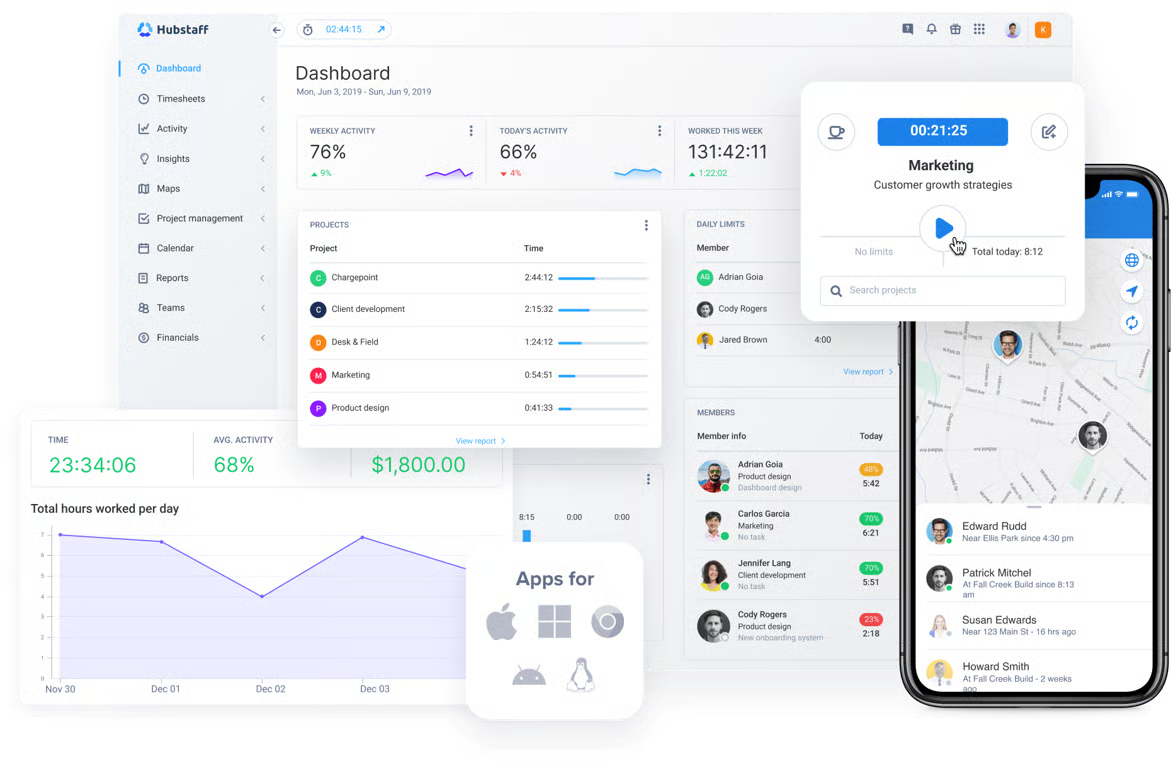
Most platforms in this category can do one or two things well, but Hubstaff brings time tracking, productivity monitoring, workforce analytics, reporting, payments, invoicing, and scheduling together in one platform, helping organizations turn workforce data into day-to-day operational decisions.
It’s designed for organizations that need consistent workforce data across teams, locations, and workflows, rather than disconnected point solutions.
Here’s what Hubstaff brings to the table:
- Configurable activity sampling and idle detection. Hubstaff captures short focus blocks that other platforms miss. It also flags idle time and unusual activity The result is more accurate productivity data that managers can trust when reviewing workloads and work patterns.
- Three-tier app classification. Hubstaff’s core/non-core/unproductive app and URL classification prevents collaboration tools from being labeled as distractions. Classifications can be configured per role or per team, helping organizations avoid applying the same productivity standards across every employee.
- Explainable focus-time scoring. The focus time feature can be defined as uninterrupted blocks of 30 minutes or more spent on core work. Over time, it helps managers understand how meetings, context switching, and interruptions affect productivity across individuals and teams.
- Employee-visible dashboards. Hubstaff allows users to see their own data and customize their dashboard with drag-and-drop widgets. That transparency helps teams validate their own data, understand how it’s being interpreted, and resolve issues before they affect reporting or payroll.
Organizations managing larger or distributed teams benefit the most from Hubstaff’s advanced workforce analytics. Insights helps managers move beyond individual activity metrics to understand workload distribution, productivity trends, and work patterns across teams.
Hubstaff’s pricing starts at $4.99/user/month on the Starter plan. The Insights add-on starts at $2.50/user/month, but it’s included in its Team ($10/user/month) and Enterprise ($25/user/month) plans.
Hubstaff offers a free 14-day trial.
2. ActivTrak
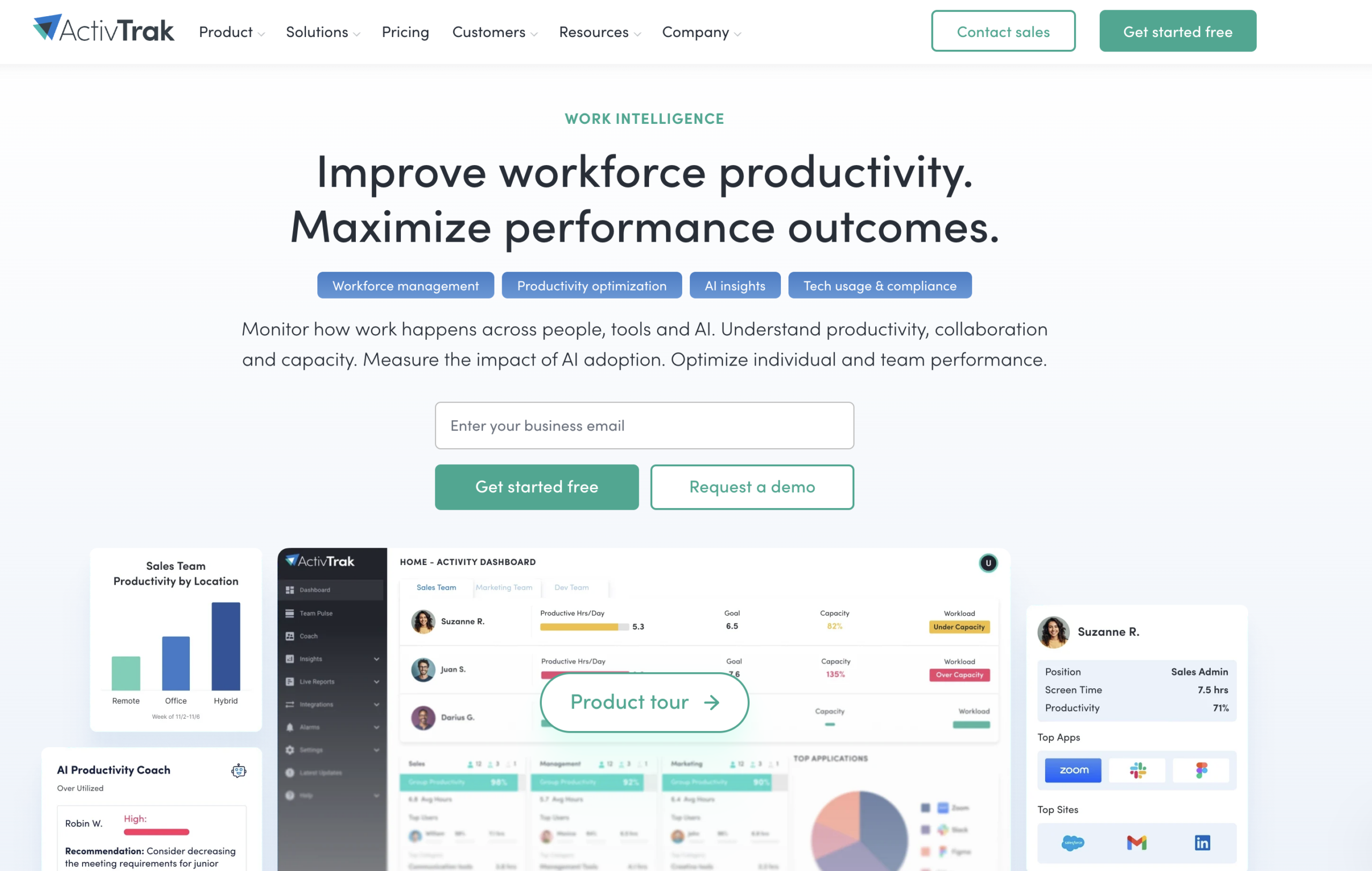
ActivTrak can detect metrics like multitasking patterns, schedule adherence, and focused time. These features support high-level decision-making instead of day-to-day monitoring that borders on micromanagement.
Here’s what ActivTrak can do:
- Behavioral capture. ActivTrak can pull in non-digital work through calendar integrations that can lead to more complete pictures of workdays. Focused time and multitasking detection also add context that raw activity logs don’t.
- Mouse jiggler and false activity detection. Like Hubstaff, the platform can flag activity-mimicking tools, which protects the integrity of the productivity data.
- AI coaching on top of behavioral data. ActivTrak provides recommendations based on the work patterns it observes, which improves actionability.
While ActivTrak’s focused time and multitasking detection are helpful, they are less flexible than a three-tier system. Employee-facing transparency is also admin-controlled by default, with no employee-first option.
ActivTrak’s pricing starts at the $10/user/month Essential plan, billed annually. It has a limited free tier available for up to three users and a free 14-day trial for its paid plans.
3. Insightful
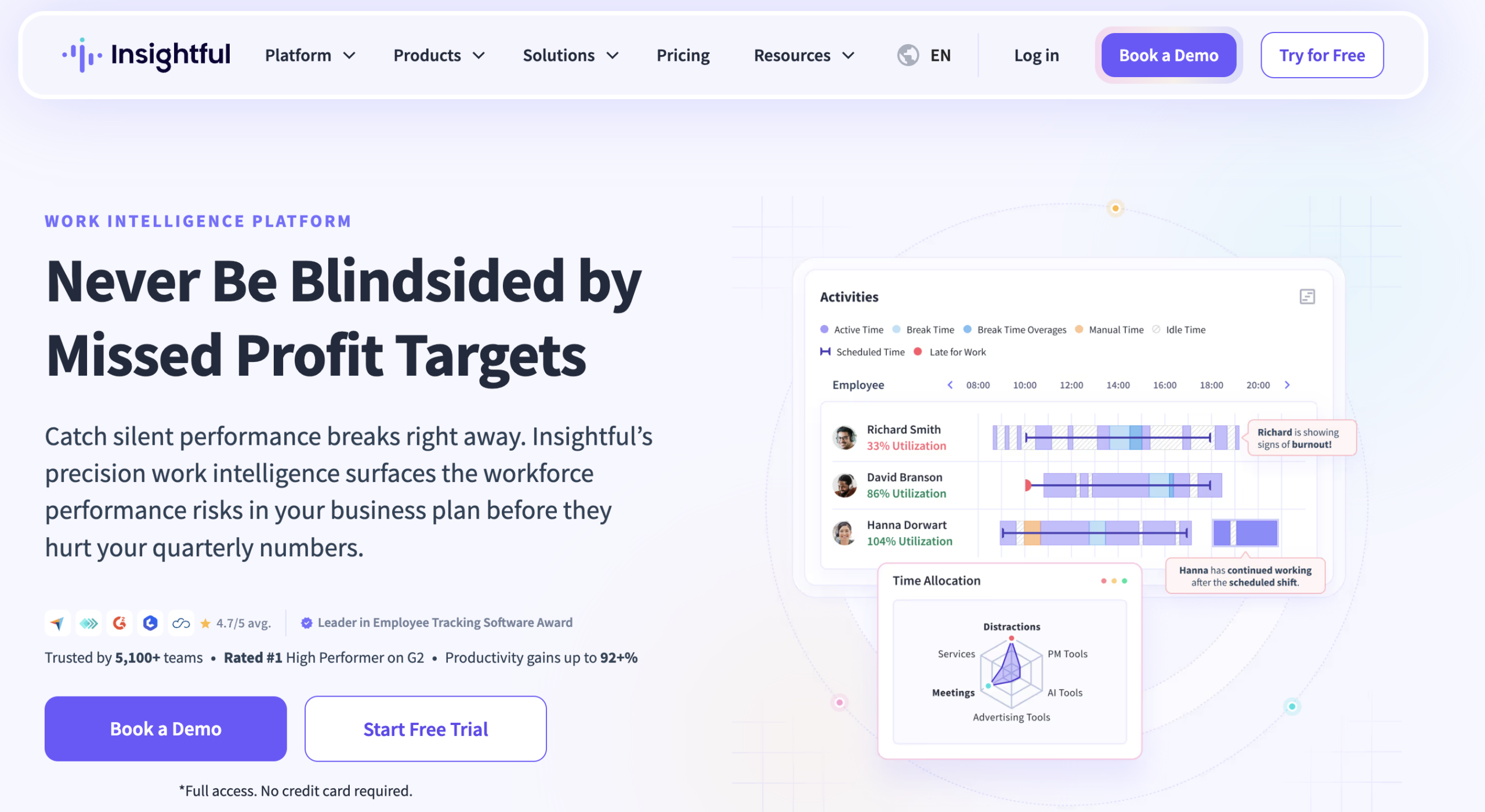
Insightful’s strong suit is granular capture — it can distinguish active, idle, and switching states in real time. Managers can also find great use in per-team app & URL classification rules and uncover focus time patterns at a high level of detail.
Insightful can help teams through the following features:
- Granular activity capture with real-time dashboards. Insightful can separate active from passive time with enough specificity to spot context switching patterns. The dashboards update in real time, allowing teams to address issues before they become an afterthought.
- Per-team app & URL classification. Classification rules can be set at the team level. This gets you closer to role-aware accuracy without having to configure for every individual user.
- Employee-facing data access. Employees can see their own data, which keeps signal quality high over time.
Compared to other peers, Insightful leans into monitoring language more, which could have an impact on how teams respond to it. Since data accuracy is dependent on employee trust, Insightful’s fairly close alignment with surveillance can impede that.
Insightful’s pricing starts at $10/user/month on the Workforce Analytics plan. It offers a free 7-day trial.
4. Microsoft Viva Insights
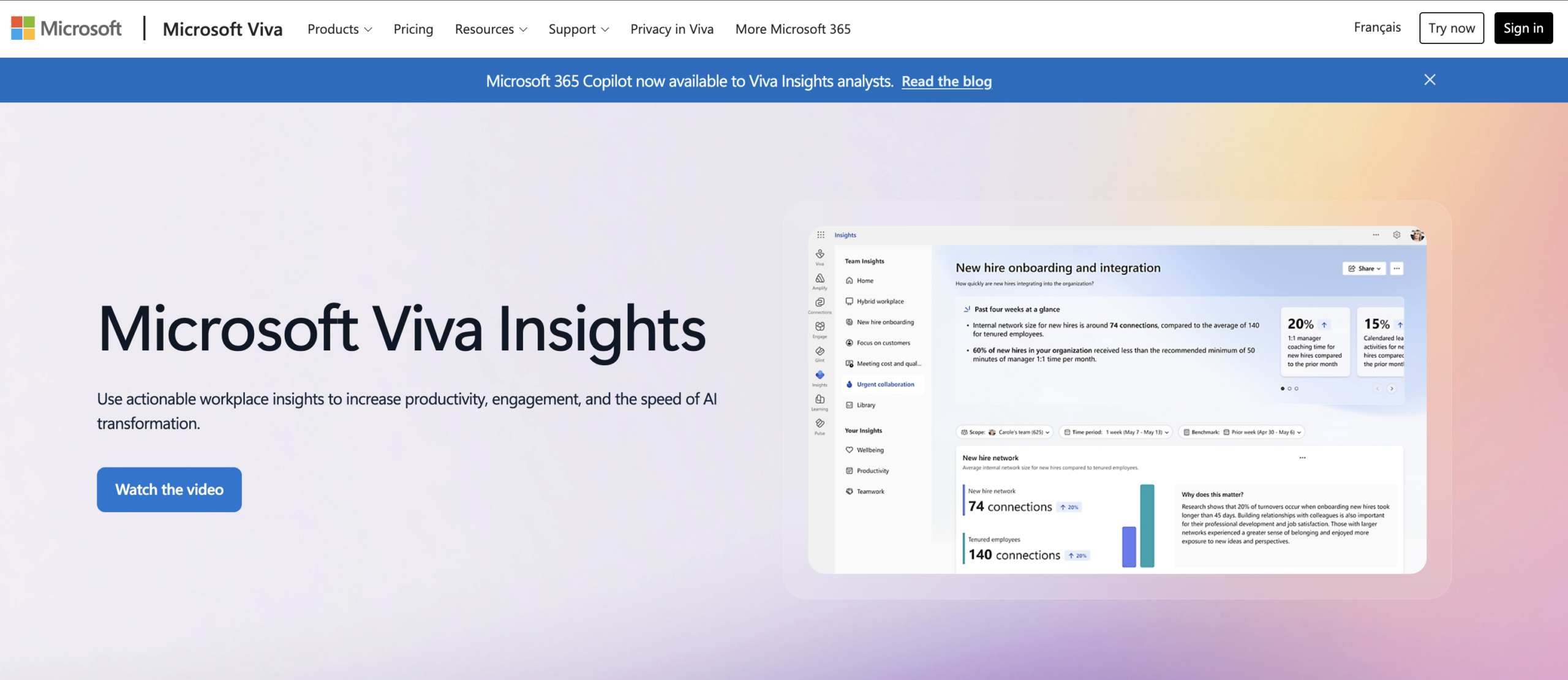
Microsoft Viva Insights’ approach to data capture is different from most other tools in this list. Instead of having a tracking client on each team member’s device, it pulls from native Microsoft platforms like Outlook, Teams, and M365 telemetry. Organizations already deep in the Microsoft ecosystem will benefit most from this tool.
- No client/agent. Because Viva Insights reads directly from M365 data (e.g., email, calendar, chat), the activity it measures is inherently tied to real work events rather than inferred from desktop behavior.
- Personal insights accessible to employees. Employees get their own view into their collaboration patterns, which helps preserve the signal quality over time.
- Meeting and collaboration analytics at the organizational level. Viva Insights reveals patterns on meeting time, after-hours work, and collaboration trends in a way that helps leaders understand structural inefficiencies.
Viva Insights’ greatest strength (i.e., the Microsoft ecosystem) also happens to be its weakness. It can see what happens inside M365, but not inside other tools like GitHub, Slack, or Notion. Depending on your team’s tech stack, the picture Viva Insights produces will either be very practically accurate or severely incomplete.
Pricing for Microsoft Viva Insights starts at $4/user/month. Some M365 plans include a version of Viva Insights.
5. Time Doctor
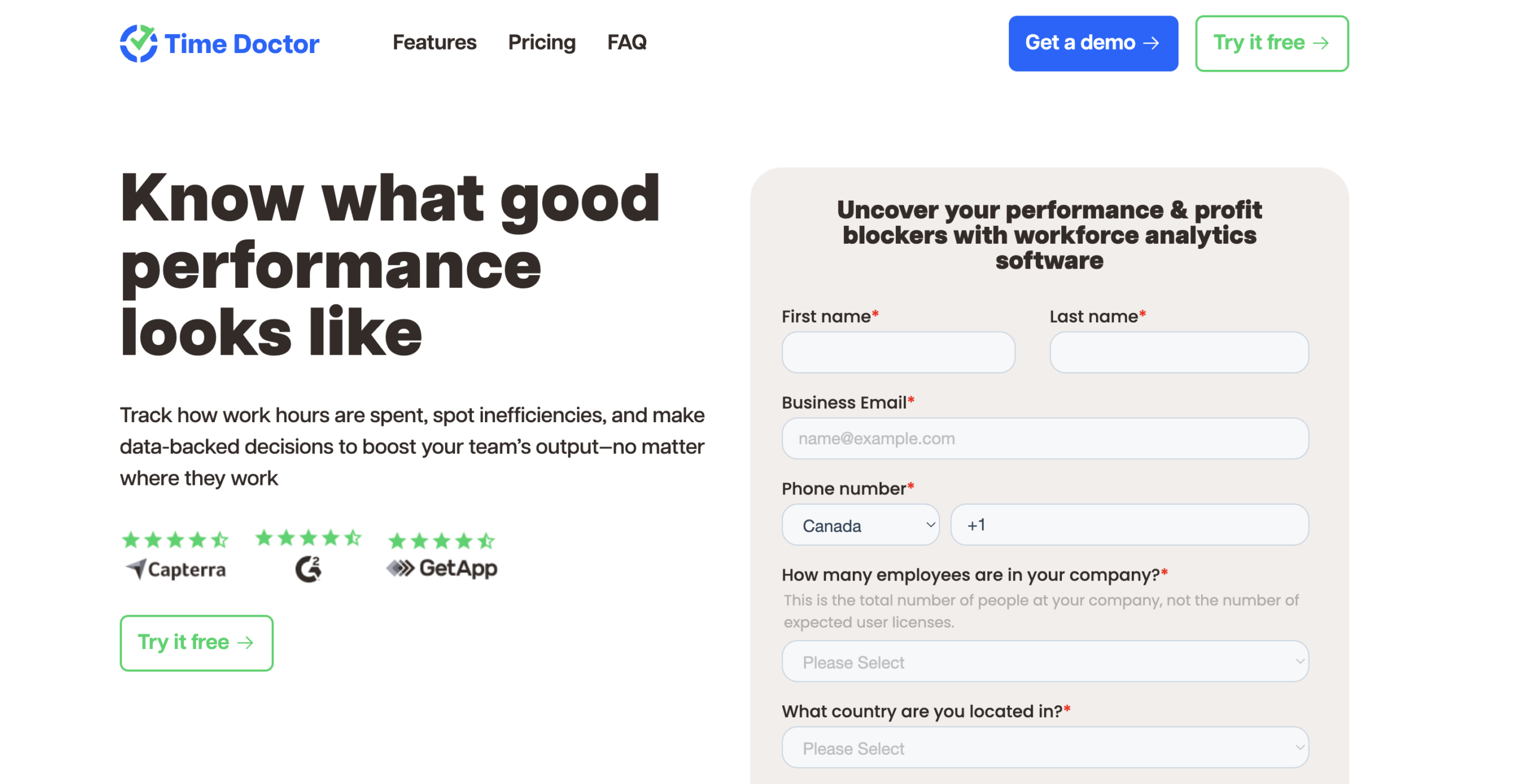
Time Doctor is built for teams that need accuracy tied directly to payroll — the connection between tracked time, activity data, and payment is tight. Its Benchmarks AI feature compares your team’s productivity patterns against anonymized data from over 260,000 employees, giving role-specific context to numbers that would otherwise have no reference points.
Here’s what Time Doctor can do:
- Idle detection and distraction reporting. Time Doctor flags inactivity and detects mouse jigglers and auto-clickers through its Unusual Activity Report feature. It can reveal distraction patterns at a level deeper than surface activity logging.
- Payroll integration for teams. Because tracked time flows directly into payroll, both employees and managers have a concrete reason to make sure what gets logged is accurate.
- Employee-facing dashboards. Employees can see their own data, which supports transparency and gives them a basis for contesting numbers when they don’t look right.
While a solid tool technically, Time Doctor’s feature set (e.g., screen recording and keystroke pattern analysis) skews toward surveillance more than several of its peers. Employees may easily perceive this as oversight more than insight, which presents a real trust roadblock.
Time Doctor’s pricing starts at $6.67/user/month on the Basic plan. It offers a 14-day free trial of its paid plans.
6. Worklytics
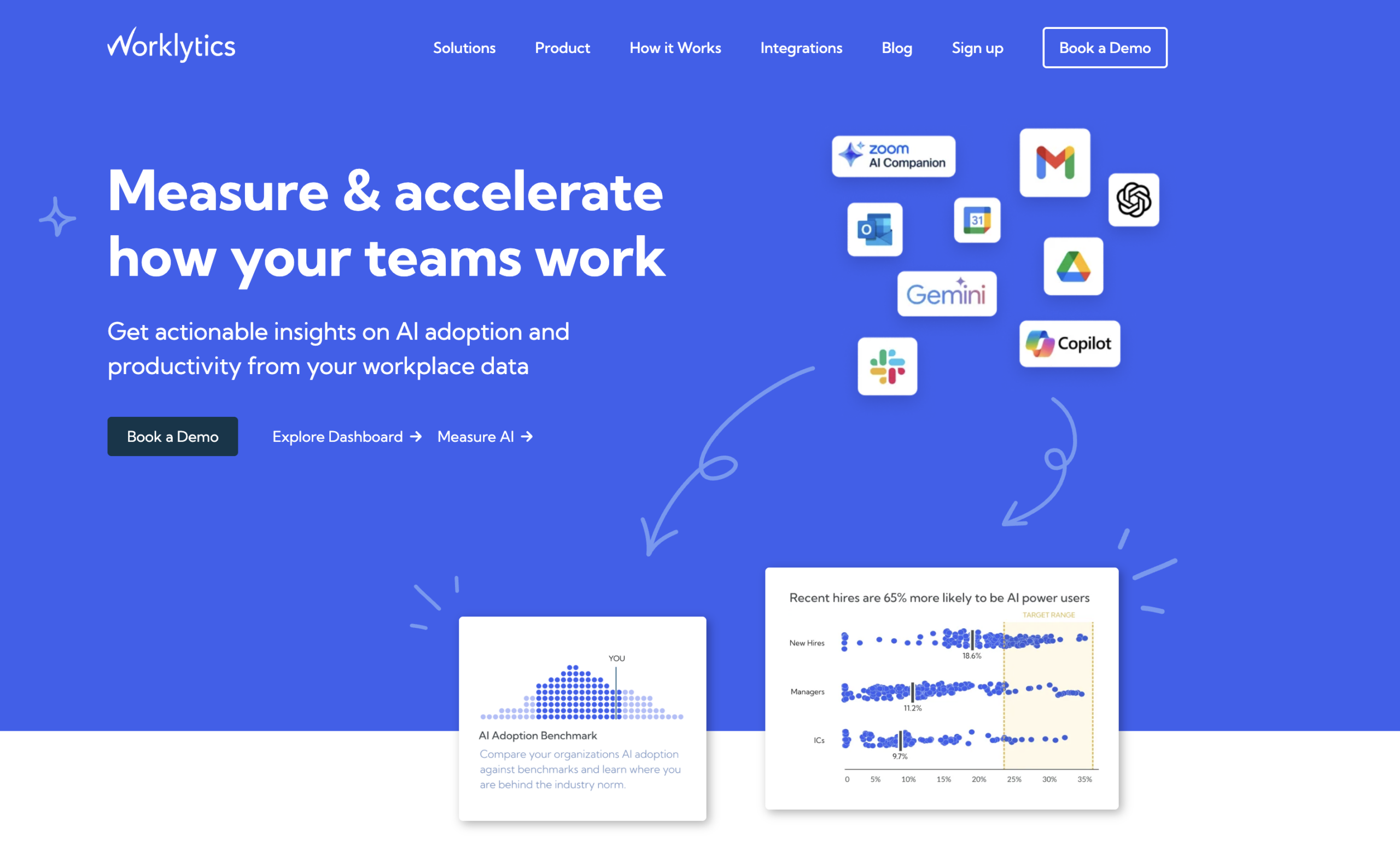
Worklytics takes an approach similar to Viva Insights — instead of having to use a desktop agent, it aggregates data from tools like calendars, emails, Slack, Zoom, and more.
Here’s what it has to offer:
- Multi-source aggregation. Worklytics pulls from over 20 digital work tools, which allows it to see cross-functional collaboration patterns, meeting time at the organizational level, and even manager effectiveness signals.
- Role- and segment-level reporting. Worklytics is designed for analytics teams who need to compare performance across functions, benchmark against external peers, and identify structural inefficiencies instead of individual activity logs.
- Privacy-first by design. All data is anonymized and aggregated at the group level. The platform is adamant that it does not store or analyze work content of any kind.
Worklytics falls short in scope, as it’s an analyst tool and not a daily operating system for managers. Individual employees don’t have dashboards showing their own data, and the platform is priced and positioned primarily for enterprise analytics teams, meaning you won’t gain much from it if you’re a small or mid-sized organization.
Worklytics’ pricing is custom and enterprise-only. You’ll need to contact their team for a quote.
7. DeskTime
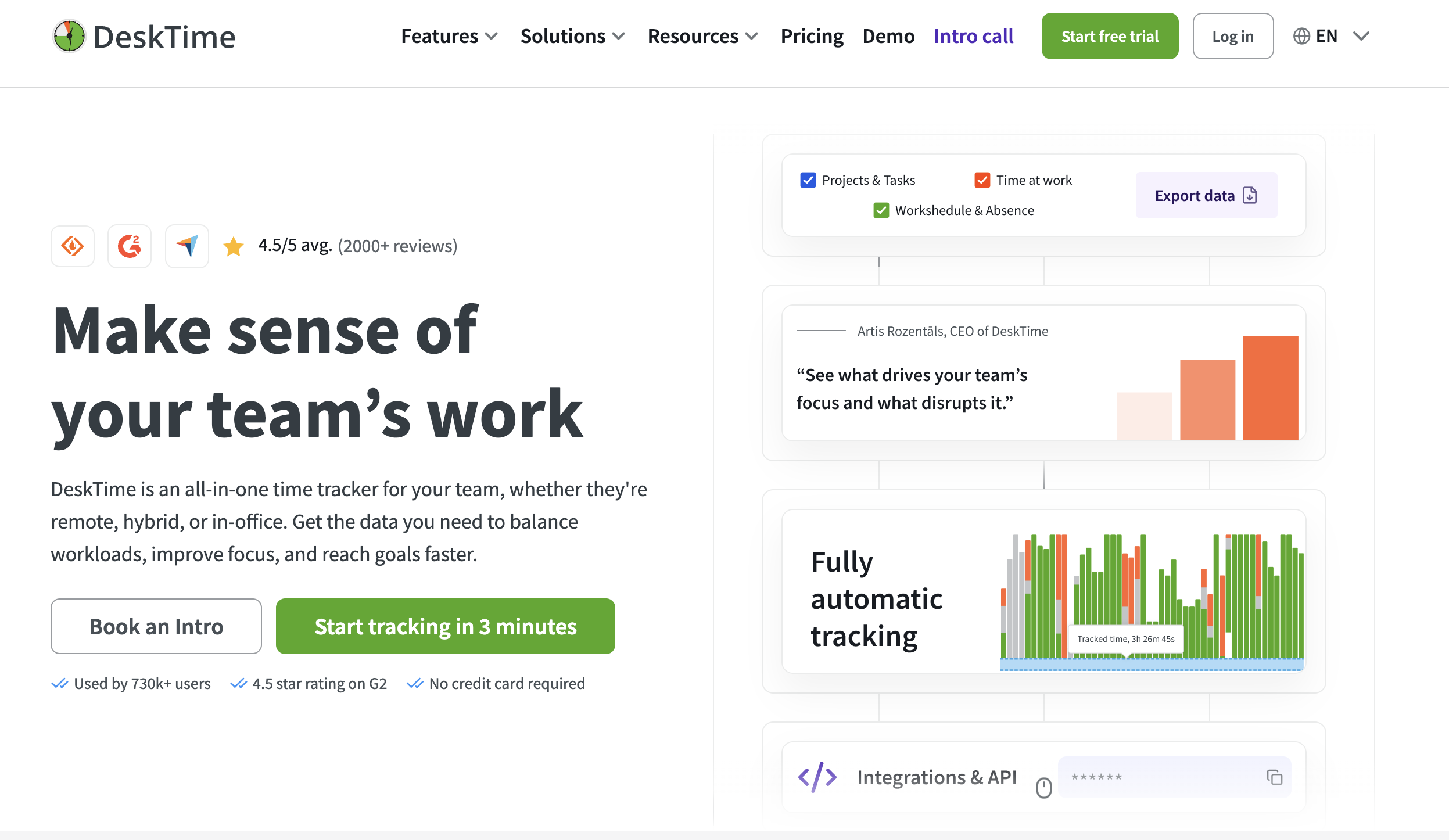
DeskTime is one of the easiest platforms to get up and running: Just install it, invite your team, and you have automatic time tracking data within minutes.
Small teams that need a clear picture of where work time is going without a lengthy implementation process will appreciate that simplicity. Here’s an overview of what DeskTime can do:
- Automatic app & URL classification. DeskTime can categorize apps and websites as productive, unproductive, or neutral. It also lets employees flag which tools belong in what category for their own work. The classification happens in the background, requiring no manual input from anyone.
- Idle detection with a short threshold. Tracking stops after three minutes of inactivity, which means idle time doesn’t accumulate into active hours.
- Employee-visible daily reports. Each team member can see their own productivity data, which is conducive for organizations looking to build continuous transparency and use monitoring features in a healthy way.
DeskTime’s classification model is essentially binary, and it cannot be adjusted by role. Teams where everyone does roughly the same kind of work may not be hindered by that limitation. Mixed-function teams, however, might be.
DeskTime’s pricing starts at $6.42/user/month on the Pro plan. It has a free 14-day trial.
8. Prodoscore
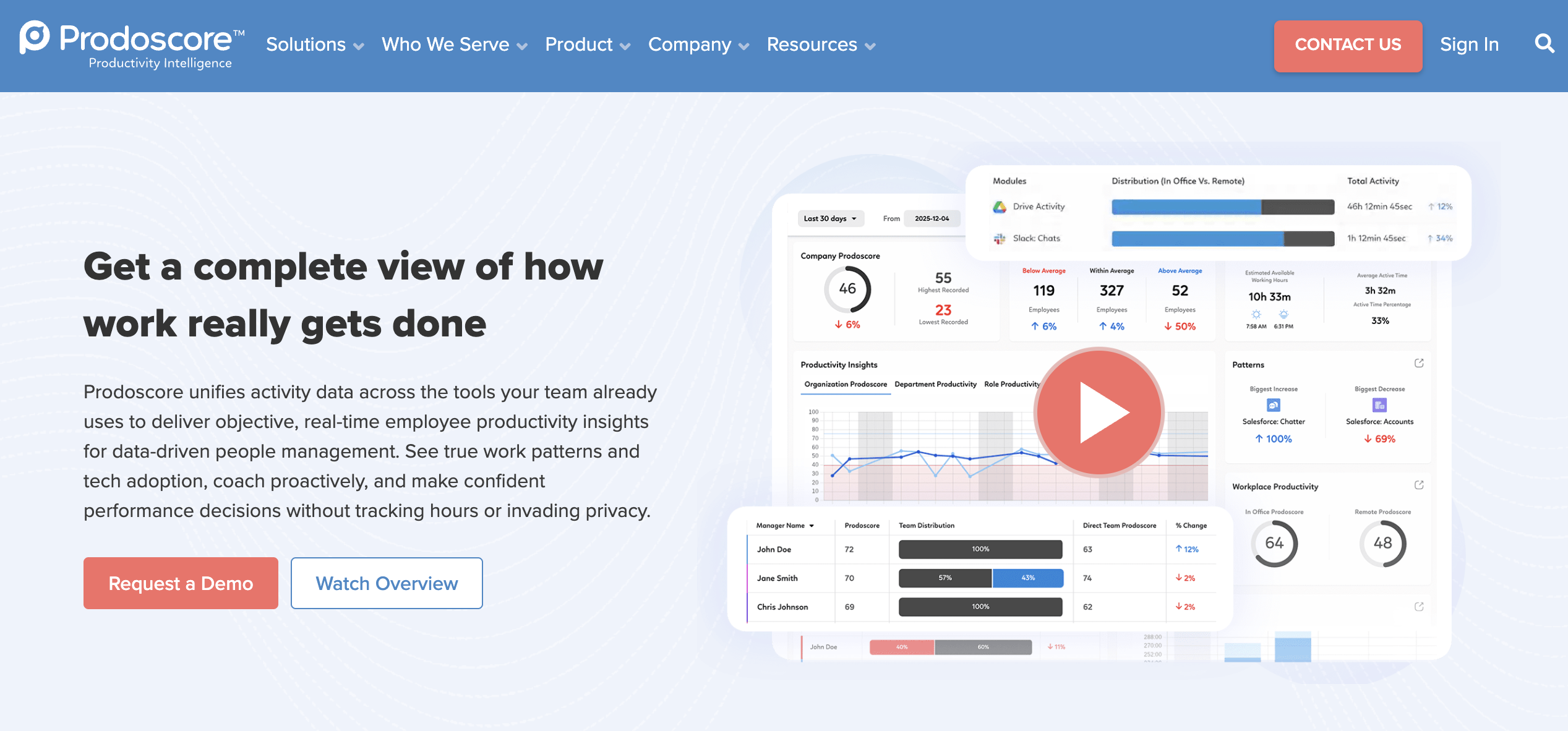
Prodoscore pulls activity data from business systems where work happens, like CRM, email, phone, chat, and calendar tools. From there, it synthesizes the data into a unified productivity score. Prodoscore also offers other capabilities, like:
- Source-based capture. Prodoscore takes no screenshots, does no keystroke logging, and requires no desktop client to watch what windows are open. The data comes from the tools employees are already using to do their jobs.
- Role benchmarking and top performer analysis. Prodoscore identifies behavioral patterns that distinguish high performers and makes those patterns visible to managers.
- Employee-visible data. Employees can see their own scores and patterns, which can improve the quality of the data over time. Prodoscore also positions this as a trust feature.
Similar to two previous tools on this list, Prodoscore can fall short if an employee’s work doesn’t involve the business tools mentioned above. The composite score can also be hard to interrogate, which puts it in black-box territory for roles where the inputs don’t map well to the systems you’re tracking.
Pricing starts at $19.99/user/month on the Basic plan, making it one of the higher entry points on this list.
9. RescueTime
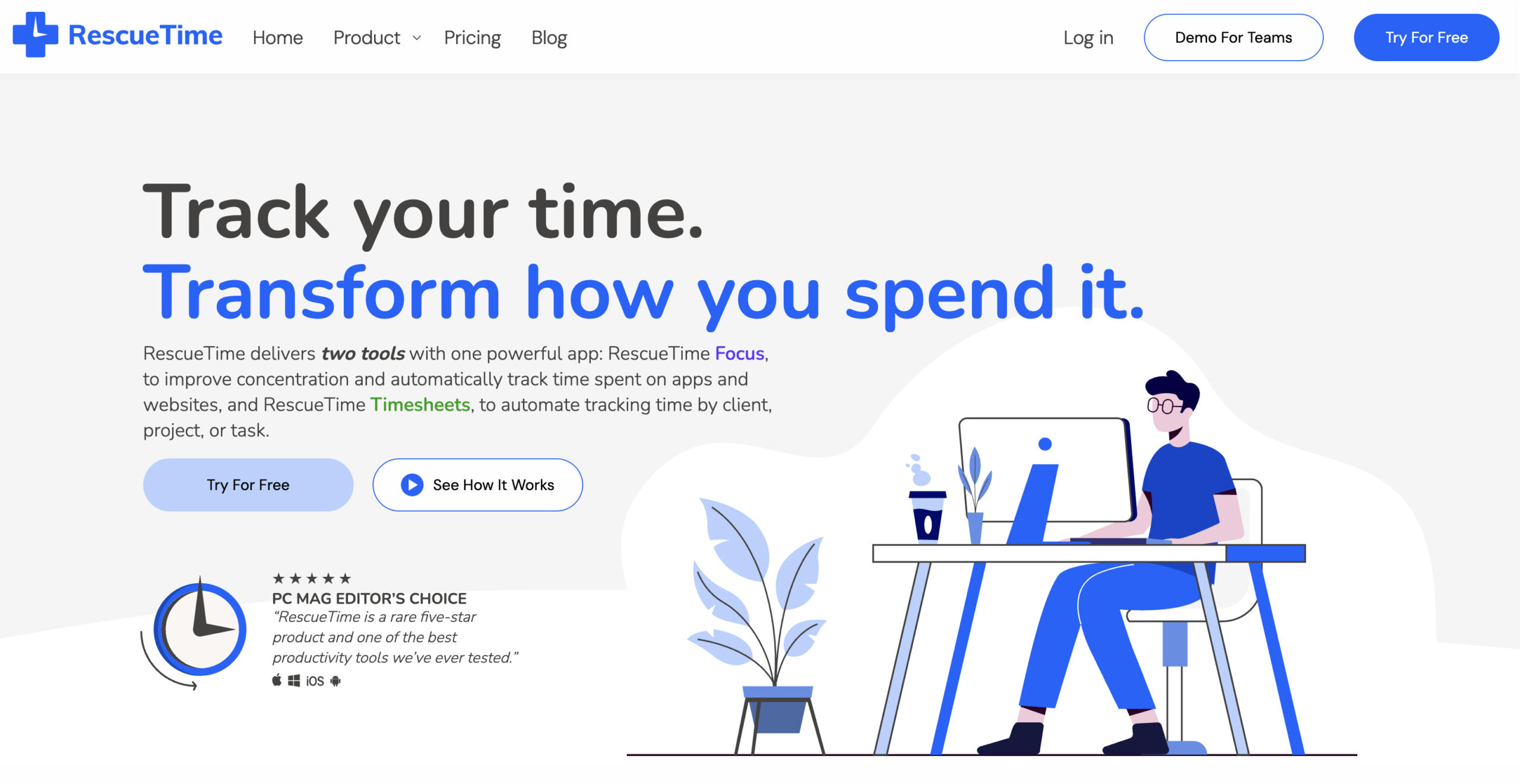
RescueTime’s automatic background tracking is frictionless, as it can run without timers or any action from the user. It also has focus session tools, distraction blocking, and daily productivity scores. RescueTime also boasts a few other core features, like:
- Fully automatic background tracking. RescueTime tracks app and website data without requiring an employee to start a timer. This means human error is a non-variable in the accuracy equation.
- Focus sessions and distraction blocking. Employees can block distracting apps and websites during focus periods, which makes the productivity data more reliable.
- Employee-first transparency. Individual data remains private to the employee by default, with team-level trends visible to managers.
RescueTime is an excellent tool for helping individuals and small teams understand where their time goes. That said, it falls short in per-role classification, and its team-level reporting is category-based rather than role-aware. A manager looking for workforce-wide productivity patterns across different functions may hit the ceiling of what this platform was designed to do fairly quickly.
For teams, RescueTime’s pricing starts at $10/user/month, with a free, 14-day trial available.
What employee productivity insights mean in a workforce analytics platform
There’s a meaningful difference between a software that tracks time and one that understands work.
Many time trackers do the former — they record when someone clocks in and clocks out, and generate time logs accordingly. For some teams, that’s enough. If the goal is simply tracking billable hours, attendance, or payroll, basic time tracking can work well. But teams that need deeper visibility into productivity, workload balance, focus time, or operational efficiency typically need a more advanced workforce analytics platform that can:
- Capture more than presence. Clock-in and clock-out times tell you that someone was at their work station. Activity metrics like app & URL usage, focus session durations, idle detection, and project context paint a far more accurate picture of what team members were doing while they were there.
- Understand that one app can mean different things to different people. A platform that can classify activity by role and intent can recognize that a video editor spending several hours on YouTube is doing their job. Systems that can’t see beyond an app’s name miss that nuance.
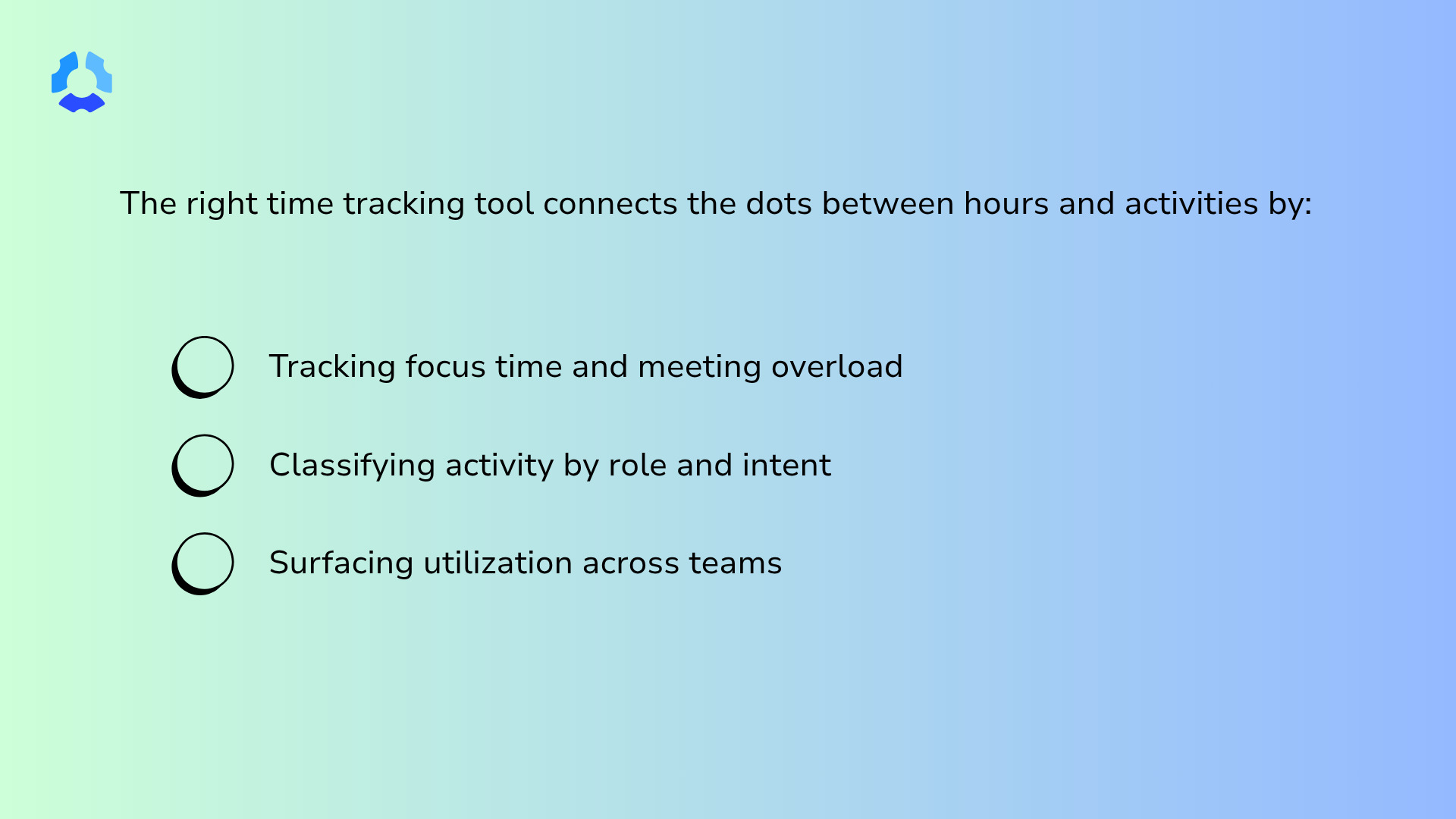
- Reveal patterns. Raw, individual activity data is mostly noise. Leaders need decision-ready patterns, such as depleted focus time, meeting overload within a department, and capacity utilization across different times of the year.
Leaders also need to understand what these platforms should not do.
Features like keystroke logging and webcam surveillance are not productivity insights. There is no other way to label them other than surveillance, and they often harm employee trust.
The goal of workforce analytics should be to understand how work gets done, identify operational patterns, and support better decisions – not to watch employees in real time.
How accuracy is measured in workforce productivity software
A vendor can’t just claim their tool is accurate, as accuracy is a property of the system’s design and is measurable at each stage of the data pipeline.
When a productivity number turns out to be wrong, the failure usually circles back to one of the four layers below:
- The capture layer. A lot of accuracy problems begin here. For instance, a platform sampling activity every ten minutes will miss short focus blocks entirely (i.e., a 25-minute deep work session can look like nothing happened). Idle time detection thresholds matter for the same reason, as does a tool’s capability to discern an app running in the foreground from one sitting in the background.
- The classification layer. Once activity is captured, it has to be labeled. How apps and URLs get tagged as core, non-core, or unproductive (and whether those classifications can be configured per role or per team) determines if the labels mean anything in context. If a classification system cannot be adjusted, it will eventually misclassify someone’s job.
- The aggregation layer. Individual signals have to be translated into something a leader can act on. Look for tools that exclude obvious outliers when calculating averages (e.g., PTO days, half-days, and onboarding periods). Ideally, the tool should also make it easy to compare teams against their own historical baseline to help ensure fairness.
- The insight layer. Patterns need to be translated into something actionable. Are teams spending too many hours on meetings? Are team members operating at or near max capacity? The information you can access at this layer will determine whether or not you have genuine analytics on your hands.
A platform that handles all four layers well is genuinely rare. Many are strong at capture but weak at insight. Some are quite sophisticated at aggregation but rigid at classification.
Common ways employee productivity platforms get accuracy wrong
When productivity platforms fail, it isn’t because they’re tracking the wrong things. They fail because the things they do track get interpreted incorrectly at scale by managers who have no way of knowing the data is unreliable. Here’s how that can appear in the day-to-day:
- Mouse jiggler scripts logged as active work. If a platform cannot distinguish between genuine, natural mouse movement and a script running in the background, it’s not measuring anything useful.
- Background app time counted toward focus. A browser tab left open in the background looks identical to a browser tab in which work is being done (unless the platform can distinguish foreground from background activity).
- Slack is treated as a distraction for roles that involve communication. Support teams, account managers, and customer success managers often live in Slack. If a platform labels it unproductive by default, it will generate inaccurate data for those roles every single day until someone manually corrects it.
- Idle threshold set too high. A ten-minute idle threshold means someone who stepped away for nine minutes still reads as continuously active.
- “AI productivity score” with no explainable inputs. A score that can’t be traced back to specific signals is but an arbitrary number. It cannot be challenged, corrected, and, most importantly, trusted.
- Role-blind benchmarks. Comparing one role’s activity patterns to a different role’s does not produce meaningful insight. It produces wrong insight that looks meaningful, which is arguably worse.
- Individual-level aggregation as the default view. Tools that prioritize individual data can lead to conversations that are more defensive than helpful. Team-level trends, in contrast, are more actionable.
If you can’t explain a number to the person it’s about, you can’t act on it either.
Which productivity insights platform is right for your workforce?
The right platform depends on where your team’s pain points lie.
If you’re lacking visibility into a Microsoft-heavy organization, Viva Insights covers a lot of ground without additional infrastructure. Or, if you need personal focus for a small team, RescueTime is a good option.
But if the pain is accuracy itself, Hubstaff is the most complete solution on this list. If you’re ready to see what accurate productivity insights look like, start your free 14-day Hubstaff trial.
Frequently asked questions
What are workforce productivity insights?
Workforce productivity insights are data-driven measurements of how work gets done across a team or organization. It typically covers metrics like app usage, focus time, and collaboration trends.
Are AI-generated employee productivity scores reliable?
It depends on whether the platform can show what went into the score. An AI score backed by explainable inputs like app classification and idle detection is useful. On the other hand, one that shows a number without showing how it got to that number is much harder to trust.
Do productivity insight platforms work for in-house, hybrid, and remote teams?
Most modern platforms can handle all three, but the accuracy of the data can vary by environment. Tools with clients or agents generally work well across platforms, while tools that pull from third-party program data (like calendar or communication tools) may miss activity that happens outside those systems.
Can workforce productivity insights be collected without invading employee privacy?
Yes. The best platforms are designed with that in mind. Look for key features like employee-visible dashboards, role-based data permissions, and a focus on work patterns rather than individual surveillance.
Most popular
The Top Time Management Statistics in 2026 for Workplace Productivity
We all have the same hours in the day. But when employees struggle to focus, those hours likely won’t be used effectively. Witho...
The Best Coaching Conversations Start With Productivity Data
Most coaching conversations happen too late. A deadline is missed, or a client flags a problem, and then a manager schedules a sit...
A Quick Guide to Work Order Management
From quick fixes to long-term stability, work orders are crucial to asset management and helping managers keep operations running...
How to Identify High Performers Using Work Patterns
Every business has top performers, and managers are told to find them all the time. But in most cases, they default to approaches...