7 Tools That Help Teams Monitor AI Usage at Work in 2026

 12 min read
- AI tools are used by 73% of workers but account for just 4% of work time, highlighting a critical gap between adoption and actual workflow integration that monitoring can help close.
- Effective AI usage monitoring tracks four dimensions — adoption, depth, productivity impact, and risk — giving teams the full picture, not just whether an app was opened.
- How tools like Hubstaff, Insightful, and ActivTrak approach AI visibility, productivity context, workforce analytics, and privacy in different ways

AI is everywhere. Adoption continues to grow, but from monitoring AI usage, we’ve learned that daily use is still a mixed bag, as it accounts for just 4% of work time.
For some teams, AI is a daily driver. It’s running 24/7 to support customer service or software teams are using it to write your company’s code. For others, it’s a tool that’s used inconsistently for sporadic task support.
Business leaders may look at adoption rates and celebrate success, but there’s still some mystery around how employees are using AI to improve productivity in their day-to-day. That negative space between perception and reality is where most organizations are living right now.
The question isn’t whether your team is using AI. It’s how they’re using AI.
Most leaders don’t understand how, how much, or whether AI is actually helping.
In this article, we’ll look at seven tools built to answer that question. We’ll go into what each one does well, where each one falls short, and how to decide which one fits your team.
Boost your team’s efficiency with Hubstaff's productivity tools
What AI usage monitoring really means in 2026
What is the first thing that comes to mind when you hear “monitoring AI usage”?
If you pictured someone watching a ChatGPT tab, you’re not wrong — but that’s also not the whole picture.
In 2026, monitoring AI usage means developing a real understanding of how artificial intelligence is woven into the actual workday. That covers a few distinct layers:
- Adoption. Who is using AI tools, in which roles, and across which departments? This is the starting point; you can’t measure what you haven’t mapped.
- Depth of usage. The difference between someone who opens an AI tool twice a week and someone whose entire workflow runs through it. Light users and heavy users create very different patterns, and those patterns matter for business outcomes.
- Impact. Whether AI usage is translating into better focus, faster output, or fewer errors, or whether it’s adding unnecessary steps and creating noise.
- Risk. Unapproved tools, sensitive data being passed into consumer-grade AI, policy gaps that nobody has written yet because the tools moved faster than the rules.
Taken together, these four dimensions comprise what a real monitoring practice looks like.
The goal is not control, but understanding. Teams that understand their own AI usage are in a better position to optimize for productivity, while leaders who have that visibility can make better decisions about where to invest, coach, and slow down.
How we evaluated these AI usage tools
Not every tool that claims to monitor AI usage is measuring the same thing.
Some are watching screens, while others are counting the number of times a program is opened. There will also be apps trying to tell you something meaningful about how work is really getting done.
Here are the criteria on which we evaluated the tools.
Criteria for the best AI tracking tools
- AI visibility depth. Can the tool see across the AI tools your team is using — ChatGPT, Copilot, Gemini, Perplexity, and whatever else has crept in? Moreover, does it capture useful insights, like time spent, or just the fact that the app was open?
- Productivity context. Raw activity logs are easy to generate and hard to interpret. The better question is whether the tool connects AI usage to focus time, workflows, or outcomes.
- Fit for distributed teams. Remote and hybrid teams have different monitoring needs than an office where everyone is on the same network. Cross-platform coverage, fairness across time zones, and transparency with employees all matter here.
- Privacy and trust. There is a meaningful difference between aggregated trend data and user-level surveillance. Where a tool lands on that spectrum and how much control you have over it shapes whether your team will trust the process or resent it.
- Time tracking and categorization. Can you classify AI tools as productive or unproductive, tie usage to specific projects or clients, and get a real sense of what percentage of the workday is spent in AI per role or team?
These five criteria won’t look equally important to every organization.
For instance, a security-first team will weigh privacy and visibility depth differently than a distributed startup trying to understand whether their AI subscriptions are paying off.
But as a framework for comparison, they hold across most of the use cases we encountered while putting this list together.
Overview of tools
The seven tools below cover a wide range of approaches, from lightweight activity tracking to forensic-level surveillance, from time-tracking-first to enterprise analytics platforms.
They don’t all solve the same problem, but that’s part of the point. Here’s how each one holds up against the criteria above.
1. Hubstaff
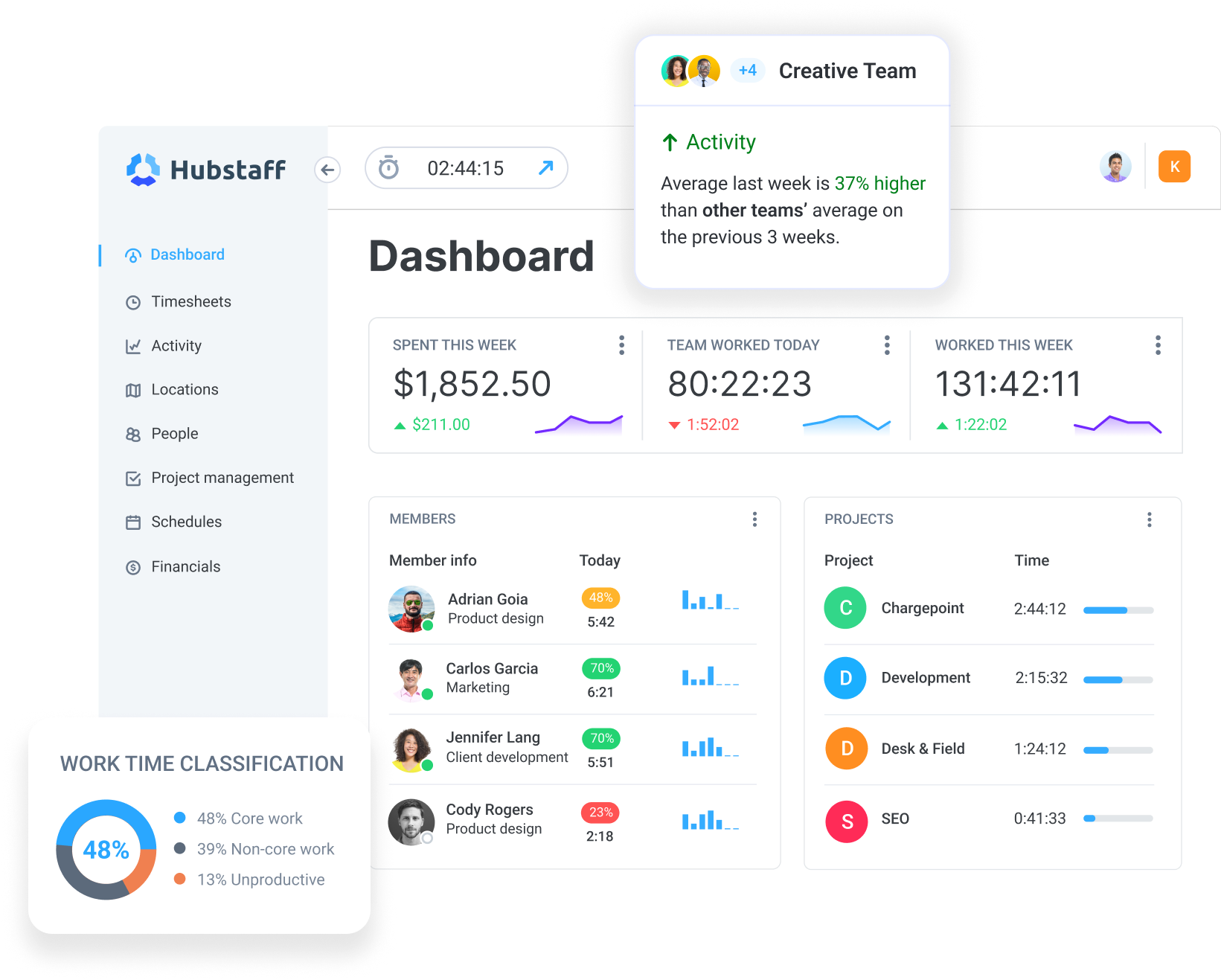
Hubstaff is a time tracking software platform that approaches AI usage tracking from a productivity-first position, which makes it a different kind of tool than most others on this list. It’s designed not just to identify AI tool usage, but to help teams understand how that usage fits into the broader workday.
This matters for distributed and hybrid teams. Hubstaff tracks app and URL usage across the workday, and it can reveal how much time different roles are spending inside AI tools, and whether that time is concentrated or scattered.
What makes this more useful is the context. AI usage data is layered alongside time tracking, focus time, and meeting or messaging load, so teams can understand whether AI is supporting deep work or contributing to fragmented workflows.
Its key capabilities include:
- Automatic time tracking that distinguishes focused work from fragmented work
- App and URL tracking that classifies AI tools and quantifies time spent in them by role or team
- Workforce analytics that surface patterns in productivity, utilization, and workload distribution
- Visibility into focus time, meetings, and messaging load alongside AI usage, so the relationship between tools and time becomes clearer
Our 2026 Global Trends and Benchmarks Report draws on data across more than 140,000 workers and adds some useful context here.
We found that the average person spends roughly 39% of their tracked time in deep focus and that while 73% of workers now use AI tools, most are spending only about 3% of their workday on them. The adoption is rising, but the integration into actual workflows largely isn’t yet.
That gap is part of what makes AI usage data meaningful when it sits alongside focus time and meeting load. If AI tools are being used in short bursts between meetings, that’s a different story than if they’re embedded into deep work blocks.
Hubstaff reports both, which means you’re not only counting AI opens but are also starting to understand what role AI is playing in the day-to-day. Not only can this improve productivity outcomes, it can help leaders spot early signs of employee burnout.
Hubstaff is best for distributed teams that want to understand how AI is used across the workday — without relying on top-down oversight. Its transparent dashboards are shared with employees, giving teams visibility into their own work patterns and enabling self-correction alongside managers.
Where Hubstaff is less suited is on the security and forensics end. If your primary concern is data exfiltration or you need detailed audit trails of exactly what was typed into an AI tool, this isn’t the right fit.
But if you want to understand how AI is shaping the workday and give your team visibility into that alongside you, it’s a great place to start.
You can try it for free and see what your own usage data looks like before drawing any conclusions.
2. Teramind

Teramind is built for organizations where the primary concern around AI isn’t productivity, but risk. If Hubstaff’s question is “how is AI shaping the workday,” Teramind’s question is closer to “what could go wrong, and do we have the evidence to prove it.”
The platform operates at a forensic level. It records screens, logs keystrokes, and uses OCR to extract text from what’s displayed. This means it can capture not just that someone opened ChatGPT, but what they typed into it and what came back.
Here are its notable features:
- Live view and historical playback of employee screens, capturing full context of AI interactions
- OCR on screenshots and recordings to extract text, including prompts and responses inside AI tools
- App, website, email, and messaging monitoring with behavior-based risk scoring
- Automated responses and blocking for policy violations, including uploads to unauthorized AI tools
The tradeoff is weight.
Teramind is a serious piece of infrastructure, and it reads that way to employees.
Teams that are sensitive about monitoring culture, or that are primarily trying to understand productivity patterns rather than investigate incidents, may find it more than they need.
It’s a strong fit when the threat model is specific and the need for defensible evidence is real, but less so when the goal is simply to understand how the workday is changing.
3. ActivTrak
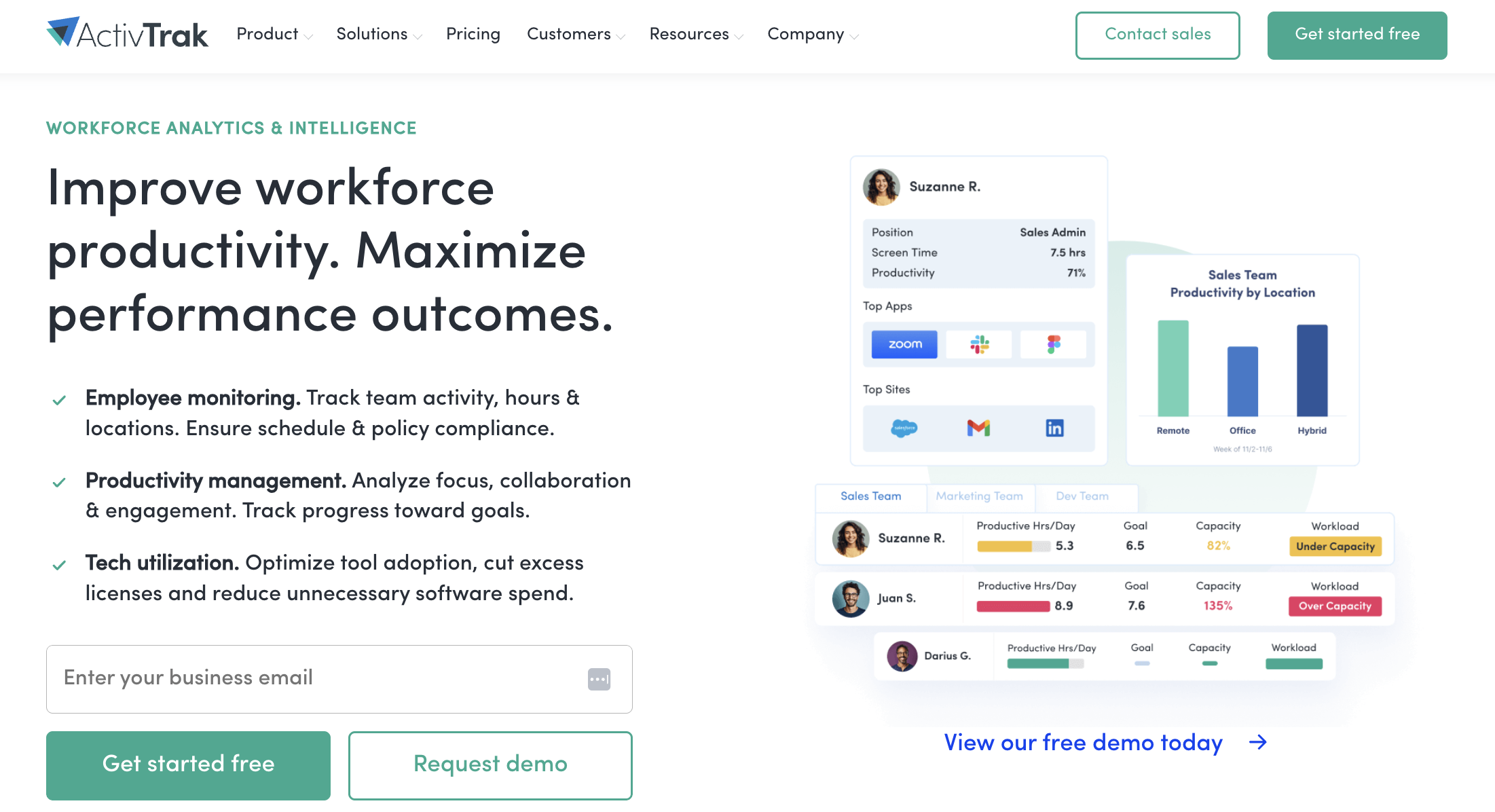
ActivTrak goes wide on analytics. It’s built for organizations that want to treat AI adoption as something to be measured and managed at scale.
The platform sits closer to a workforce intelligence system than a traditional monitoring tool. It tracks how employees are spending time, which tools they’re using, and how that maps to productivity outcomes.
What’s more, it layers AI-specific analysis on top of that to help leadership understand not just who is using AI, but whether it’s changing how work gets done in any meaningful way.
Its features include the following:
- AI Adoption & Impact Analysis that tracks AI usage, workforce utilization, and high-value work over time
- AI workflow intelligence that identifies repetitive tasks and surfaces automation opportunities
- An AI Advisor interface for querying workforce data and getting guidance on capacity and underutilization
- Workforce planning tools that turn activity data into inputs for scheduling, headcount, and performance decisions
The tradeoff is complexity. ActivTrak is a substantial analytics platform, and it’s most valuable when there’s already an organizational appetite for rigor. Teams that want a lighter-weight view of AI usage — something that connects to time tracking and gives team leads a practical daily picture — may find it more infrastructure than they need. But for large enterprises that want a system of record for how AI is actually moving through the organization, it’s one of the more thoughtful options on this list.
4. Controlio
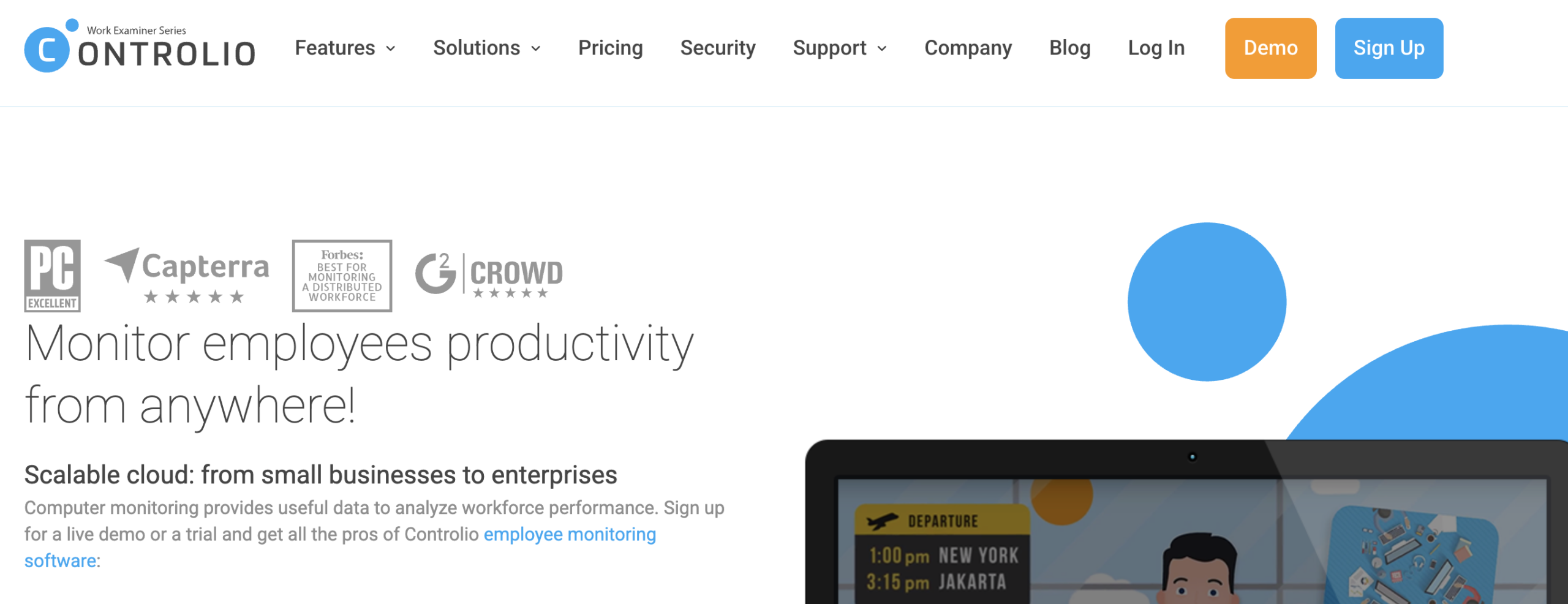
While its name doesn’t leave much to the imagination, Controlio is honest. It is straightforwardly built for organizations that want detailed visibility and control over what happens on their endpoints. It doesn’t dress that fact up as something warmer than it is.
Controlio tracks app and web usage, generates productivity scores, streams live video from employee screens, and logs keystrokes and behavioral patterns to establish baselines and flag when something looks off.
If an employee opens an unapproved AI tool, uploads a file they shouldn’t, or drifts outside normal usage patterns, Controlio can catch it, record it, and alert someone about it.
Here’s what it covers:
- Continuous screen recording and live view of employee desktops, with optional video export for extended retention
- App and web usage reports with AI-based categorization and flexible productivity scoring by user or department
- Behavior rules, automated alerts, and blocking capabilities for policy violations and high-risk actions
- Time clock and attendance tracking that maps actual work hours against scheduled ones
The tradeoff is the same one Teramind carries, just packaged differently. This is a surveillance-oriented tool.
For organizations where that level of oversight is genuinely warranted — regulated industries, high-security environments, active investigations that require audit trails — it’s a sensible options. But for teams trying to understand how AI is shaping their workday, this is a disproportionate choice.
5. Insightful
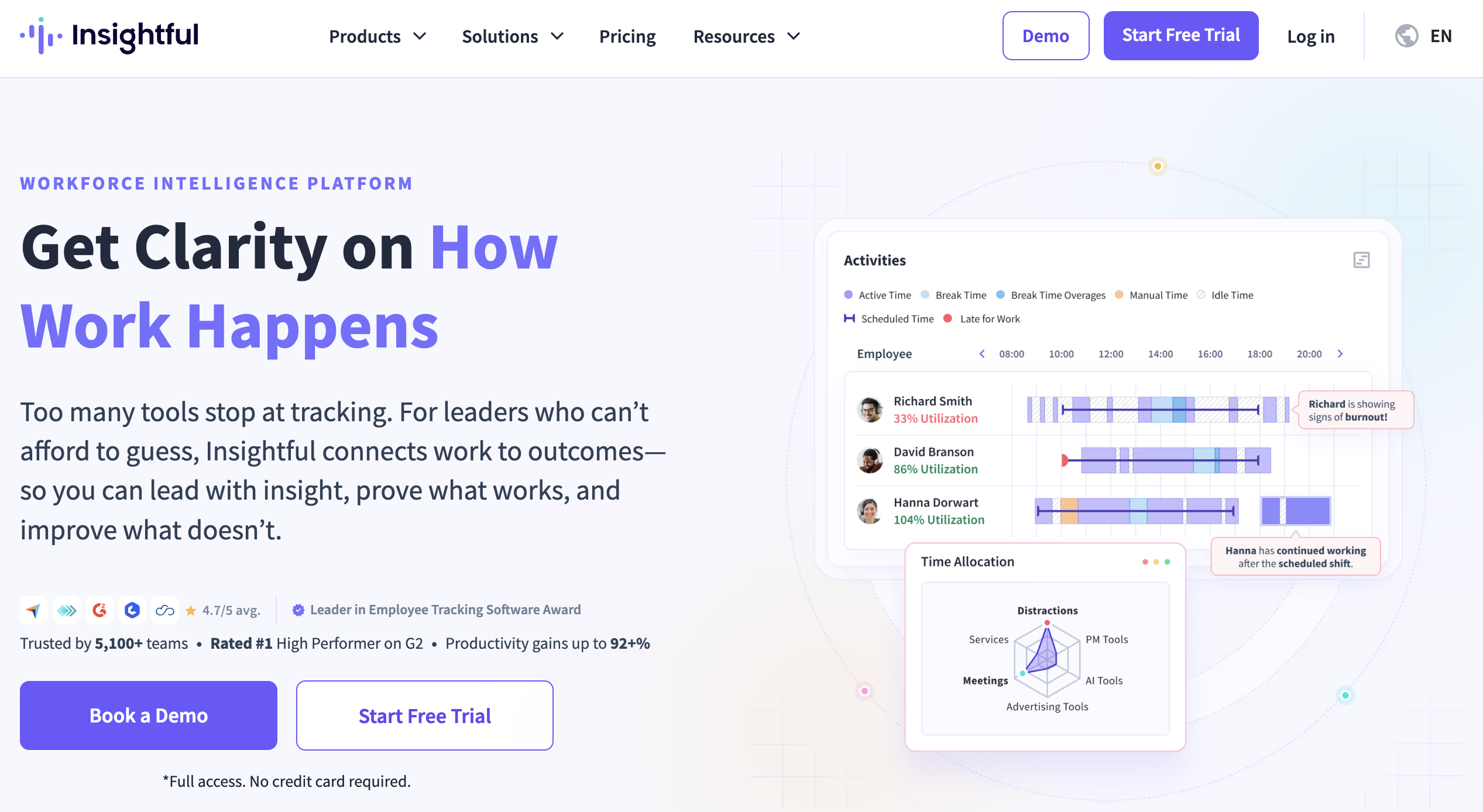
Insightful sits in similar territory to Hubstaff. It’s productivity-oriented, transparency-minded, and built with remote and hybrid teams in mind.
Workers get access to their own data, which changes the dynamic of monitoring from something done to a team to something done alongside one. That’s worth noting, because the tool you choose sends a message to your people about how you see them.
Here’s what the platform brings to the table:
- Real-time monitoring of app and website usage, with screenshot capture available as a configurable option
- Automated time tracking and attendance, plus trend reports that show how productivity shifts over time
- AI-enhanced analytics that move beyond activity logs toward predictive insights on focus, workload, and engagement
- Employee-facing dashboards that give individuals visibility into their own usage and performance data
Where Insightful lands relative to Hubstaff comes down to specificity around AI.
Insightful’s analytics are strong, but Hubstaff brings more explicit focus to AI tool categorization, time-in-AI benchmarks, and distributed-team research. These matter if understanding AI’s role in the workday is the primary question you’re trying to answer.
6. Worklytics
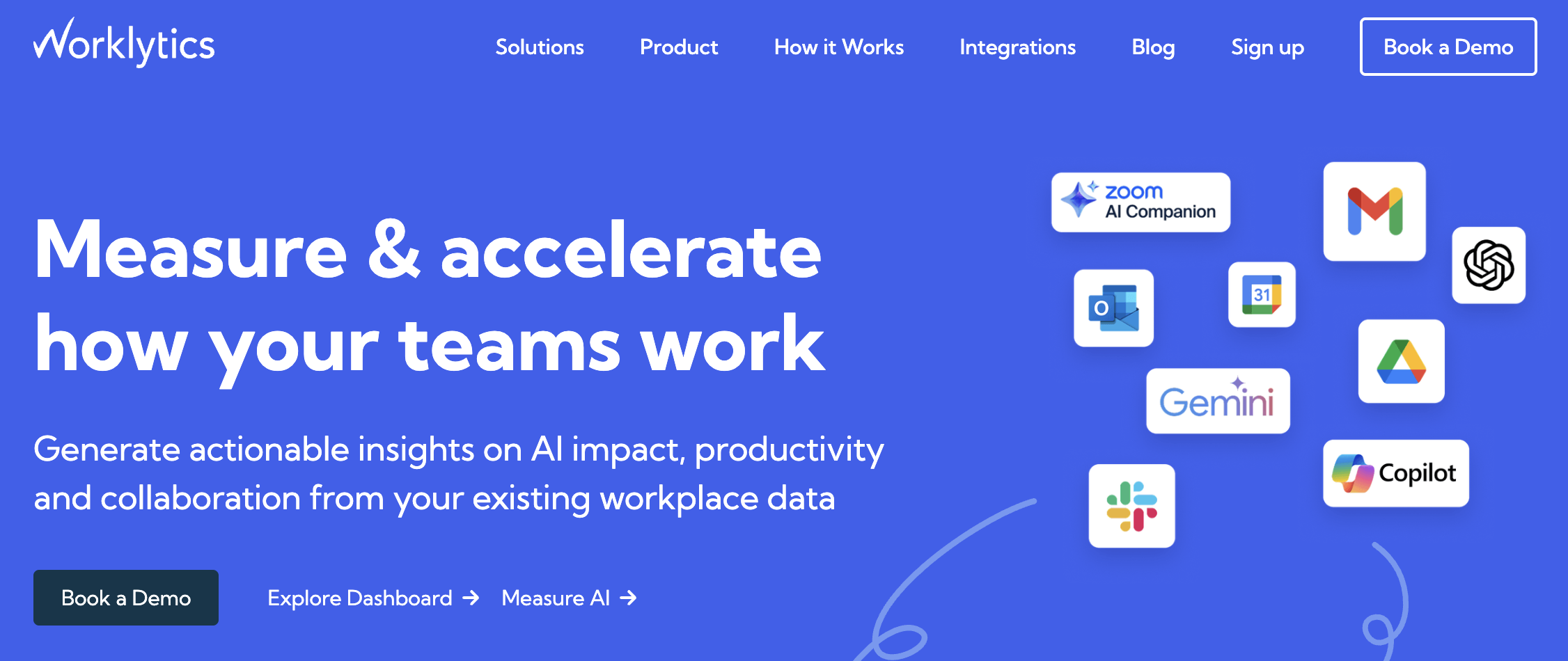
Worklytics isn’t concerned with what any individual employee is doing on their screen. Instead, it connects to the collaboration tools and AI platforms your organization already uses, pulls data from those systems, and detects patterns at the team and department level. No agents installed on laptops.
For large organizations trying to understand AI adoption at scale — which teams are using Copilot, how Gemini usage is spreading across departments, where adoption is stalling — that approach has real advantages. The data is privacy-safe by design, and it plugs directly into existing BI infrastructure for teams that want to build their own reporting layers on top.
It includes:
- Real-time AI usage dashboards connected across collaboration tools, including Copilot, Gemini, Slack, and Zoom
- Aggregated, anonymized analytics on AI adoption rates, usage frequency, and department-level patterns
- Over 200 metrics on work and collaboration patterns, exportable to data warehouses and BI tools for custom analysis
Where Worklytics falls short for a lot of users is on the practical, day-to-day side. It’s an analytics layer, not an operational tool, meaning there’s no time tracking, no AI usage categorization tied to projects or clients, and no team-level view that a manager can act on without a data team behind them.
If that infrastructure exists and the question is strategic, it’s worth a look.
7. WorkTime

WorkTime sits at the simpler end of the spectrum: attendance tracking, active and idle time, app and website usage, and productivity categorization. That said, it does those things without screenshots, keystroke logging, or the heavier infrastructure that tools like Teramind or Controlio require.
For AI monitoring specifically, WorkTime can pinpoint which applications employees are using during the workday, which means it can show that someone spent time in ChatGPT or another AI tool the same way it would show any other application.
What it can’t do is tell you much more than that. There’s no AI-specific categorization, no focus time analysis, and no way to connect that usage to productivity outcomes or team-level patterns.
WorkTime comes with:
- App and website usage tracking with basic productive/unproductive categorization
- Attendance monitoring, login and logout tracking, and active versus idle time
- Productivity scoring and goal-setting at the individual, department, and company level
WorkTime is a reasonable starting point for smaller organizations that want basic visibility without committing to a more complex platform. For teams that specifically want to understand how AI tools are shaping work — not just that they’re being used, but what that means for focus and output — it will reach its ceiling relatively quickly.
AI usage monitoring tools compared
| Tool | Best for | AI visibility depth | Productivity context | Fit for distributed teams | Time tracking + AI categorization | Privacy posture style |
| Hubstaff | Productivity‑focused AI visibility for distributed teams | Tracks AI tools via app/URL usage and AI time tracking; highlights how much of the workday happens in AI tools | Strong; connects AI usage with focus time, meetings, messaging, and burnout risk | High; built for remote/hybrid teams with global benchmarks and insights | Strong; time tracking plus AI usage categories and benchmarks | Emphasis on transparency and shared insights vs covert surveillance |
| Teramind | Security‑heavy AI and ChatGPT monitoring | High; screen recording, OCR, and AI‑session capture for tools like ChatGPT | Moderate; more focused on risk and compliance than productivity | Good; endpoint‑centric monitoring works across locations | Moderate; time/activity data exists but not focused on AI categories | Strong enforcement and forensics, but may feel intrusive |
| ActivTrak | AI adoption and impact analytics at scale | Strong; AI Adoption & Impact Analysis and AI Workflow Intelligence | Very strong; workforce intelligence platform designed for productivity and utilization insights | High; used by enterprises managing hybrid workforces | Moderate; activity analytics vs traditional time tracking | Balanced; analytics‑driven with focus on ROI and planning |
| Controlio | Deep endpoint monitoring and behavior analytics | High; continuous screen recording, app/web reports, behavior rules | Moderate; productivity scores and trend reports available | High; robust for mixed on‑site and remote environments | Moderate; has time clock/attendance but less AI‑specific categorization | Skews toward surveillance and security investigations |
| Insightful | Predictive monitoring and productivity trends | Moderate; app/web usage and monitoring, with AI‑enhanced analytics | Strong; detailed productivity trend reports and predictive insights | High; built with remote work scenarios in mind | Strong; time and attendance plus + productivity categorization | Emphasizes transparency and employee access to their data |
| Worklytics | AI usage analytics across SaaS tools and BI stacks | High; real‑time AI usage dashboards across 25+ tools and 400+ metrics | Strong; focuses on AI impact on workflows and process transformation | High; designed for large, distributed organizations with many tools | Low–moderate; more analytics layer than time tracker | Privacy‑first, aggregated, non‑PII analytics |
| WorkTime | Baseline employee activity and time monitoring | Moderate; can surface AI tools via application usage but not AI‑specific analytics | Basic; general productivity and attendance insights | Good; supports remote/office monitoring | Basic; time and activity tracking with limited AI categorization | Traditional monitoring approach, less focused on privacy‑by‑design |
Choosing the right AI monitoring approach for your team
The right tool depends on what question you’re trying to answer.
Teams where the primary concern is security, data exfiltration, or building defensible evidence will find more of what they need in Teramind or Controlio.
For large enterprises treating AI adoption as a strategic initiative — one that needs to be measured across departments and fed into BI infrastructure — ActivTrak and Worklytics are worth the investment.
Insightful earns its place for teams that want predictive coaching and a transparency-first culture around productivity data.
But if the goal is to understand how AI is changing the workday for a distributed team — and to do that without making people feel watched — Hubstaff is hard to beat. Try it free and see what your own data tells you.
Most popular
How to Communicate Device Tracking Without Breaking Trust
How would you feel if you found out your work device was being monitored by an employee tracking device for months without your kn...
Is Automatic Time Tracking Right for Your Organization?
Automatic time tracking sounds as straightforward as it gets. Employees sit at their desks, the software runs in the background, a...
Focus Time Should Be HR’s Top Productivity Metric
You can’t improve what you don’t measure. By that logic, it should follow that what you can measure, you can improve. When wor...
How to Track Employee Productivity on Company-Owned Devices Without Disrupting Your Team
When teams track employee productivity, what about it do people not like? Is it being tracked? Or is it being tracked without unde...