Employee Monitoring: What Real Teams Think About Being Tracked

 8 min read
- Transparency is the deciding factor between effective monitoring and surveillance — 96% of digital workers accept monitoring when paired with clear communication about what's tracked and meaningful benefits.
- Employee resistance to monitoring often stems from feeling controlled, not from tracking itself — repositioning tools as personal productivity aids and sharing data access can shift perception significantly.
- Hubstaff's approach to workforce monitoring prioritizes autonomy and outcomes over micromanagement, helping teams build the trust and transparency needed for long-term buy-in and performance.

An employee’s perspective on monitoring is largely contextual. Without transparency into broader company initiatives and employee well-being, tracking can feel less like support and more like surveillance — and that perception directly impacts productivity, trust, and morale.
With the right approach, employee monitoring tools can empower focus, accountability, and even cross-team insights.
For example, Hubstaff found that technical roles only spend 5–7% of their time using AI tools like GitHub Copilot or ChatGPT, despite their perceived productivity benefits. A signal that reality often differs from assumptions.
As remote and hybrid work reshape the workplace, understanding how employees really feel about monitoring is more important than ever.
In this post, we’ll go over how real teams feel about employee monitoring software—through data, quotes, and emerging insights on platforms like Reddit.
Let’s unpack the real story behind employee monitoring on both sides of the screen.
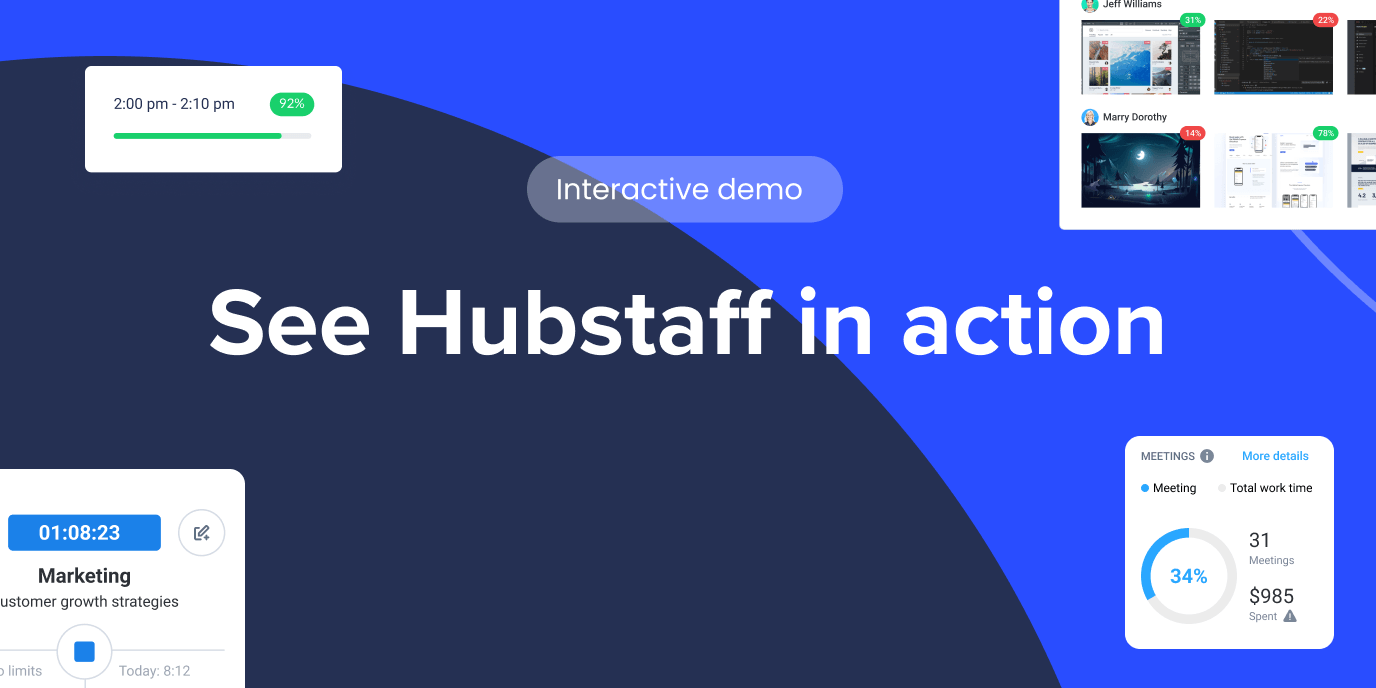
Hubstaff Walkthrough
Dive into our interactive demo and explore the features that make managing global teams easier than ever.
The trust equation: Why this conversation matters
Visibility is crucial for leaders who prioritize compliance. But building trust is what drives real performance. The balance between visibility and autonomy can make or break employee engagement.
According to a Gartner survey, 96% of digital workers are open to monitoring as long as it’s paired with meaningful benefits like:
- Access to information (what’s being tracked and why)
- Personalized training opportunities
- IT support for flexible onboarding
Hubstaff is a time tracking software platform with built-in productivity monitoring and AI-powered workforce analytics that turns tracked hours into actionable insights. Since our global team uses the tool every single day, we use productivity monitoring to empower, not intimidate.
Our approach is grounded in transparency, mutual respect, and positive reinforcement. Teams understand not just how work gets done, but also how they can do their best work.
Trust and clarity go hand in hand. That’s why time and productivity tracking software tools like Hubstaff provide the oversight leaders need while also showing teams the benefits in return.
When the “why” behind monitoring is clear, you are more likely to get employee buy-in.
The first step toward improving productivity through employee monitoring is building trust. The key is to have transparent, logical conversations about the real purpose behind it.
What employees actually think: Voices across roles, teams, and tenure
Employee perception of time tracking isn’t one-size-fits-all. They vary based on role, seniority, tenure, and even generation. Understanding these perspectives is essential to designing monitoring practices that feel fair, supportive, and aligned with how people actually work.
By role and team function
Not every team sees the bright side of productivity monitoring. For some, it feels like micromanagement. For others, it’s a vital part of running an efficient operation. How your team might perceive monitoring depends on team function.
From development to field support, aligning monitoring with each team’s unique goals and workflows can turn the practice from a burden to a strategic advantage.
- Development teams (Async, autonomy-driven): Developers often see tracking as intrusive or misaligned with deep work. Monitoring can feel controlling if it prioritizes hours over outcomes. They value trust, flow time, and measurable results.
- Marketing and creative teams (Collaborative, output-focused): Raw hours don’t always directly correlate with creative outputs. Marketing and agency teams utilize time tracking to understand project profitability, allocate resources effectively, and demonstrate the value behind these hours to stakeholders or clients.
- Operations and admin teams (Efficiency-driven): Admin teams can view time tracking as essential to process optimization, resource planning, and fair workload distribution.
- Field and support teams (On-the-move, shift-based): Field teams can use time tracking and employee monitoring software to improve route planning. Higher-end tools offer features like geofenced work sites that automate tracking to ensure accurate, fair compensation for the hours they work.
When monitoring reflects how teams actually work, it becomes a practical tool for measuring progress by improving autonomy, collaboration, and efficiency.
By seniority
How employees feel about monitoring if often tied to their seniority level. A new hire who is unfamiliar with the monitoring tools may be apprehensive or cautious about making mistakes. At the same time, leaders might use it to drive visibility and workflow efficiency.
- Remember: New hires may feel some initial anxiety about monitoring. It’s crucial to understand that they’re still learning, and if they feel like they’re doing their job under a microscope, it can make the learning process all the more difficult.
This Reddit question perfectly captures the kind of questions newcomers often have.

- Individual Contributors (ICs) usually value fairness and recognition. Monitoring can validate hard work or expose an imbalance. “If it’s tracking real output, I’m all for it.”
- Managers: Managers view it as a tool to gain visibility into team workflows, support coaching and identify blockers.

- Leaders: Modern leaders don’t monitor to micromanage. They use monitoring tools for visibility, compliance, security, and to build trust with global teams. When teams have clarity, and leaders understand what’s happening behind the scenes, it becomes easier to detect threats, optimize cybersecurity, and uphold safety standards — especially in high-stakes industries like healthcare, legal, and finance.
By tenure
Employees new to monitoring often face a learning curve, not just in how to use the tool, but also in understanding its purpose and the impact it has on their work.
However, over time, as teams and individuals become more familiar with tracking, their perceptions shift. Veteran users often embrace monitoring as a source of efficiency and clarity.
Here’s how employees feel about being monitored based on tenure:
- First-year employees may encounter a learning curve or initial challenges as they begin.
- Veteran users know monitoring tools inside out. They understand how this technology brings efficiency and clarity for no-nonsense adoption.
Starting is always intimidating, but as employees integrate Hubstaff into their daily workflows, it becomes a powerful tool for driving projects forward with clarity.
Monitoring and the Generational Mindset
The psychology of employee monitoring is widely influenced by generational mindset. Every generation grows up with its own set of cultural beliefs, political views, historical experiences, and technological experiences.
While generations are not a completely accurate reflection of a team member’s values, they can bring some general guidance to understanding the different mindsets of your team. Let’s break it down to generational sentiments around employee monitoring.
Gen X: More adaptable to structure and oversight. One study concludes that Generation X tends to be more independent and adaptable, with a preference for direct communication.
Millennials: Millennials expect data-driven transparency and digital fluency. A global IBM study states that Millennials are more comfortable with digital tools and data than older generations, largely due to growing up with technology.
Gen Z: Gen Z demands clarity, autonomy, and work-life balance. A 2025 scoping review found that Gen Z prioritizes work-life balance in environments that support both well-being and professional growth.
Common concerns around time tracking and how teams overcame them
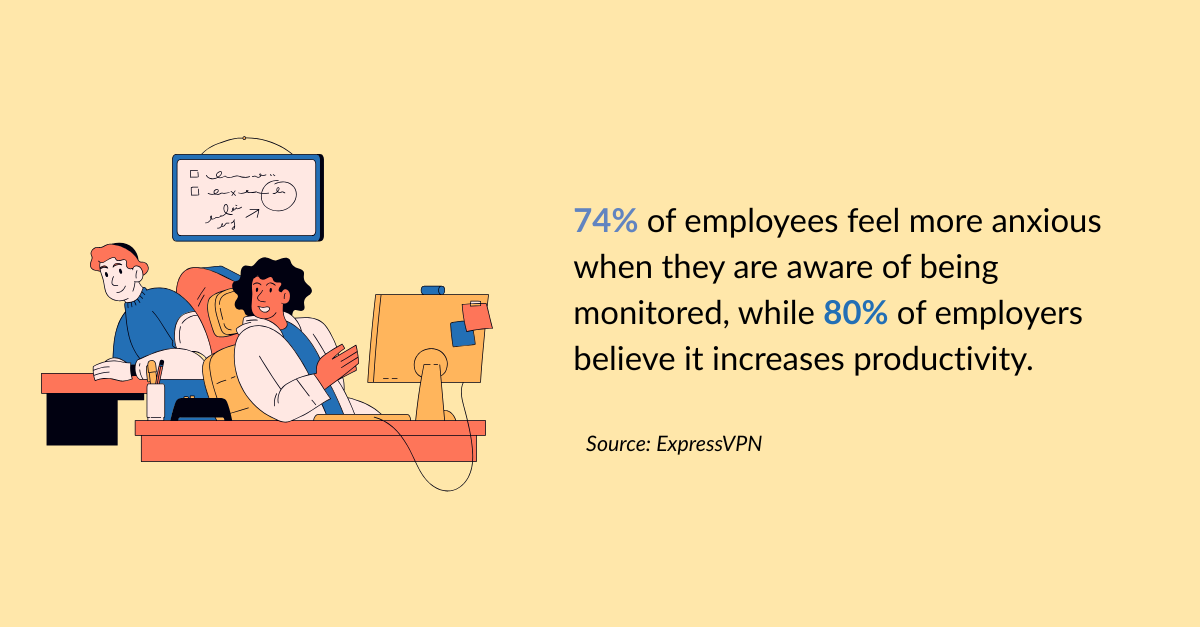
According to ExpressVPN, 74% of employees feel more anxious when they are aware of being monitored, while 80% of employers believe it increases productivity. That disconnect says it all.
Many teams hesitate to implement time monitoring due to concerns around trust, autonomy, or how it might impact morale. These concerns are valid, and addressing them thoughtfully is key to a successful rollout.
Often, the issue isn’t the tool itself, but a lack of context, transparency, or alignment with team goals. That’s why we created a time tracking Buyer’s Guide to help you navigate these concerns with your team and build a culture of accountability, not surveillance.
Before introducing a time tracking solution, leaders should ask:
- Will employee monitoring hurt morale?
- Are remote teams okay with time tracking?
- Do employees support monitoring software?
Here are some common concerns found on Reddit, and how to address them:
Common Concerns found on Reddit
| Concern | Real Quote | Empowerment Tip |
|---|---|---|
| “It feels invasive.” | “At first, I was paranoid that I’m being watched by my employer. Later on, I found that it was actually beneficial for me. Seeing the timer tick reminds me to complete tasks more efficiently.” Source: Reddit | Be transparent with your team, help them access their own data. Position the tool as a personal productivity aid rather than a surveillance mechanism. |
| “It’s about control.” | “I have used the time tracker for over a year now, but it’s made me increasingly anxious as of lately.” Source: Reddit | Reframe time tracking as a tool for clarity, not control. Invite team members to set their own goals and use the data to identify roadblocks or improve workflows. |
| “In my head, time tracking = micromanaging.” | “I’ve been freelancing for several years now, and one thing I’ve always stood by is never working with clients who require time tracking. It just didn’t sit right with me. “ Source: Reddit | Clarify that time tracking isn’t about watching every move. It’s about uncovering patterns. Give freelancers or teams the freedom to review their own metrics and decide how to act on them. |
At Hubstaff, we make it easy for teams and clients to understand how Hubstaff works and use our platform with simple, clear steps:
- Download the Hubstaff app on desktop, mobile, web, or as a Chrome extension to start tracking time to specific projects.
- See real-time productivity data like app and URL usage, keyboard and mouse activity, and more. Settings are customizable with the ability to enable, disable, blur, and adjust the frequency of these features. You can also set role-based permissions, too.
- As soon as users start tracking time, Hubstaff begins generating automated timesheets. Users can leave notes, add manual time entries, and submit them for approval. Timesheet approvals then initiate payments.
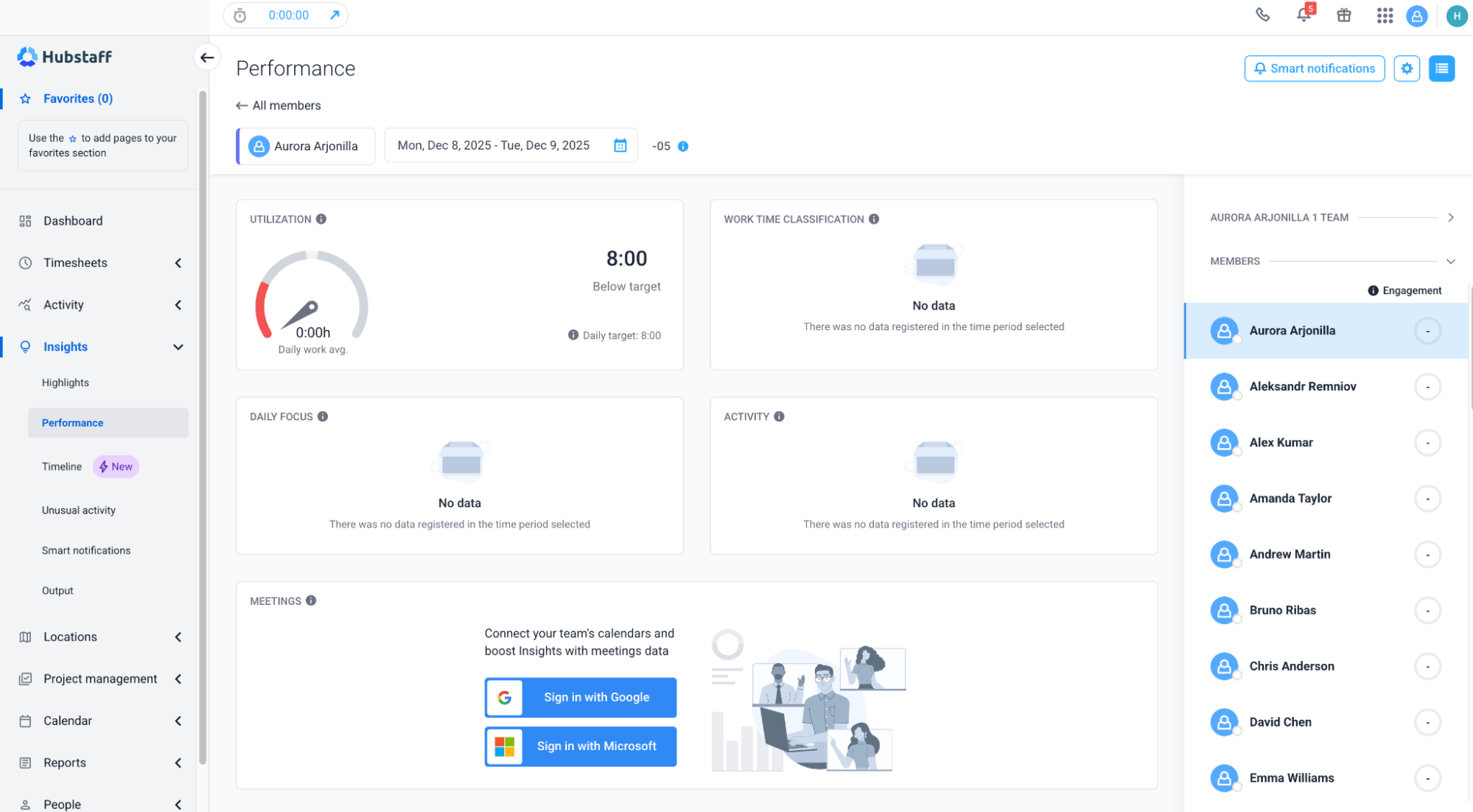
A few simple steps lead to powerful workflow optimization backed by actionable insights.
The most successful teams didn’t ignore these questions; they leaned into them. The real benefit of monitoring comes alive through education, trust-building, and aligning monitoring with outcomes rather than hours.
Employee-approved best practices for smooth monitoring adoption
To fuel smooth adoption, employee monitoring should be transparent, inclusive, and rooted in positive guiding principles. Understanding the pros and cons of employee monitoring is key. If misused, it may harm trust and morale.
Whether you’re introducing a monitoring tool or refining an existing setup, learning about the ethics of employee monitoring can go a long way.
These best practices will help your team feel empowered:
- Communicate clearly and early. Share your policies, provide FAQs, and offer context around why the tool is being implemented. Address concerns around data usage, privacy, and compliance from the start to avoid confusion later.
- Include the team in setting expectations. Invite team members into the conversation early. Framing monitoring as a shared tool to achieve business goals helps shift the mindset from one of control to one of collaboration.
- Normalize feedback and adjustments. Monitoring tools aren’t set-it-and-forget-it. Create space for continuous feedback and adapt your processes to support real-world workflows. This builds trust and long-term buy-in.
- Highlight productivity and autonomy. Time tracking and monitoring tools can increase focus — but they also empower employees to take ownership of their schedules. Emphasize how these tools support independence, not just oversight.
With effective communication, inclusion, and adaptability, monitoring becomes a valuable tool for employees to utilize and succeed.
Final thoughts: Clarity builds confidence
Employee monitoring alone isn’t the solution, but when done right, it becomes a source of clarity and alignment for everyone. Leaders gain visibility into workflows and bottlenecks, while employees gain a way to showcase effort, claim recognition, and maintain flexibility.
The key to empowering both managers and employees is transparency. When monitoring is approached openly with clear intentions and two-way communication, it fosters a high-trust culture, not a surveillance state.
That’s precisely what sets Hubstaff apart:
- Privacy-conscious. Employees are always informed about what’s being tracked and what isn’t.
- Compliance-ready. Built with global data protection and labor laws in mind.
- Human-focused. Designed to support real people doing real work, not just metrics on a dashboard.
Employee monitoring can strengthen teams rather than strain them. Clarity builds confidence, and confident teams do their best work.
Most popular
The AI Productivity Panel: Lessons From Leaders on What’s Working (and What’s Not)
When I moderated this AI productivity panel, I expected a solid conversation. What I didn’t expect was the flood of real-world i...
Ask Your Workforce Data Anything with Hubstaff’s New AI-Ready CLI and API
It’s Monday morning. Your CEO asks, “Which projects went over budget?” Instead of pulling reports, exporting numbers, and ve...
How to Spot and Manage Work Overload Before Your Best People Burn Out
Work overload occurs when the demands placed on an employee or team exceed their available resources, leading to stress, burnout,...
Workplace Productivity Statistics in 2026: What the Numbers Say
For many businesses, having the ability to maximize output without compromising quality gives them a major edge over their competi...