What’s New at Hubstaff: Q1 2026 Feature Updates

 4 min read
- Hubstaff's Q1 2026 updates include a redesigned Time & Activity report, batch manual time approvals, monthly PTO accrual, and new API endpoints — all built to reduce friction and improve visibility.
- New performance page additions like idle time tracking, start/stop times, and PDF exports from Insights make it easier to turn workforce data into clear, shareable decisions.
- Hubstaff's customer-led development model means every friction point you flag directly shapes what gets built next — explore the public roadmap to influence future updates.
Every quarter, we ship updates based directly on how our customers utilize Hubstaff. That means listening to the friction points they run into, the workflows they’re trying to streamline, and the visibility they need to make better business decisions.
Q1 of 2026 was no different. In this roundup, we’ll cover everything we released from January through March.
If you’re already using Hubstaff, you may have noticed some of these features popping up in the product already. If you’re just getting started, this is a good look at where Hubstaff is headed.
Let’s get into it.
Boost your team’s efficiency with Hubstaff's productivity tools
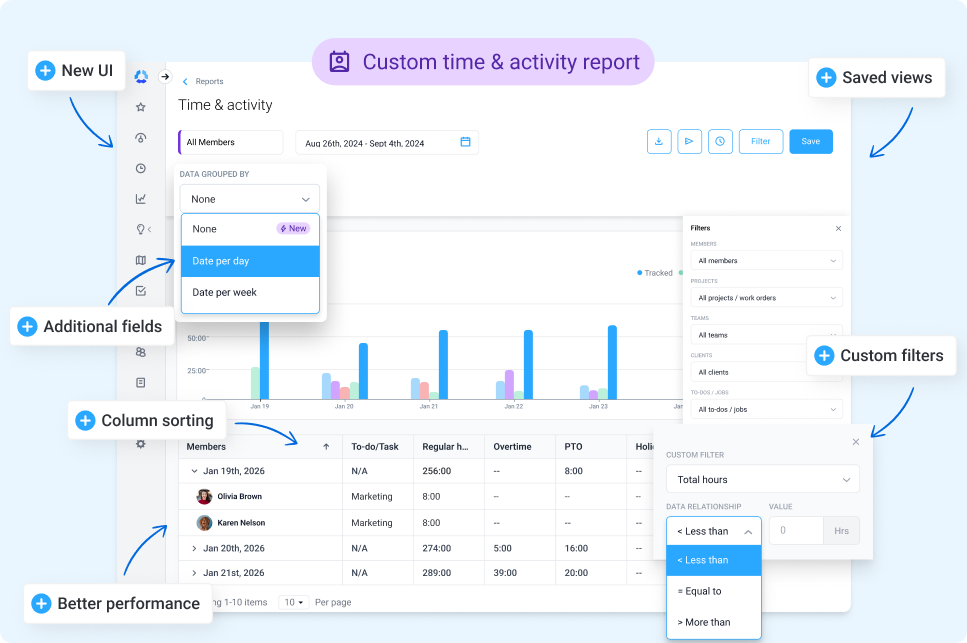
New Time & Activity report
Introducing the new Time & Activity report: A redesigned UI with improved performance, flexible grouping and column sorting, custom filters, and saved views. With the new report, you’ll gain better visibility into employee performance and improved customization, making it easier to share and analyze data with key stakeholders.
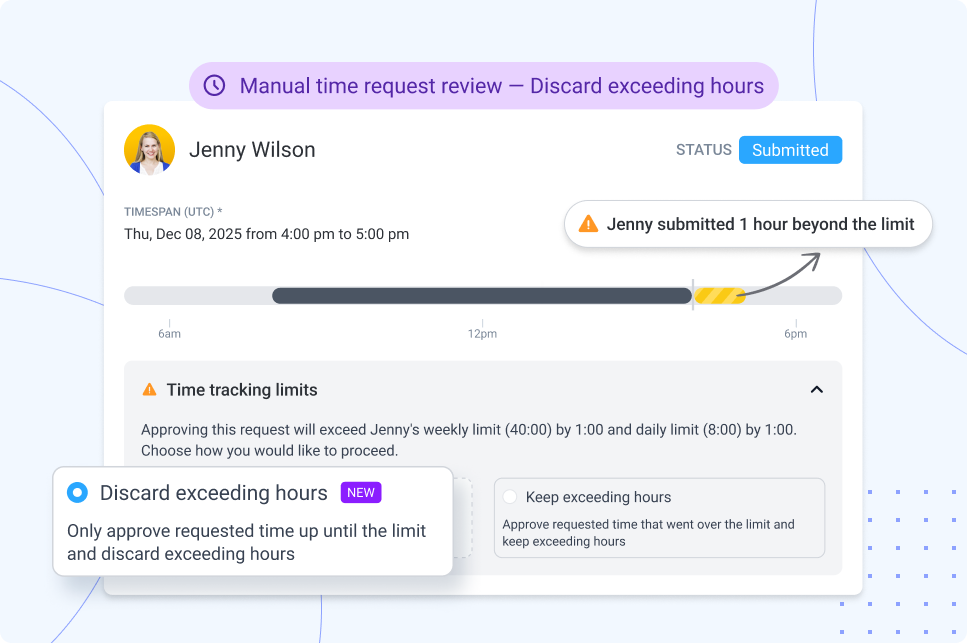
Manual time request review: Discard hours that exceed limits
With this update, Hubstaff now automatically discards any manually added time that exceeds your configured limits to keep timesheets accurate and aligned with the rules you’ve set. The goal? More accurate timesheets for streamlined payments.
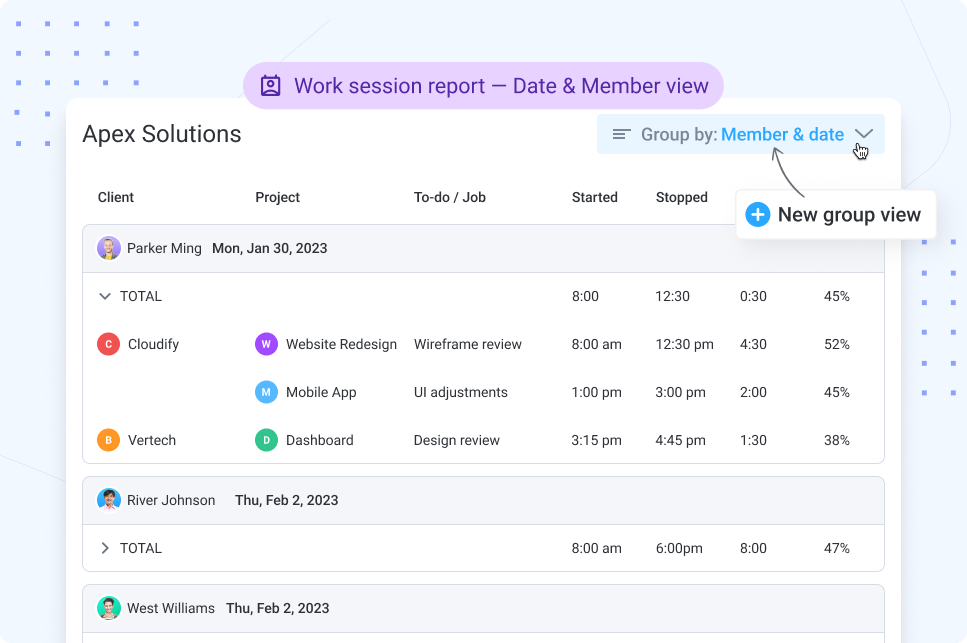
Work session report: New ‘Group By’ view
A new daily ‘Group By’ view shows users the first start, last stop, and total duration of the day in a single, clean row.
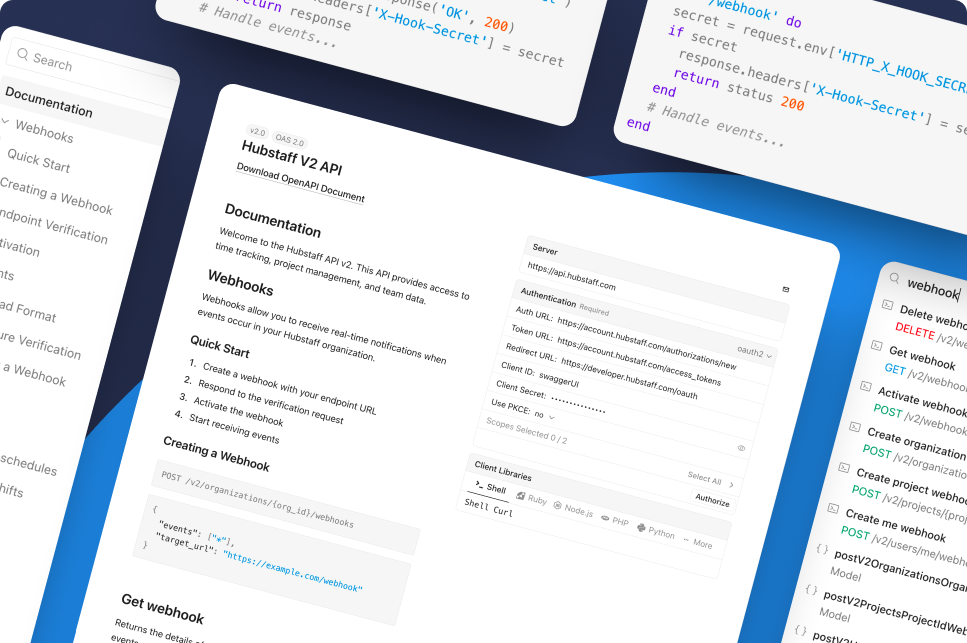
Updated: Hubstaff developer docs
We’ve launched an updated Hubstaff developer page to make building with our API easier and more transparent than ever. Explore clear documentation, endpoints, and examples to help you integrate Hubstaff into your workflows faster and with less friction.
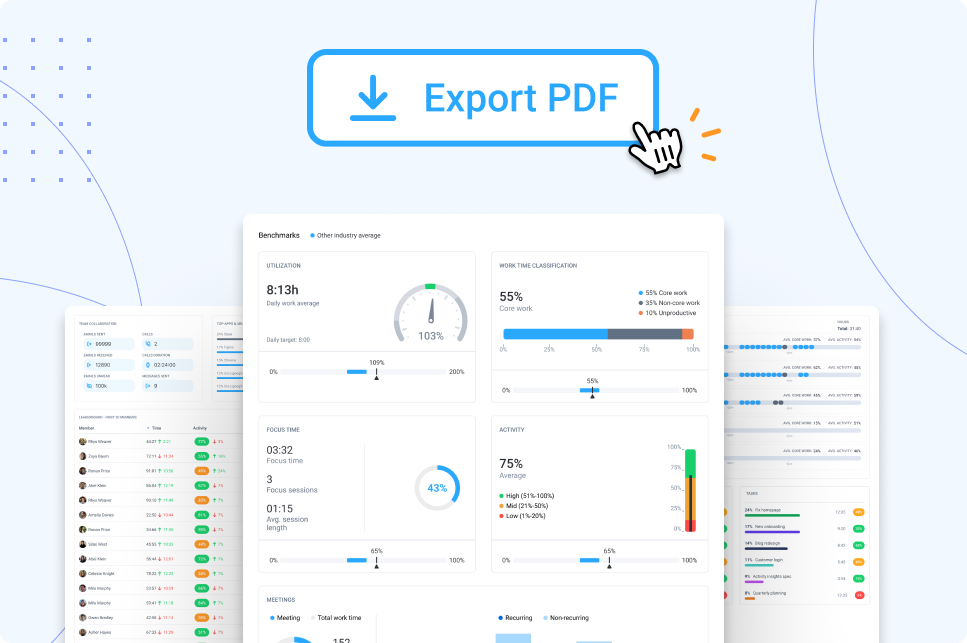
Reporting for Insights
With Insights, you can now export the Performance page as a PDF. It’s perfect for sharing with leaders, clients, or your team and turning data into action fast. The best part? It’s just the beginning. Next, we’ll bring Work time classification, Focus time, Meetings time, and more into the Time & Activity report.
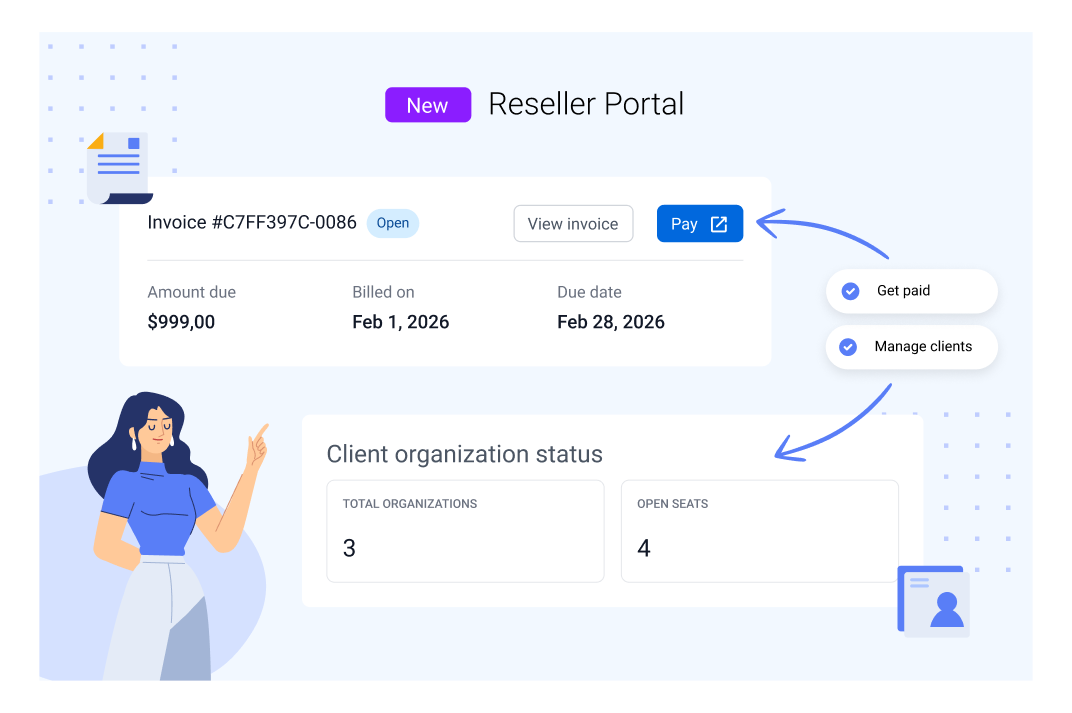
NEW: Hubstaff Reseller Program
We’re excited to officially launch the Hubstaff Reseller Program. Whether you’re an MSP, consultant, or operations partner, this portal makes it easier to manage clients and get paid accurately for the value you’re providing.
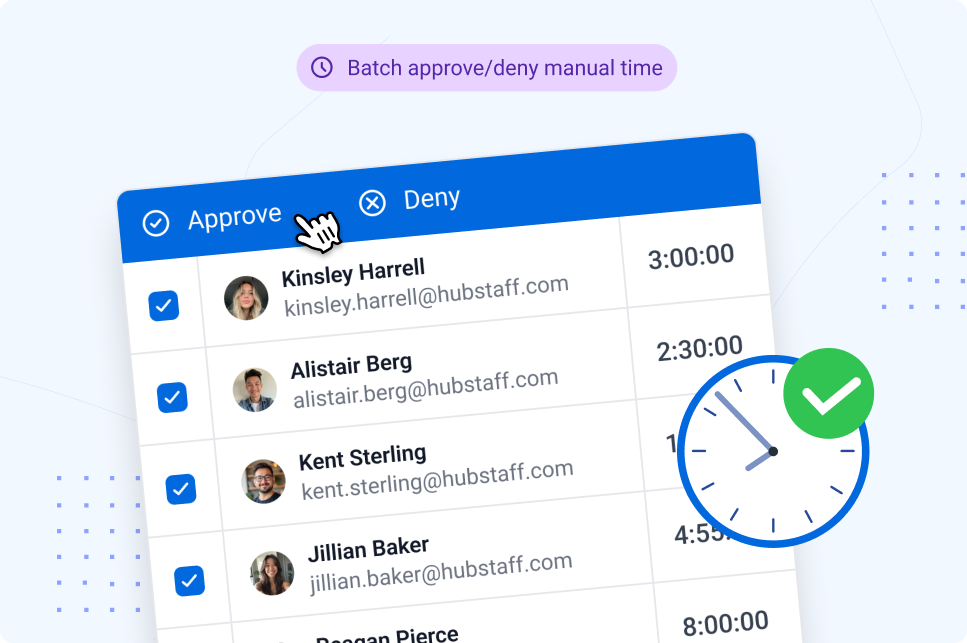
Batch actions for manual time requests
You asked, and we listened. With the new batch actions feature, users can approve or deny multiple manual time requests at once, saving time and reducing manual effort.
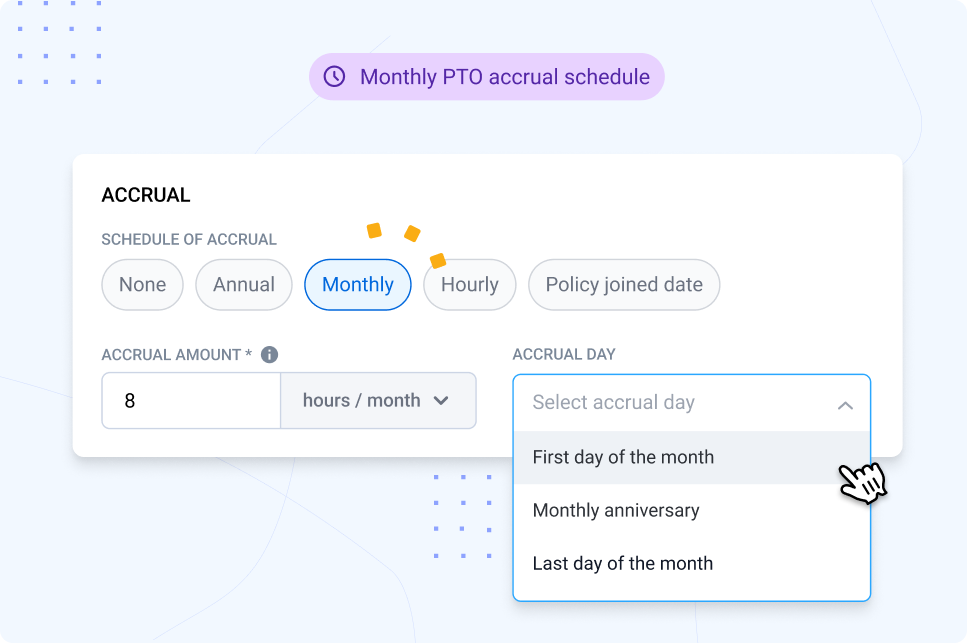
Monthly PTO accrual
With the new Monthly PTO accrual feature, users now accrue PTO monthly for more predictable balances and flexible time-off policies.
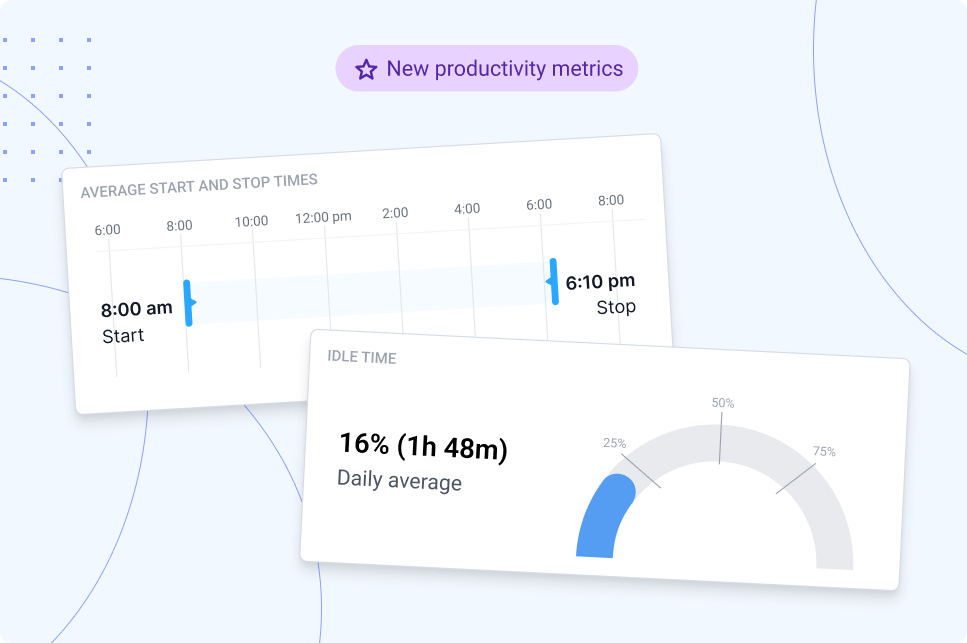
New updates to the performance page
We’ve added start and stop times, a new idle time widget, and idle time tracking in the leaderboard so you can gain a better understanding of how work actually happens across all areas of your business.
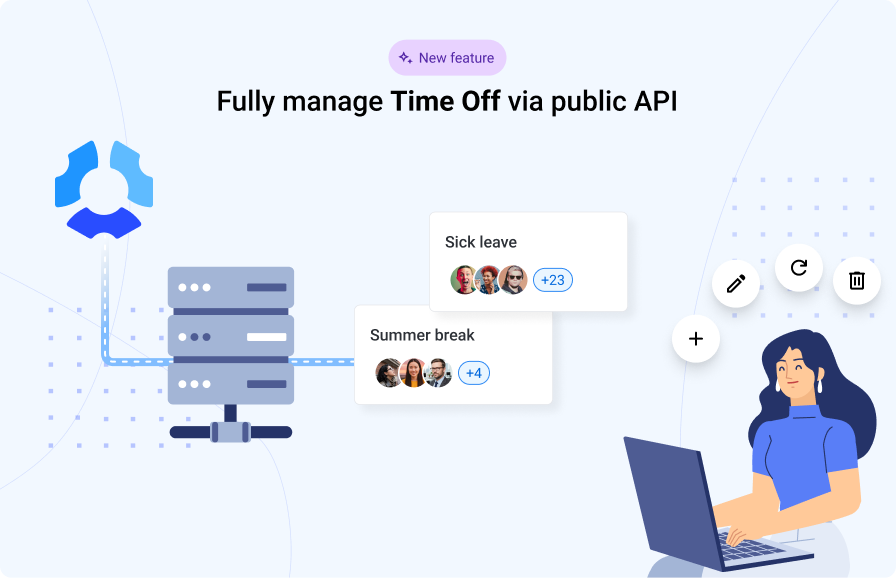
API endpoints: Time Off
Users can now build deeper integrations with new Time Off endpoints. Automate requests, approvals, and time-off management via the Hubstaff API.
Got feedback for Hubstaff? We’re listening
At Hubstaff, we’re a customer-led business. In other words, your feedback is crucial in helping us uncover what to build or prioritize next.
Every request, every challenge you flag, and every workflow that doesn’t quite work the way you need it to is reflected in future projects that end up in these quarterly updates.
If you have an idea or something you’d like to see in Hubstaff, feel free to explore our public roadmap portal. You can also share your ideas with our support team.
We’re always building toward a Hubstaff that works better for the people who use it every day. And if you want to stay in the loop on everything we’re shipping, follow us on social media and subscribe to our product newsletter.
Most popular
How to Communicate Device Tracking Without Breaking Trust
How would you feel if you found out your work device was being monitored by an employee tracking device for months without your kn...
Is Automatic Time Tracking Right for Your Organization?
Automatic time tracking sounds as straightforward as it gets. Employees sit at their desks, the software runs in the background, a...
Focus Time Should Be HR’s Top Productivity Metric
You can’t improve what you don’t measure. By that logic, it should follow that what you can measure, you can improve. When wor...
How to Track Employee Productivity on Company-Owned Devices Without Disrupting Your Team
When teams track employee productivity, what about it do people not like? Is it being tracked? Or is it being tracked without unde...