How Many Work Tools Are Too Many for Global Remote Teams?

 7 min read
- Teams lose ~4 hours weekly to context switching across nearly 1,200 daily app changes, with only 39% of tracked time spent in deep focus—fixing this requires system redesign, not willpower.
- Building a clear "digital spine" with defined source-of-truth tools prevents shadow tool use and fragmentation that silently erodes team productivity and focus time.
- Hubstaff's 2026 Global Trends and Benchmarks Report helps teams diagnose inefficiencies by comparing focus time, after-hours activity, and app usage against real workforce data.
Tool overload in remote teams has quietly become one of the biggest productivity challenges, especially as AI tools flood the workplace. Adding more software was meant to make work faster and easier. Instead, it’s often done the opposite.
Today, many distributed teams feel scattered and reactive. Notifications never stop as work is spread across too many platforms. Focus time keeps shrinking, even as workdays stretch longer.
In 2026, tool overload is no longer just a feeling or a complaint; it’s a measurable pattern of behavior. According to the Hubstaff 2026 Global Work Trends and Benchmarks Report, tool sprawl is killing focus and creating more “work about work.
In this post, we’ll break down tech stack optimization, how tool overload kills focus and productivity, and what leaders can do to create efficient workflows before it turns into burnout or broken systems.
Why “too many tools” became a global team problem
Remote and hybrid work didn’t just change where people work; it also reshaped how work gets done. As teams spread across time zones, work became more asynchronous, distributed, and dependent on digital systems.
At the same time, as the SaaS ecosystem exploded, specialized tools became available for nearly every imaginable task.
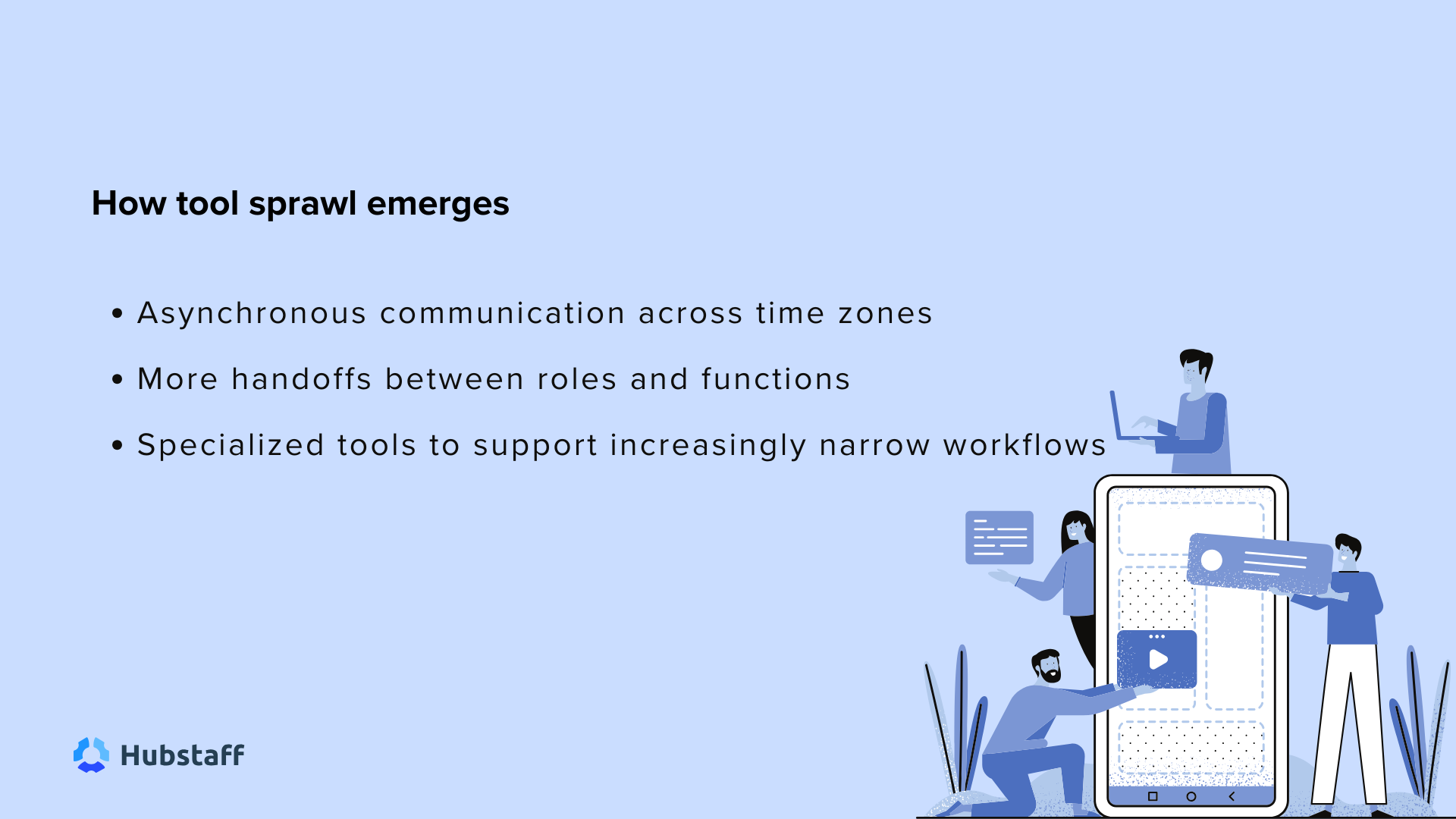
For global teams, this shift introduced real coordination challenges:
- Asynchronous communication across time zones
- More handoffs between roles and functions
- Specialized tools to support increasingly narrow workflows
Each new challenge came with a reasonable response: add a tool to fix the problem.
Whether it’s a chatbot platform to speed up customer support ticket resolution or a project tracker to improve visibility without micromanagement, these tools didn’t replace the existing tech stack; they stacked on top of it.
This is how tool sprawl emerges, and it’s not because leaders were careless or teams loved complexity. But because tools were adopted to solve local coordination problems.
Tool sprawl, in other words, is usually accidental rather than strategic. It’s the natural byproduct of fast-growing, globally distributed teams working hard to keep work moving.
What the 2026 data shows about daily app usage
The report highlights a pattern that often goes unnoticed: most teams are operating with far more tools than their workflows were designed to support.
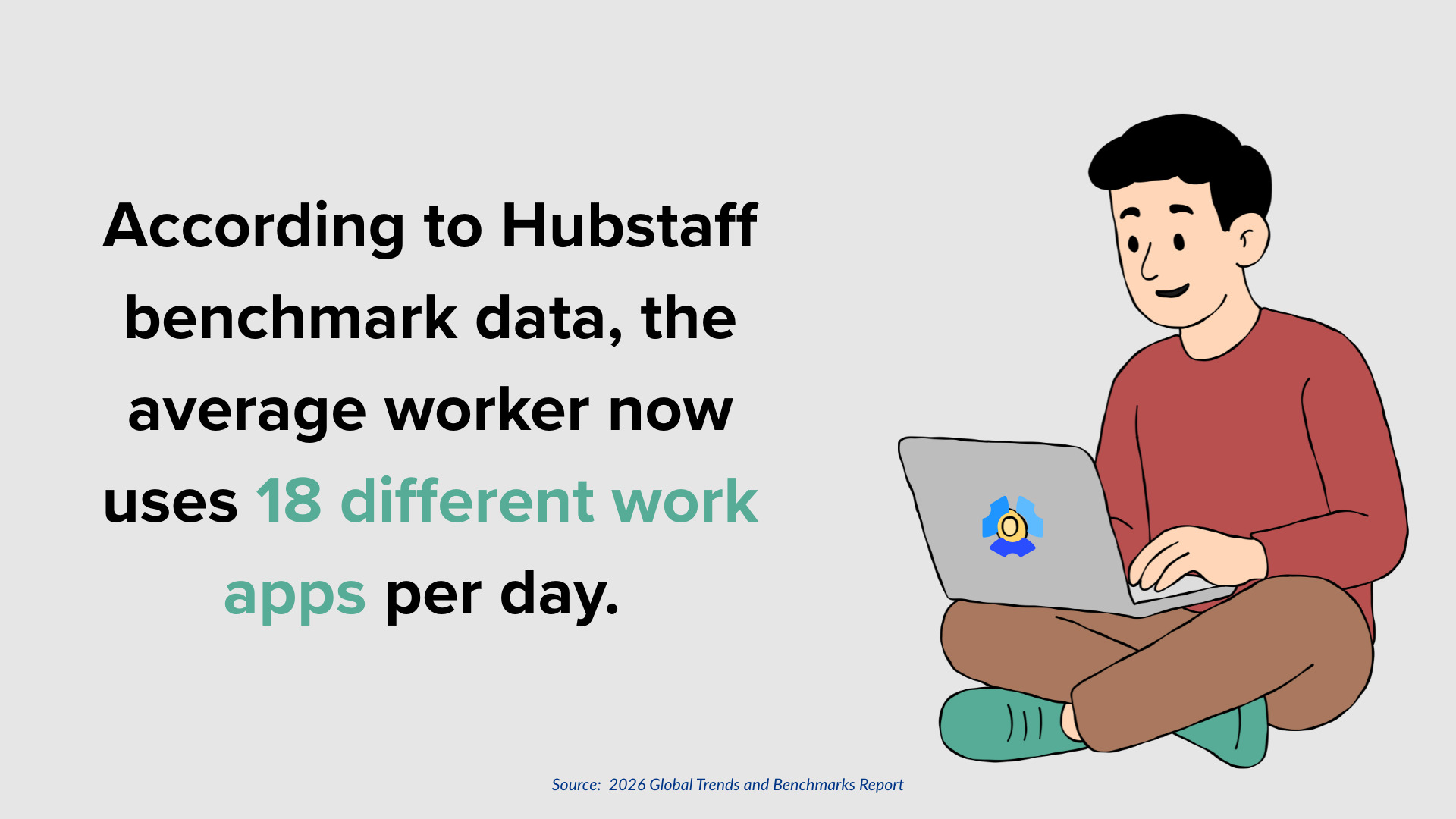
According to the data, the average worker now uses 18 different work apps per day. On the surface, that number may seem manageable, but it unmasks what’s happening inside specific roles — and that’s where the real risk emerges.
Certain roles operate far beyond the mean:
- SEO specialists use 36 apps per day.
- Marketers use 24 apps per day.
- Office-based teams use 23 apps per day.
These extremes matter more than the company-wide average. Specialized roles naturally require broader toolsets, and higher app counts aren’t inherently a problem. The signal appears when work app usage spikes without a corresponding change in role scope, workflow complexity, or responsibility.
That’s when fragmentation starts to surface elsewhere through reduced focus time, heavier messaging volume, and longer working days spent navigating tools instead of doing meaningful work.
These data points don’t suggest teams are overusing tools by choice. Instead, they show that complexity is accumulating faster than systems are being designed to manage it.
When tool usage becomes tool overload
There is no universal “right” number of tools an employee should use. For example, specialized roles often need broader, more sophisticated tech stacks to do their jobs well.
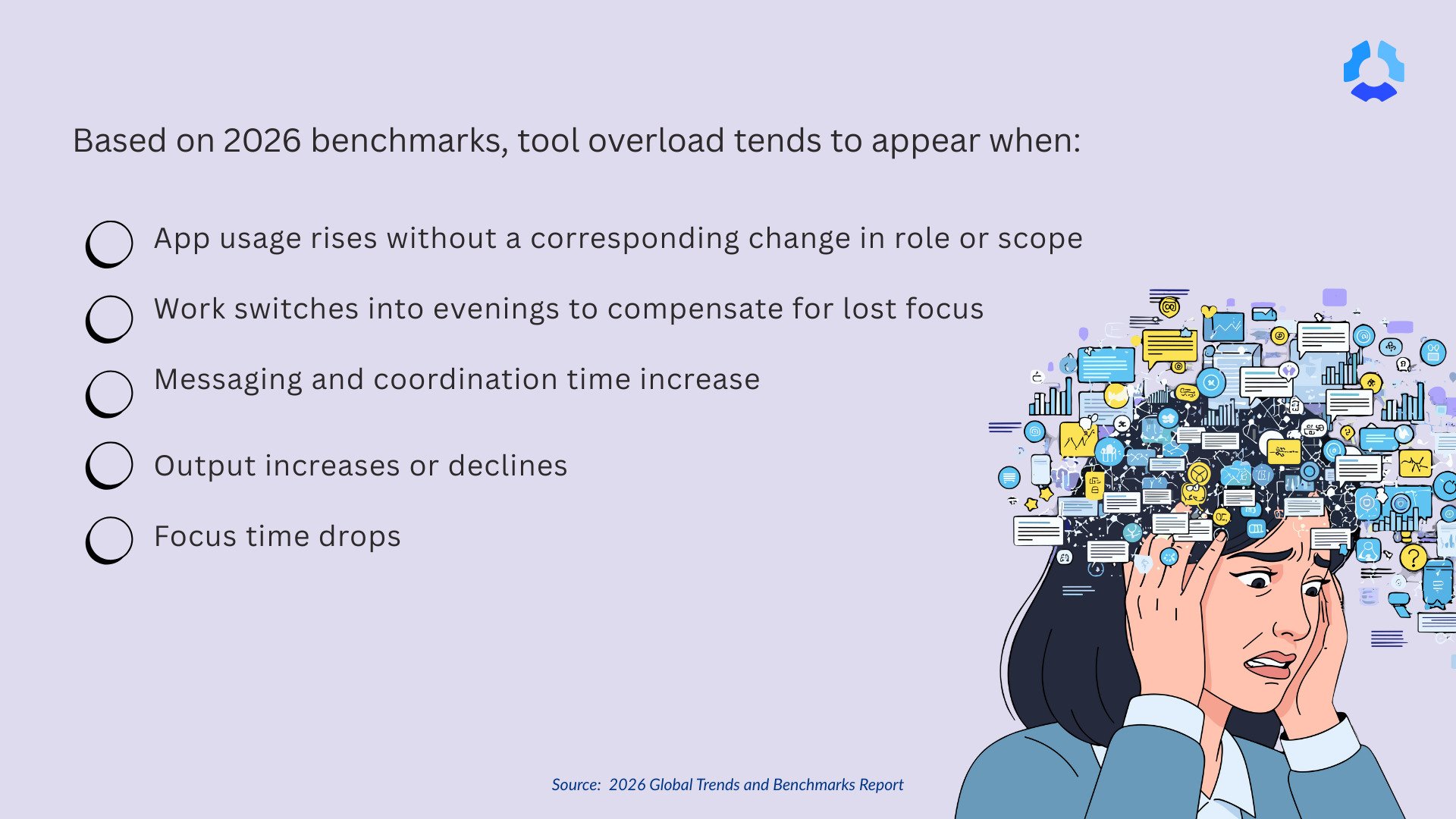
The risk doesn’t come from the number itself, but rather the patterns that emerge over time. Based on 2026 benchmarks, tool overload tends to appear when:
- App usage rises without a corresponding change in role or scope.
- Work switches into evenings to compensate for lost focus.
- Messaging and coordination time increase.
- Output increases or declines.
- Focus time drops.
These signals point to a breaking system, not a lack of discipline. When people work longer but accomplish less, the problem is friction.
According to research by the Harvard Business Review (HBR), workers now switch between apps and websites nearly 1,200 times per day, losing close to four hours per week. This means almost 9% of total working time is lost simply in context switching.
Every switch incurs a cognitive cost that this HBR research refers to as the “toggle tax.” Multiply that cost across dozens of tools, hundreds of notifications, and globally distributed schedules, and sustained deep work becomes the exception rather than the norm.
How tool overload quietly erodes focus and productivity
The 2026 data shows a clear relationship between tool sprawl and lost focus: As tool usage increases, sustained focus time declines.
According to the report, teams across roles and workstyles are struggling to protect deep work. On average, the data shows:
- Workers spend just 39% of tracked time in deep focus, equivalent to roughly 2–3 productive hours per day.
- 20% or more of the workday is spent on “work about work,” including meetings, status updates, information searches, and coordination.
- Hybrid teams feel this most acutely, recording the lowest focus time of any workstyle, with deep focus dropping into the low 30% range.
The pattern is consistent, where more tools lead to more notifications, and more notifications ultimately lead to more interruptions. Eventually, more interruptions increase context switching and fragment attention.
The outcome isn’t disengagement or poor discipline. Instead, it’s cognitive fatigue. When the workday is broken into smaller chunks, even highly motivated teams struggle to maintain the focus needed for meaningful progress. This is a system design problem, not a people problem.
The mistake leaders make: cutting tools instead of fixing the system
When tool overload becomes visible, many leaders default to the same response: “Let’s cut tools.” It sounds decisive and efficient, but without redefining how work actually flows, that decision often creates more friction than it removes.
Take a typical content and marketing team. Writers move between AI tools for drafting, a project management platform for tasks, shared docs for collaboration, and messaging apps for broader conversation.
In an effort to simplify, leadership cuts a few subscriptions, but never clarifies where work should actually live, how it should move, or which tool is the source of truth. This can result in more chaos and ambiguity.
This leads writers to still use the tools they need, just unofficially.
- Updates move into private docs and Slack channels.
- Teams create their own rules for drafts, feedback, and final delivery.
- Work becomes more fragmented and harder to see.
At Hubstaff, we learned the problem wasn’t the tools, but rather the visibility. Our team uses a range of tools every day for content and marketing. The difference is that we can see where time is actually spent and how work moves between systems.
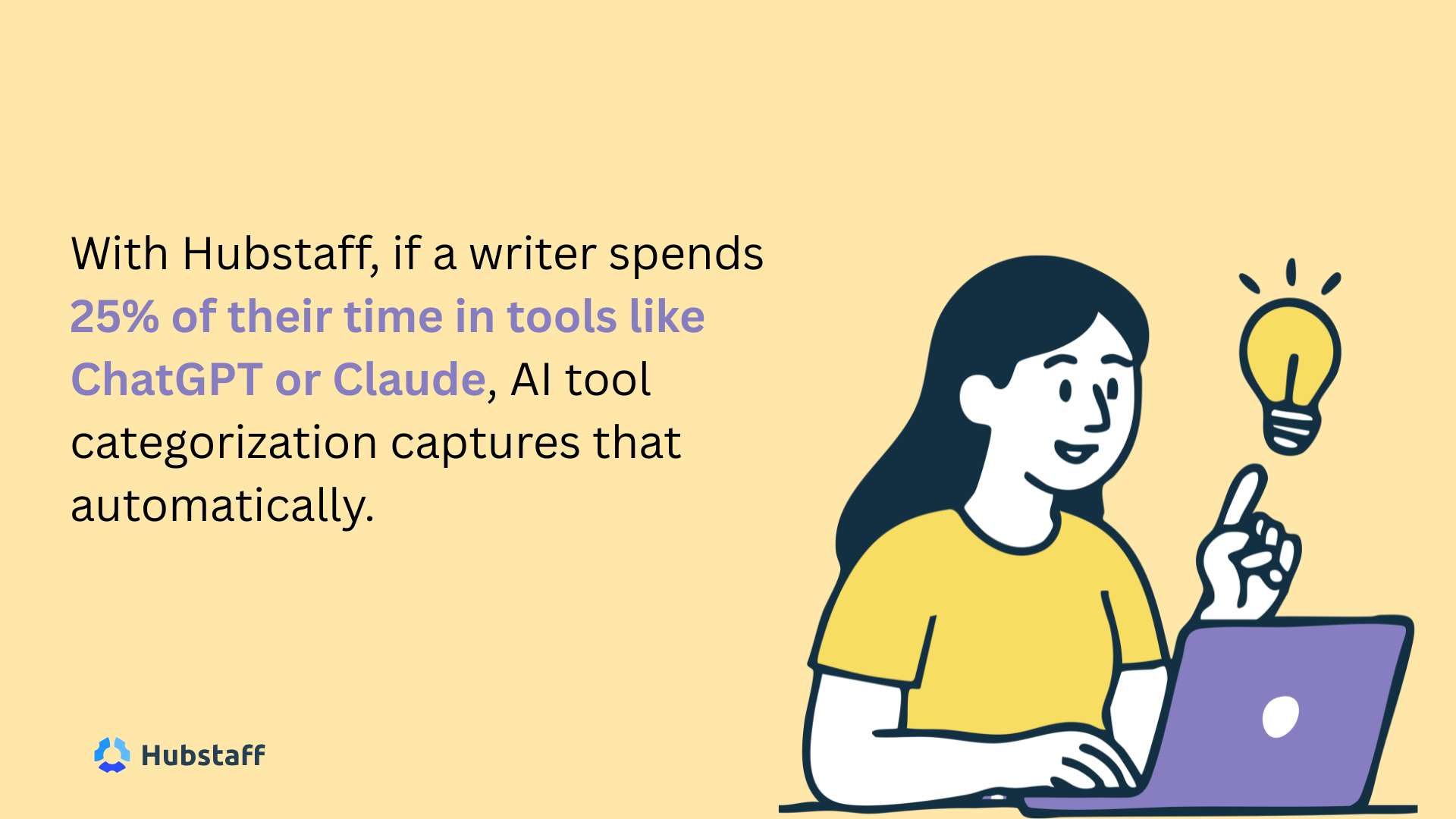
For example, if a writer spends 25% of their time in AI drafting tools like ChatGPT or Claude, that AI tool usage is automatically categorized — without adding manual tracking or new processes.
That visibility reduces guesswork and helps teams clarify where work starts, progresses, and finishes. Fewer tools may follow, but the real goal is reducing context switching and unnecessary decision-making.
The system that works: designing a clear “digital spine”
High-performing global teams don’t eliminate tools indiscriminately. Instead, they design a clear digital system, a digital spine that protects focus and reduces fragmentation rather than adding to it.
Based on the report, an effective digital spine includes a small set of source-of-truth tools for:
- Work (tasks and docs)
- Communication (chat and meetings)
- Knowledge (decisions and documentation)
Defining clear “tool-for-what” rules ensures everyone knows where work starts, decisions live, and final outputs belong. Further, tool integrations and automation reduce duplicate entry and unnecessary context switching.
With efficient systems in place, teams will rely less on memory or personal preference to move work forward, as the workflow guides them.
How leaders can spot tool overload early (before focus collapses)
Digital tool fatigue not only erodes productivity but also affects mental health. It’s hard to spot from the outside because employees often fail to identify it as the source of their burnout.
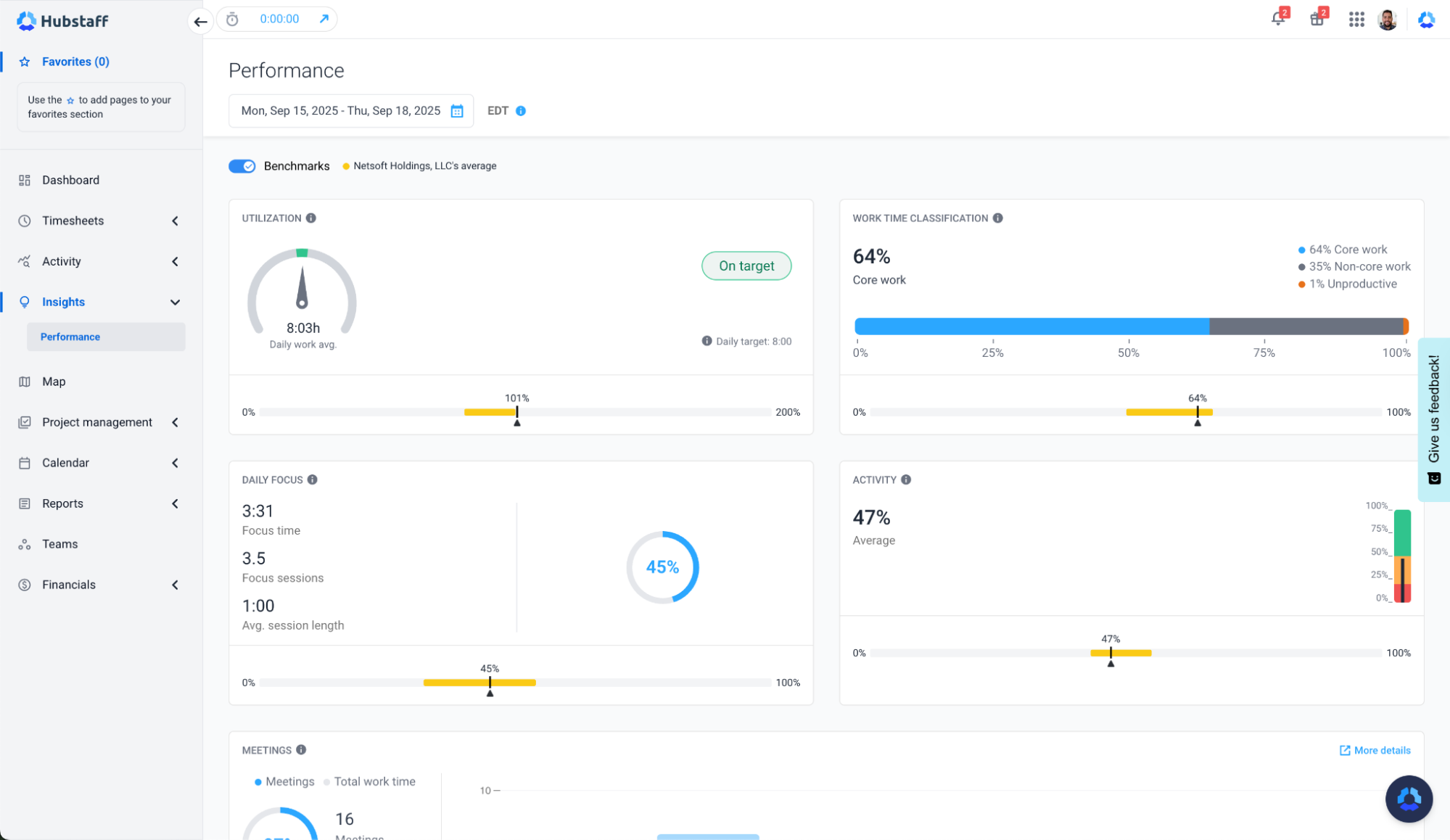
This is where time tracking tools like Hubstaff, which provide AI-powered workforce analytics, become valuable.
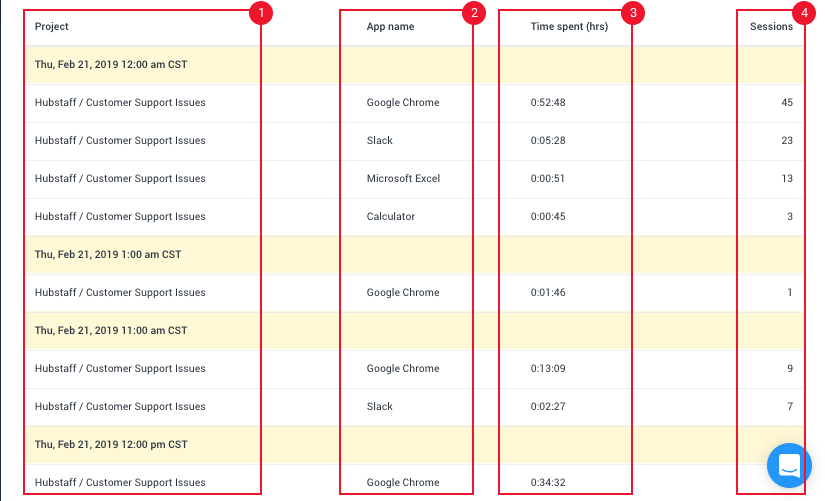
For example, our global team uses Hubstaff every day to track activity across apps and websites, so both leaders and employees can see where time is actually going without disrupting work.
Hubstaff connects work app usage directly to outcomes by measuring:
- Apps used per day
- Focus time vs. unproductive work
- Messaging and meeting load
- After-hours activity patterns
This makes it easier for leaders to logically understand which teams sit in the top percentile of app usage and reveals where high app counts correlate with falling focus. Instead of guessing whether tools are helping or hurting, leaders can see tangible data and make better decisions on app subscriptions.
Early signals that leaders can act on to prevent burnout from tool overload include:
- Teams with unusually high apps/day compared to similar roles
- Rising after-hours work alongside growing tool stacks
- Frequent “Where is that?” or “Which tool is this in?” questions
- New hires struggling to understand where work lives
It’s the measurement layer that makes time tracking software like Hubstaff stand out because it shows whether your system is working. These are system signals — not performance failures.
Practical steps to fix tool overload in global teams
Leaders who successfully reduce tool fatigue focus on workflow design. This starts with documenting where key workflows begin, move, and finish. From there, you can assign clear default tools to each step to prevent work from scattering across apps based on individual habits.
Here are some practical steps to handle tool overload:
- Identify overlap before buying anything new: Before adding another tool, assess what already exists. Overlap is often invisible until teams step back and compare where similar work is happening in parallel systems.
- Treat new tools as experiments, with exit criteria: New tools should earn their place. Define what success looks like upfront, whether that’s time saved, fewer handoffs, or improved focus. Decide in advance when to keep, integrate, or remove them.
- Measure impact on focus, not just adoption: Usage alone doesn’t equal value. Track whether a tool reduces context switching, protects focus time, or simplifies workflows — especially for distributed teams juggling time zones and handoffs.
When teams streamline the system rather than policing tools, focus time recovers without asking people to work longer hours.
Tool count is a leading indicator, not a vanity metric
Tool overload is now one of the clearest early warning signs of burnout in global teams. The cost shows up quietly, in lost focus, stretched workdays, and rising risk of attrition.
The 2026 Global Trends and Benchmarks Report shows how leading teams are measuring these patterns, benchmarking themselves against peers, and redesigning work systems that scale sustainably.
Instead of pushing people harder, they’re fixing the system. Download the 2026 Global Trends and Benchmarks Report to see how your team compares and where reclaiming focus starts.
Most popular
The Top Time Management Statistics in 2026 for Workplace Productivity
We all have the same hours in the day. But when employees struggle to focus, those hours likely won’t be used effectively. Witho...
The Best Coaching Conversations Start With Productivity Data
Most coaching conversations happen too late. A deadline is missed, or a client flags a problem, and then a manager schedules a sit...
A Quick Guide to Work Order Management
From quick fixes to long-term stability, work orders are crucial to asset management and helping managers keep operations running...
How to Identify High Performers Using Work Patterns
Every business has top performers, and managers are told to find them all the time. But in most cases, they default to approaches...




![How to Identify, Define and Prioritize Business Goals in A Startup [Examples]](https://hubstaff.com/blog/wp-content/uploads/2019/04/Goals-and-Task@2x-780x390.jpg)