

Does activity tracking measure productivity? Not entirely.
Activity levels can be misleading without real context. Low activity doesn’t always mean low effort, and high activity doesn’t guarantee meaningful output. That’s because activity tracks inputs, but true productivity reveals how much uninterrupted focus time productive people actually get, and how well their work rhythm supports it.
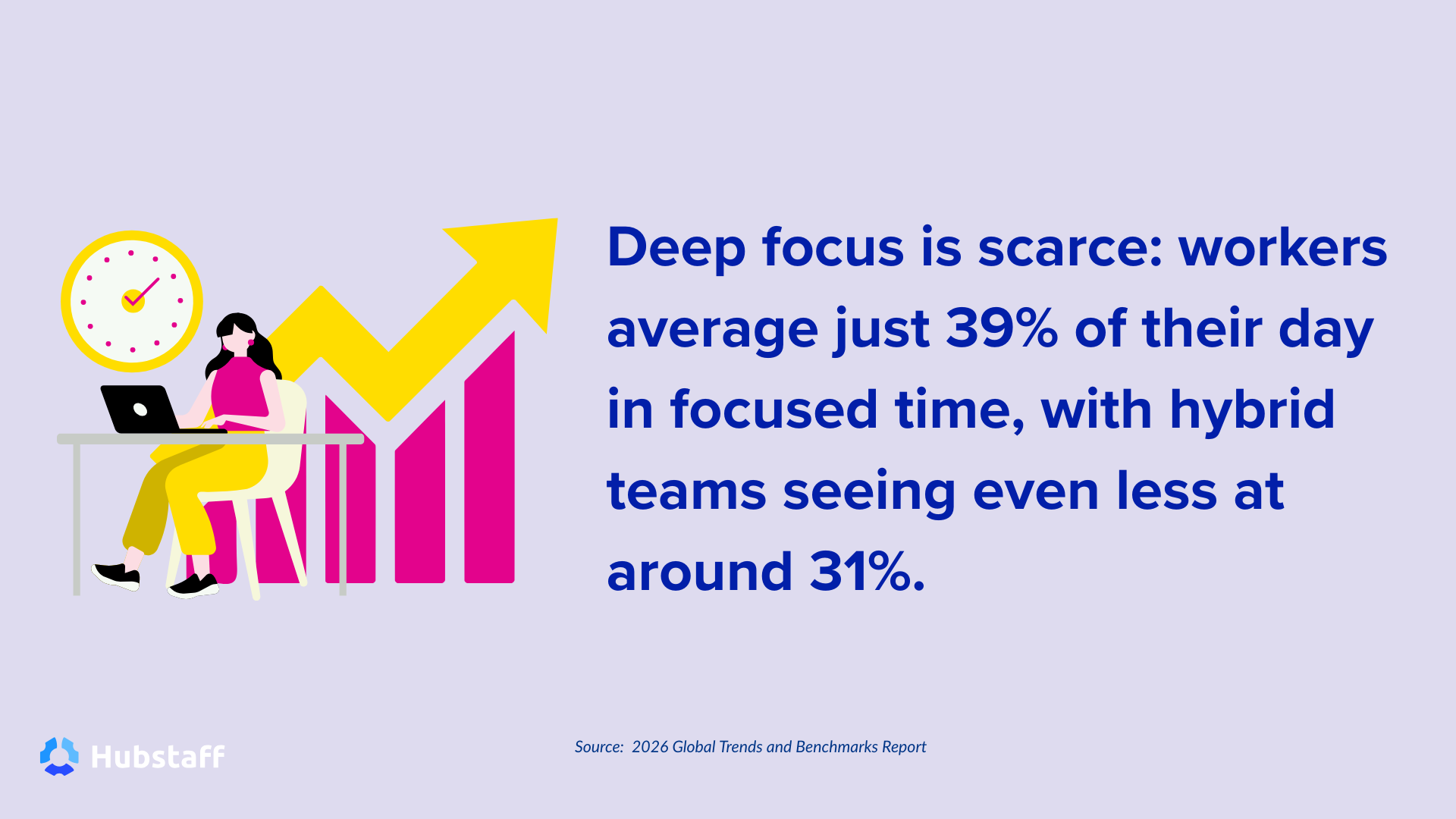
Deep focus is scarce: Workers average just 39% of their day in focused time, with hybrid teams seeing even less at around 31%. Given these numbers, how do we draw the line between meetings and productivity?
To address this, we’ll walk you through what activity tracking really means, how context switching affects focus, and how leaders should use tracking data to make better decisions.
What activity tracking measures (and what it doesn’t)
Activity tracking captures engagement signals from user inputs, such as mouse movements and keyboard activity, to help indicate when someone is actively using their device. As part of employee computer activity monitoring, it also includes data such as apps and websites visited, active versus idle time, and other behavioral insights.
However, it doesn’t track how that time is used or reflect deeper, less visible work like reading, reviewing, or strategic thinking. Therefore, activity should be seen as a signal, not a score. Misusing it as a performance metric can undervalue the real effort happening offscreen.
Meetings don’t just take time — they fragment focus
Meetings are the main blockers of focus. The issue isn’t just time lost, but repeated interruptions to deep work. Fragmented productivity is the true concern, not just high activity percentages.
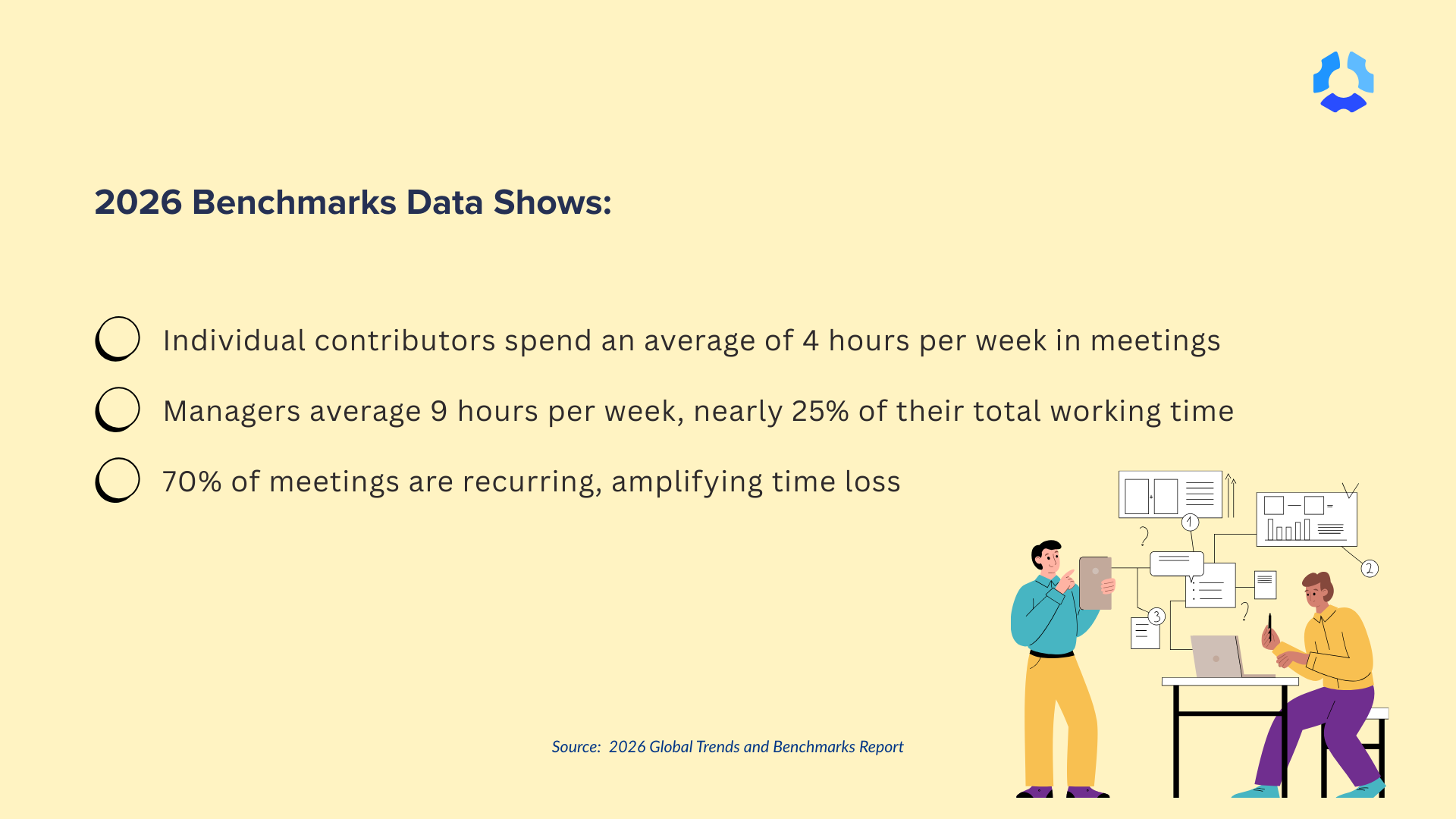
The 2026 work benchmarks data show:
- Individual contributors spend an average of 4 hours per week in meetings
- Managers average 9 hours per week (nearly 25% of their total working time)
- 70% of meetings are recurring
- 26.3% of all meetings occur during prime focus hours (9:00–11:00 AM)
The solution is to maximize focused time by reducing meetings and fragmentation, especially during core productivity hours (9–11 AM).
Focus time is the missing context that activity can’t show
Most activity tracking tools can tell you what was done — emails sent, apps opened, meetings attended. But what managers are really looking to understand is how well it was done.
That’s because real productivity isn’t about activity volume; it’s about the quality of attention. This is where focus time comes in.
Focus time is the uninterrupted stretches dedicated to a single task or type of work without context switching or multitasking. These productive stretches are invisible drivers of meaningful output that might appear in the form of:
- Concentrated time dedicated to specific tasks
- Strategic problem solving
- Executing with intent
Without this context, activity data can give a false sense of productivity.
The problem with multitasking
By now, you might be wondering, “If I’m only working on multiple tasks simultaneously, isn’t that more productive in the long run?” While multitasking might make you look busy, the context switching comes at a cost.
According to a study by the University of California, Irvine, it takes an average of 23 minutes and 15 seconds to refocus after a distraction, showing just how fragile and valuable deep focus truly is.
Further, Hubstaff data shows that employees average only 39% of their day in deep focus, about 2–3 hours, at best. Hybrid teams tend to fare worse, as increased context switching and more fragmented calendars lead to even less quality focus time.
Ultimately, this erosion of focus creates a widening gap between activity and impact. Without measuring focus, activity data alone is not only incomplete but misleading.
Stay in the loop
Subscribe to our blog for the latest remote work insights and productivity tips.
Tool overload and context switching make activity harder to interpret
We’ve established that activity data alone often tells an incomplete story, but what factors drive the separation and make activity alone unreliable? One major distortion is the cognitive cost of tool overload and constant context switching.
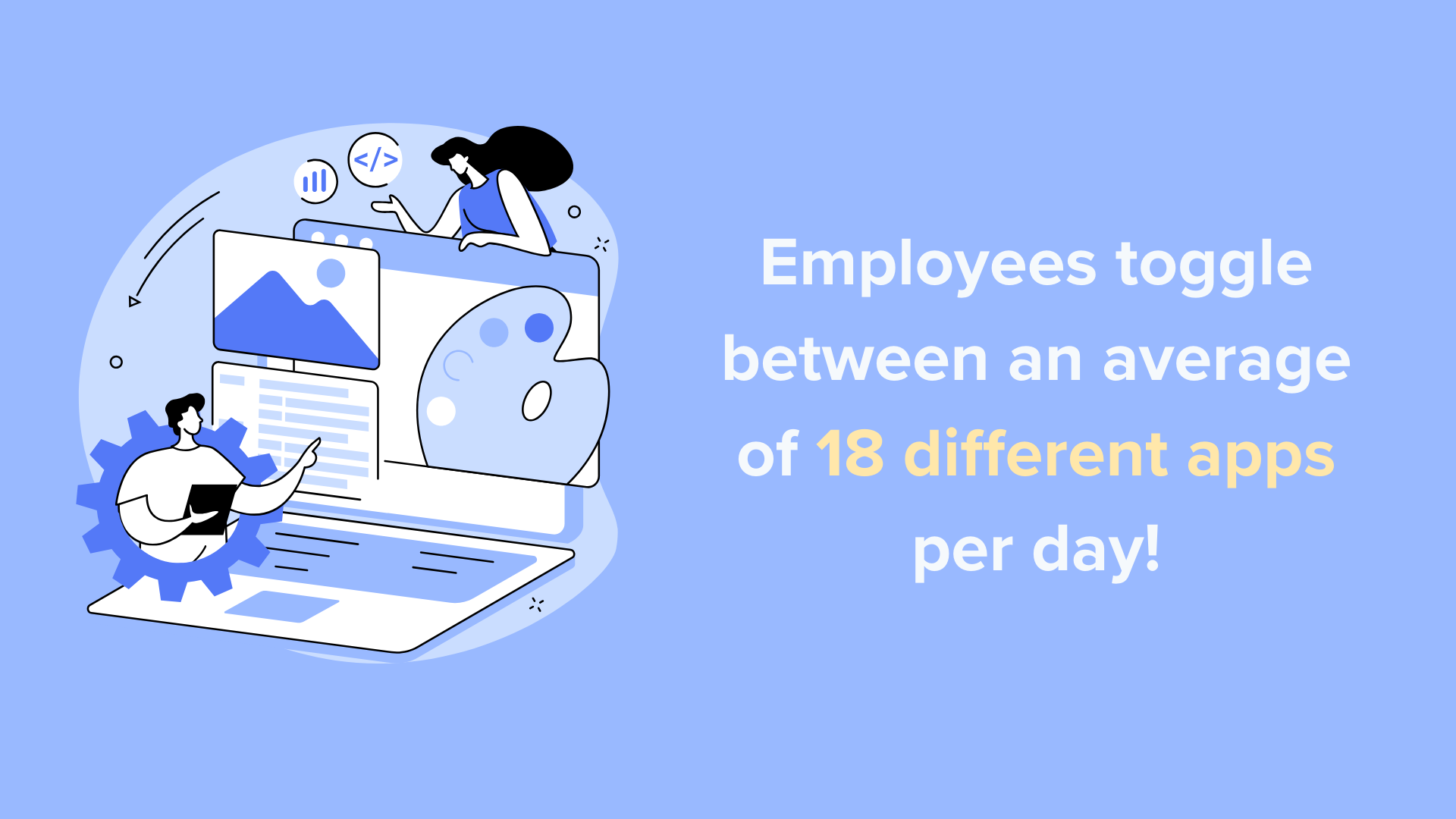
For example, today’s employees toggle between an average of 18 different apps per day, navigating a constant stream of messages, meetings, dashboards, and documents.
For certain roles, such as SEO specialists, that number can reach 36 tools per day. This level of digital fragmentation fuels busyness, but often at the expense of deep, focused work. The result is a lot of activity, but not necessarily meaningful progress.
The brain isn’t wired for multitasking. What feels like doing many things at once is actually rapid task switching — and that comes at a cost.
Research into “switch costs” shows that every shift in focus requires time and mental energy to recalibrate. The result? Higher cognitive load, more errors, and slower outcomes.
This fragmentation isn’t just theoretical. There’s plenty of data to back it up:
- Employees average 18 apps per day, increasing tool friction and context switching.
- Teams with higher tool usage consistently show lower focus time.
- High activity but low focus is often a pattern of overwhelm, not output.
Consequently, leaders who rely solely on activity metrics risk missing the signals of scattered workflows. To truly understand performance, you need to factor in both what gets done and how focused that work actually is.
What leaders should look at alongside activity
Remember: Before you can improve productivity, you have to understand it. To do that, separate activity from impact.
In a digital workplace, high activity doesn’t always mean high performance. In fact, studies indicate that 88% of workweek time is spent on communication activities, with hundreds of daily emails and messages contributing to noise rather than meaningful output.
It’s also important to note that productivity can vary widely based on role. Employee app and URL tracking don’t always paint the full picture.
For example, a software engineer’s productivity might depend on long, uninterrupted blocks for deep problem-solving, while frequent client interactions and fast follow-ups often drive a sales rep’s performance.
That’s why one-size-fits-all metrics often mislead.
To address this issue, leaders should develop a role-specific framework for interpreting work patterns and employee performance metrics, while accounting for the limitations of activity-tracking systems.
Here’s how:
- First, look at patterns over time, not snapshots. One busy day doesn’t tell the complete story, but trends across weeks or months do. Sustainable productivity shows up in steady rhythms, not isolated spikes.
- Next, compare activity, meetings, and focus together. High activity plus a high meeting volume can still equate to lower focus. Balance across these areas is a stronger signal than volume alone.
- Additionally, set role-based productivity ranges. Benchmarks should reflect job context. What’s healthy for engineering won’t look the same for sales or support. Align expectations with how each role delivers value.
- Finally, treat outliers as conversation starters, not red flags. A dip in focus or spike in meetings might signal the need for additional training, a one-on-one, or even burnout. Use data to guide thoughtful questions that aren’t based on assumptions.
Turning activity data into insights
In practice, activity tracking can be helpful when the data is interpreted into actionable Insights. As a leader, it’s important to prioritize tools that go beyond surface-level metrics and help you understand the full picture of how work happens.
Time tracking platforms like Hubstaff combine AI-powered workforce analytics with deeper productivity context, giving leaders a more informed view of team performance.
Looking at Hubstaff activity levels in isolation can create anxiety among employees, who may worry about how to increase activity. Rather than treating activity as a score, it’s better used as a signal, one part of a broader, more nuanced picture of work.
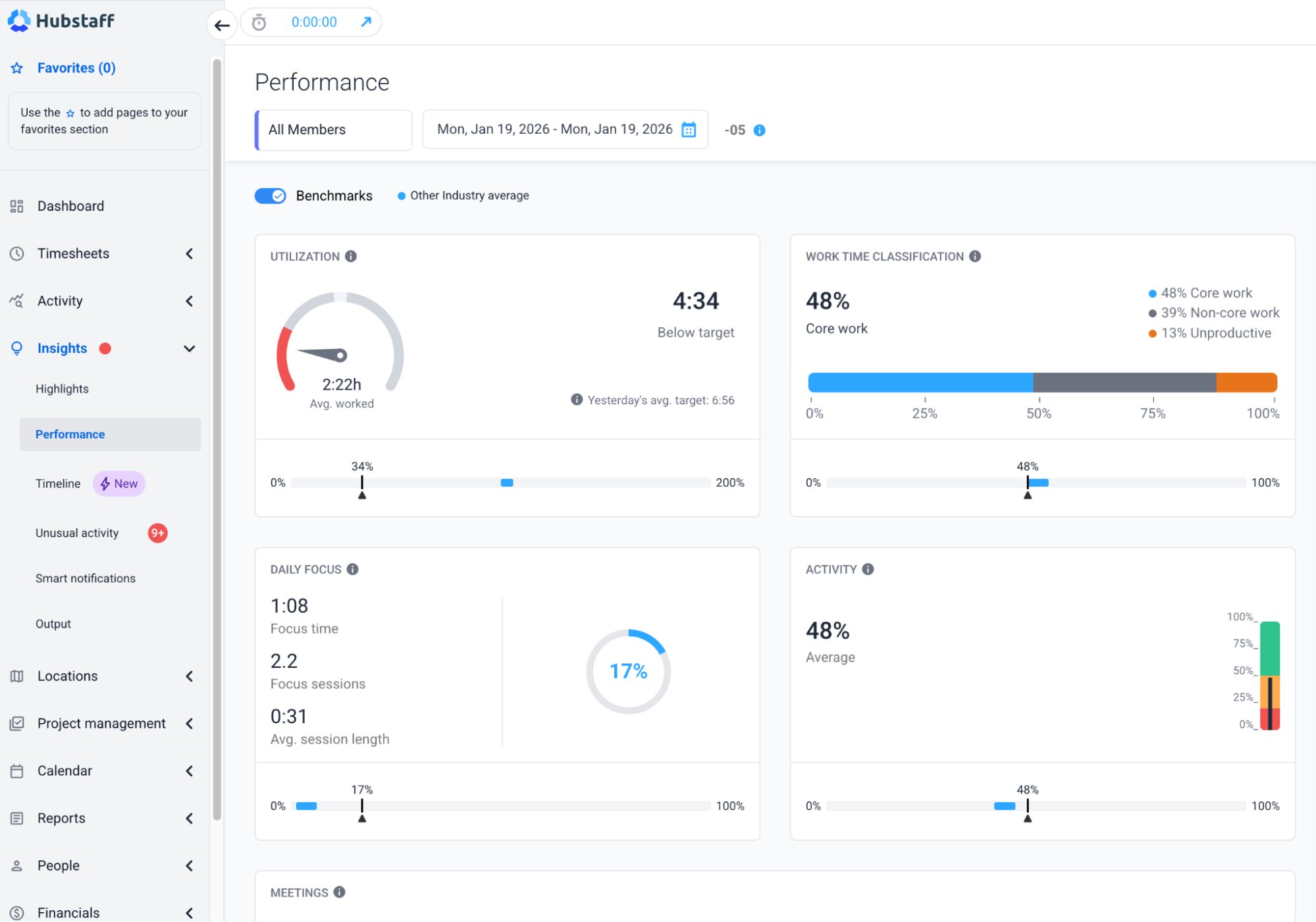
Here’s how a time tracking platform with advanced productivity monitoring helps turn data into tangible insight:
- Puts activity in context and layers it with focus time, schedules, and work patterns to reveal how teams truly operate.
- Surfaces trends over time to help leaders spot patterns, not just momentary spikes in activity.
- Highlights fragmentation risks by showing when tool usage, meetings, and low focus overlap.
- Supports role-aware insights that enable managers to interpret productivity by job function, team dynamics, and differing priorities across roles.
- Encourages smarter check-ins by guiding conversations, not snap judgments.
Separating raw data from real signals to shift from reactive measurement to proactive improvement and build teams that are not just active but effective.
Activity tracking isn’t inherently flawed; it’s just one piece of the puzzle
In today’s complex work environment, where fragmentation is common and deep focus is rare, relying on activity alone can lead to misguided decisions. True productivity lies at the intersection of activity, focus time, and work rhythm.
Therefore, leaders who contextualize activity data along with insights into focus, meetings, and role-based patterns are better equipped to make informed, human-centered decisions. It’s not about policing busywork, but understanding the ‘how’ behind the ‘what’ to support sustainable performance.
If you want to lead smarter and build teams that are not just active but truly effective, start by asking better questions. Shift your focus from “what got done” to “how did we get there?”
Want to dive deeper into how modern teams work?
Download the full 2026 Hubstaff Work Benchmark Report for more data-driven insights into activity, focus time, and productivity trends across industries.
Most popular
How AI Is Transforming Workforce Analytics: A Roadmap for Team Leaders
Why do you think most leaders struggle with managing their teams? While many believe it’s a lack of data, AI workforce analytics...
How AI Is Transforming Performance Management
Performance management has always lived in an uncomfortable space. It asks managers to measure things that are often hard to see â...
What’s New at Hubstaff: Product Updates & Feature Announcements
Whether you’re leading a high-velocity tech team, outsourcing global talent, or running a fast-paced agency, the underlying...
Top Employee Monitoring Software for Mac: 2025 Guide
Hey, Mac enthusiasts! Are you feeling a little lost in the complex world of employee monitoring software —especially when lookin...