Hidden AI Usage in the Workplace: What Your Tools Don’t Tell You

 7 min read
- AI accounts for just 4% of tracked work time despite 85% of professionals using it, meaning most AI-driven productivity gains are invisible to the tools leaders rely on for performance insights.
- Hidden AI usage creates blind spots that distort performance signals, making it harder to identify real skill gaps, ensure consistent output quality, and maintain accountability for AI-assisted decisions.
- Closing the visibility gap on AI adoption starts with open conversation, not stricter monitoring — treating AI fluency as a core workplace competency leads to more deliberate, trustworthy team performance.

How much has AI changed your team’s work? On the surface, work might not look that different. The meetings are still there, documents still move through the same channels, and reports get submitted the way they always have.
But something has changed.
Across teams, people are using AI in the workplace in ways that the other tools in their tech stack don’t fully show. In other words, there are decisions being shaped by a model that isn’t in the official workflow.
In fact, 85% of professionals report using AI, yet it accounts for just 4% of total work time. The output might look like nothing out of the ordinary, but the effort behind it does not — and most systems were never built to notice that difference.
In this post, we’ll take a look at how AI usage is driving results behind the scenes and how you can better track the impact of this groundbreaking technology to optimize productivity. Let’s get started.
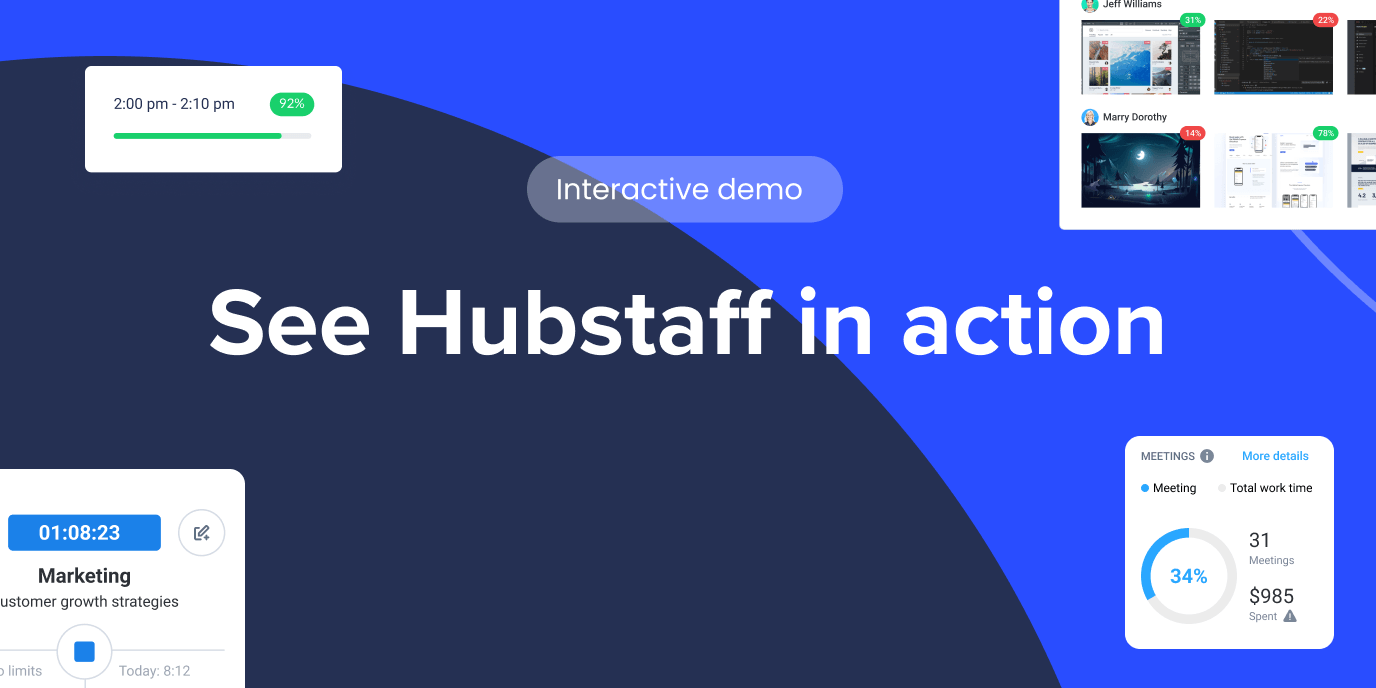
Hubstaff Walkthrough
Dive into our interactive demo and explore the features that make managing global teams easier than ever.
The AI usage you don’t see at work
If you look at most teams from the outside, you might not notice anything that feels dramatically different. However, the output has improved, as:
- Research is faster
- Drafts come back quicker, and with almost no errors
- Code is written with fewer rough edges in the first attempts
It can look like the team simply got better. And in some rare cases, that can be the case.
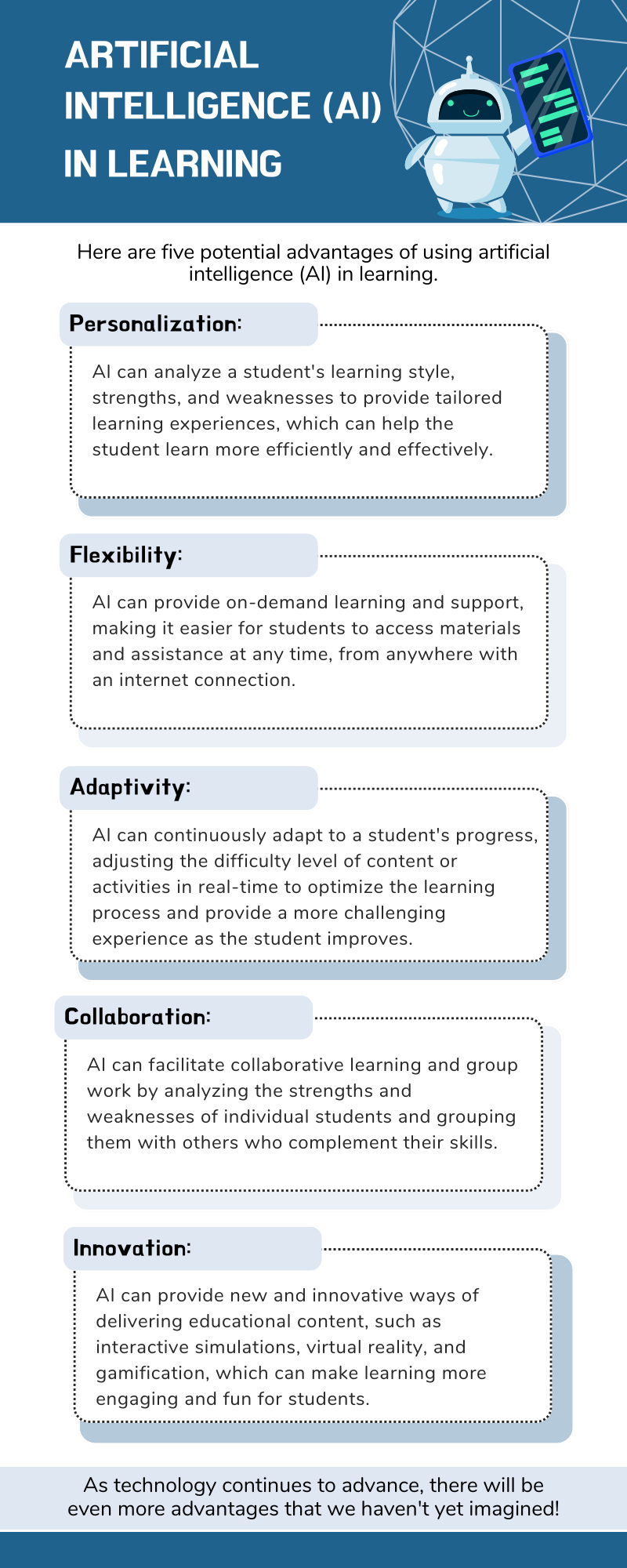
But, in most instances, it’s likely that your team has begun threading AI into various tasks throughout the workday, just not in ways your tools can’t clearly label, like:
- Personal ChatGPT tabs
- Embedded inside writing software
- In design platforms
- Inside CRM systems
(Source: Canva creator)
Your dashboard will tell you the workflow looks clean. Task assigned, task completed, done.
But the effort in between has changed. Leadership may believe they have a reasonable sense of AI adoption because licenses are tracked and official tools are monitored.
Meanwhile, the real usage is happening in the nooks and crannies of your team’s workflows.
What “hidden AI usage” actually means
Before we go any further, it helps to be precise.
When we say “hidden AI usage,” we’re not talking about something dramatic or deceptive. We’re talking about the ordinary, unreported ways people are using artificial intelligence to support their work. Oftentimes, it happens without being considered a formal adoption decision.
Hidden doesn’t mean secret in a malicious sense either. It usually just means untracked or unlabeled. Essentially, outside the systems that leadership relies on to understand how work gets done.
In practice, that can look like:
- An employee using ChatGPT, Claude, or Gemini in a personal browser tab to draft emails, outline reports, or pressure-test ideas before submitting them.
- AI features embedded inside SaaS tools (writing assistants, auto-summaries, smart suggestions) that aren’t clearly flagged as “AI” in reporting dashboards.
- Prompting inside tools that aren’t connected to core systems. This includes pasting meeting notes into a model, refining copy before entering it into a CRM, or generating code snippets before committing them.
- AI use is happening between tracked workflows, in the negative space before a task is logged or after it’s technically marked complete.
None of this necessarily violates policy. In many cases, there isn’t even a clear policy to violate.
What makes it “hidden” is that traditional systems measure activity like time spent, tools used, and tasks completed. They don’t show:
- Cognitive augmentation
- How many iterations happened before something was submitted
- How much invisible scaffolding supported the final output
So, from a reporting standpoint, it can look like steady performance. But underneath, the process is being reshaped in small ways that no dashboard was designed to capture.
Why traditional tools don’t capture AI use
Most workplace tools were built to track standard activity metrics. They were also designed around the assumption that effort is visible through interaction.
For a long time, that worked. However, AI doesn’t fit neatly into that model. Think about it:
- A prompt written in a personal browser tab leaves no trace in a project board.
- A rewritten paragraph refined through several iterations of a model still appears as a single clean update in a document.
- A meeting summary generated before notes are logged looks the same as one written manually.
From the system’s perspective, the workflow is intact. But what is the dashboard really measuring: effort or output?
AI often operates before work is formally started, between two tracked actions, or after something is technically marked as done. It reshapes thinking in the margins. And because most tools assume a linear path from task assigned to task completed, they miss the loops and augmentations happening in between.
If the process has changed but the visible checkpoints haven’t, what exactly are we relying on to understand how work gets done?
The cultural implications
Looking beyond how tools interpret AI usage, we have to remind ourselves that we’re still feeling the cultural impact of the recent AI shift.
Technology changes behavior long before it changes policy. For many employees, using AI is less about experimentation and more about staying competent. When expectations rise but time does not, people look for leverage. If a model can help them draft faster or reduce mistakes, it becomes part of how they protect their own performance.
Still, there’s hesitation around saying that out loud.
Some still worry that using generative AI at work will be seen as cutting corners. Others sense that leadership theoretically celebrates “AI transformation” but hasn’t made space for honest conversations about their team’s everyday use of it. So the use continues, just without acknowledgment.
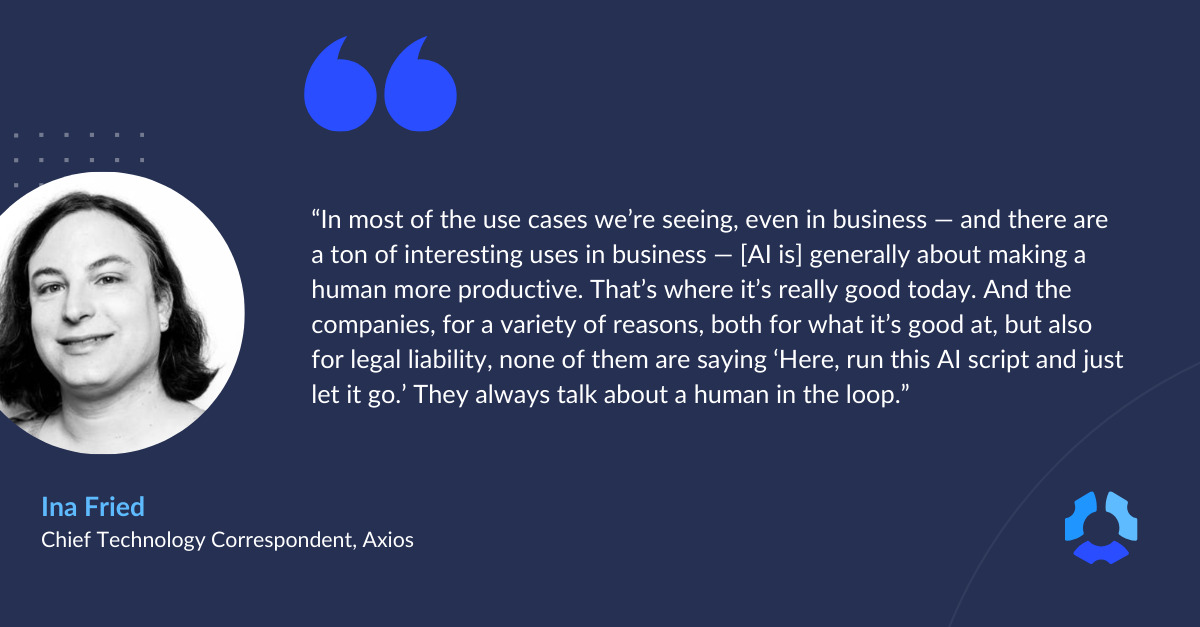
What develops is a difference in perception. Leaders believe they’re evaluating performance as it has always been measured. Employees, on the other hand, know their work is increasingly collaborative: machine assistance with human judgment behind the wheel.
When those two views don’t line up, it changes how feedback is received. It also changes how credit is assigned and how risk is managed. Over time, invisible productivity boosts become normal. The baseline shifts upward.
The risk of ignoring hidden AI usage
It’s possible to ignore hidden AI usage for a while. Things are getting done, after all.
But while nothing seems broken from a distance, the risk is slower and harder to see.
When AI becomes part of how work gets done but stays outside formal acknowledgment, leaders end up making decisions based on incomplete information.
That disconnect can lead to:
- Skill misalignment. A team member may look exceptionally strong in an area where they are heavily augmented, while struggling in contexts where AI can’t easily help.
- False performance signals. Improvements get attributed to experience or talent when they’re partly the result of tooling.
- Inconsistent quality. If AI use varies from person to person, output standards can fluctuate in ways that are hard to explain.
- Ethical gray areas. Decisions shaped by a model’s suggestion may never be examined because no one knows the model was involved.
None of this means AI is the problem. Instead, the problem is opacity.
Leaders can easily miss the opportunity to mold the shape of everyday work if they can’t see AI’s influence in it. They can’t invest in the right skills, and, more importantly, they can’t regulate responsible use.
What leaders should be asking instead
The conversation around AI at work tends to move quickly toward control: new guidelines, tighter definitions, clearer boundaries.
That impulse makes sense, but before anything formal gets written down, there’s a more basic layer that deserves attention.
It starts with questions that are less about enforcement and more about understanding:
- Do we understand how work actually gets done? Not the official workflow, but the one in practice. If AI is shaping decisions or analysis before they enter a tracked system, then any view of performance that ignores that layer is incomplete.
- Are people concealing AI use, or have we simply never made it discussable? There’s a difference between secrecy and silence. Sometimes people avoid mentioning AI because they’re unsure how it will be interpreted.
- What would transparency look like if trust, not control, were the goal? If responsible AI use were treated as a competency to strengthen rather than a shortcut to monitor, the tone of the conversation would change.
None of these questions produces an immediate rule. They do something more foundational instead: help leaders see whether the gap is about technology or about unspoken expectations.
AI is already woven into daily work. It’s only going to become more widespread. The real choice is whether that reality remains informal and uneven or becomes something teams can talk about openly, and therefore improve deliberately.
Frequently asked questions
How can you tell if an employee is using AI?
There’s rarely a reliable way to tell just by looking at output. Clear writing, faster turnaround times, or more structured thinking can all be signs of AI support, but they will also mirror the experience and skill of who’s using them. Monitoring tools typically track activity, not augmentation.
Is it acceptable to use AI at work?
In most organizations, yes, but the boundaries matter. Acceptable use depends on the type of work, data sensitivity, industry regulations, and company policy. The key distinction is whether AI is being used to support judgment or replace accountability. Employees have to remain responsible for the outcomes of their work, regardless of the tools involved.
What’s an example of someone using AI for their work?
A common example is drafting. An employee might use a generative AI tool to outline a report, summarize meeting notes, or refine messaging before submitting the final version. The ideas and decisions still come from the person, but the model helps structure and polish the output. In this case, AI acts as an assistant as opposed to the author of record.
What are the pros and cons of using AI in the workplace?
Pros: AI can reduce repetitive tasks, speed up research, improve first drafts, and help employees think through complex problems more efficiently.
Cons: Overreliance can weaken core skills, introduce errors (if outputs aren’t reviewed carefully), and create ethical or data security risks if used improperly.
Like most tools, its value depends on the way it’s used.
Why does hidden AI usage matter?
Hidden usage creates blind spots. Leaders may misinterpret performance signals or misunderstand how work is being completed. Making AI visible through open conversation allows teams to align skills and accountability.
AI is already part of work; visibility is the choice
The question is no longer whether teams are using AI. It isn’t whether it will regress or continue getting stronger either.
Instead, the next big question is whether that use is understood.
Hidden AI usage sounds scary, yes. But it’s only risky when it stays unexamined.
When leaders assume workflows look the same as they did a year ago, they evaluate performance against outdated assumptions. On the other hand, when employees feel uncertain about how their tools will be perceived, they default to silence.
Visibility doesn’t begin with tighter monitoring. It begins with acknowledging what’s already happening and treating AI fluency as a skill to strengthen, not a shortcut to hide.
Most popular
The Top Time Management Statistics in 2026 for Workplace Productivity
We all have the same hours in the day. But when employees struggle to focus, those hours likely won’t be used effectively. Witho...
The Best Coaching Conversations Start With Productivity Data
Most coaching conversations happen too late. A deadline is missed, or a client flags a problem, and then a manager schedules a sit...
A Quick Guide to Work Order Management
From quick fixes to long-term stability, work orders are crucial to asset management and helping managers keep operations running...
How to Identify High Performers Using Work Patterns
Every business has top performers, and managers are told to find them all the time. But in most cases, they default to approaches...